You are going to use RFEM 6, RSTAB 9, RSECTION 1, and RWIND 3 for engineering? Let's go – get off the starting blocks!
Installation
Get a free copy of Dlubal Software for extensive testing.
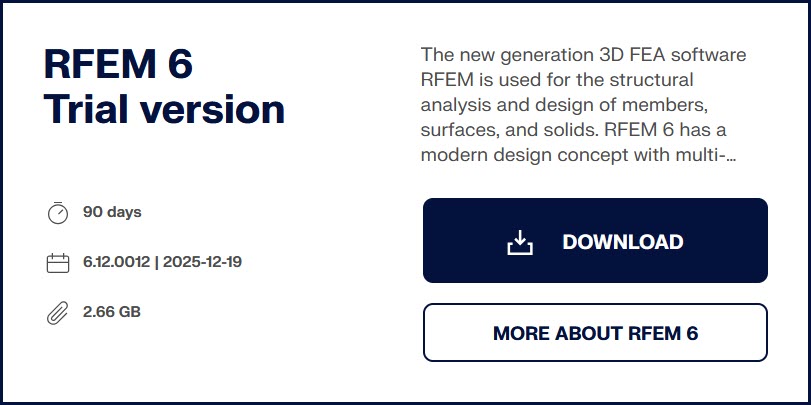
- Download a 90-Day Full Trial Version
- Install and start the program
- Enter your login data (on first use)
 Knowledge Base → Installation
FAQ → Installation
 RFEM, RSTAB, RSECTION, and RWIND are available for Microsoft Windows.
Software Licenses
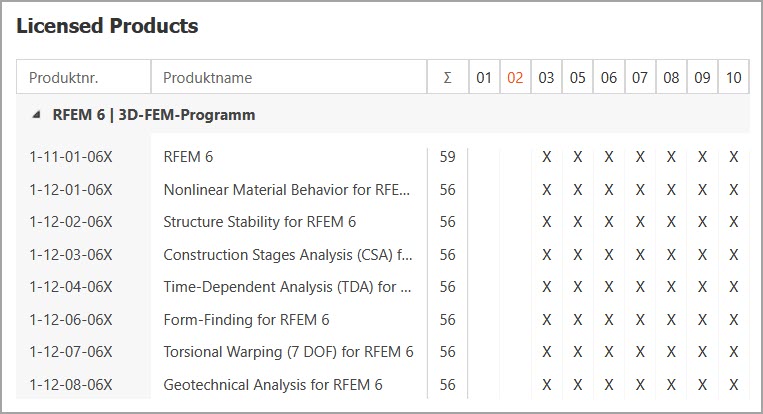
Check license purchases to ensure all desired features are available.
- Log in to your Dlubal account via Dlubal Extranet
- Review the
Licensestab
Comprehensive overview: Licensing
RFEM 6 Manual → Extranet
FAQ → Licensing & Authorization
GUI Settings
Familiarize yourself with the user interface and set preferences.
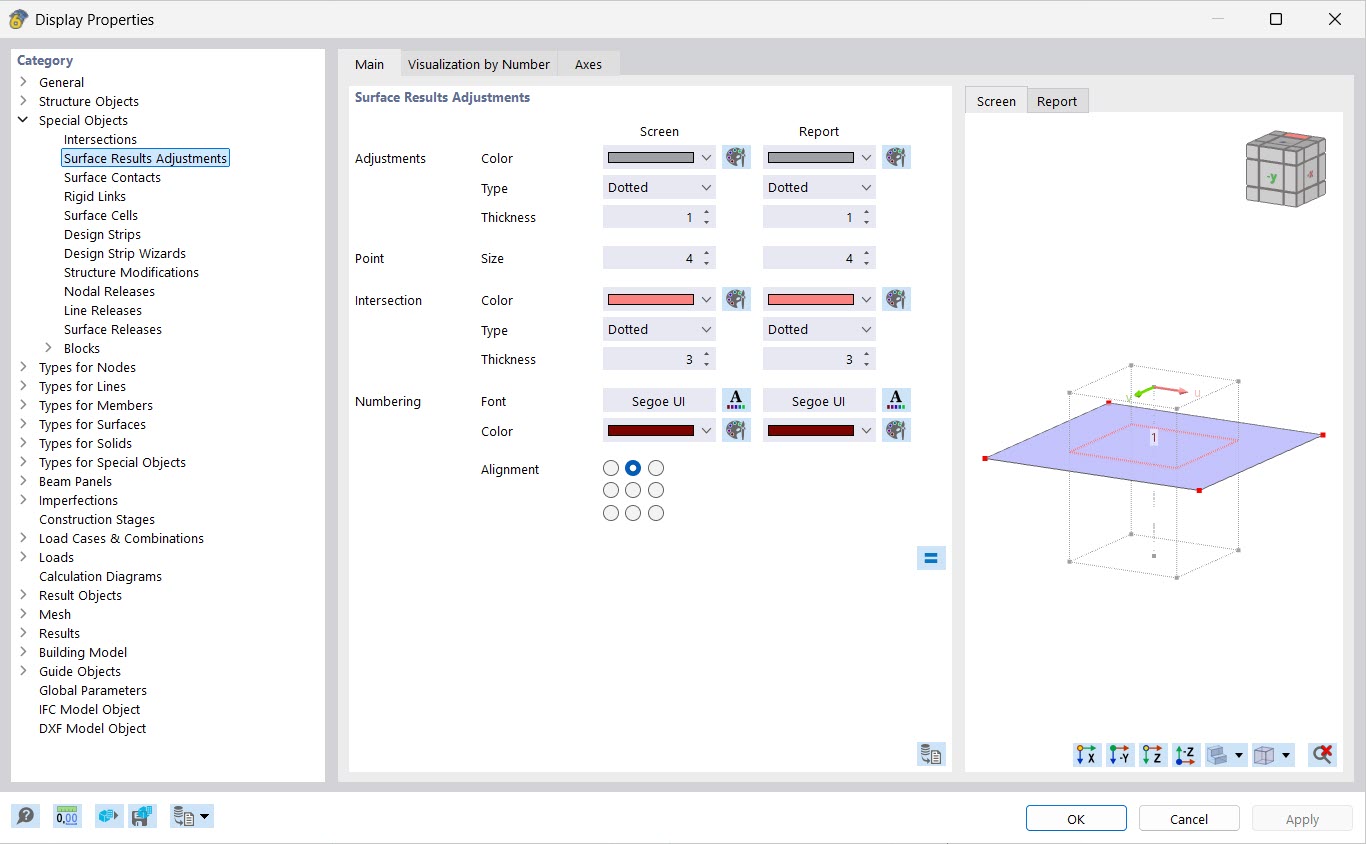
RFEM 6 Manual → GUI and Settings
FAQ → Display Settings
