Dear Dlubal team,
I am currently repeatedly experiencing bugs with the print report.
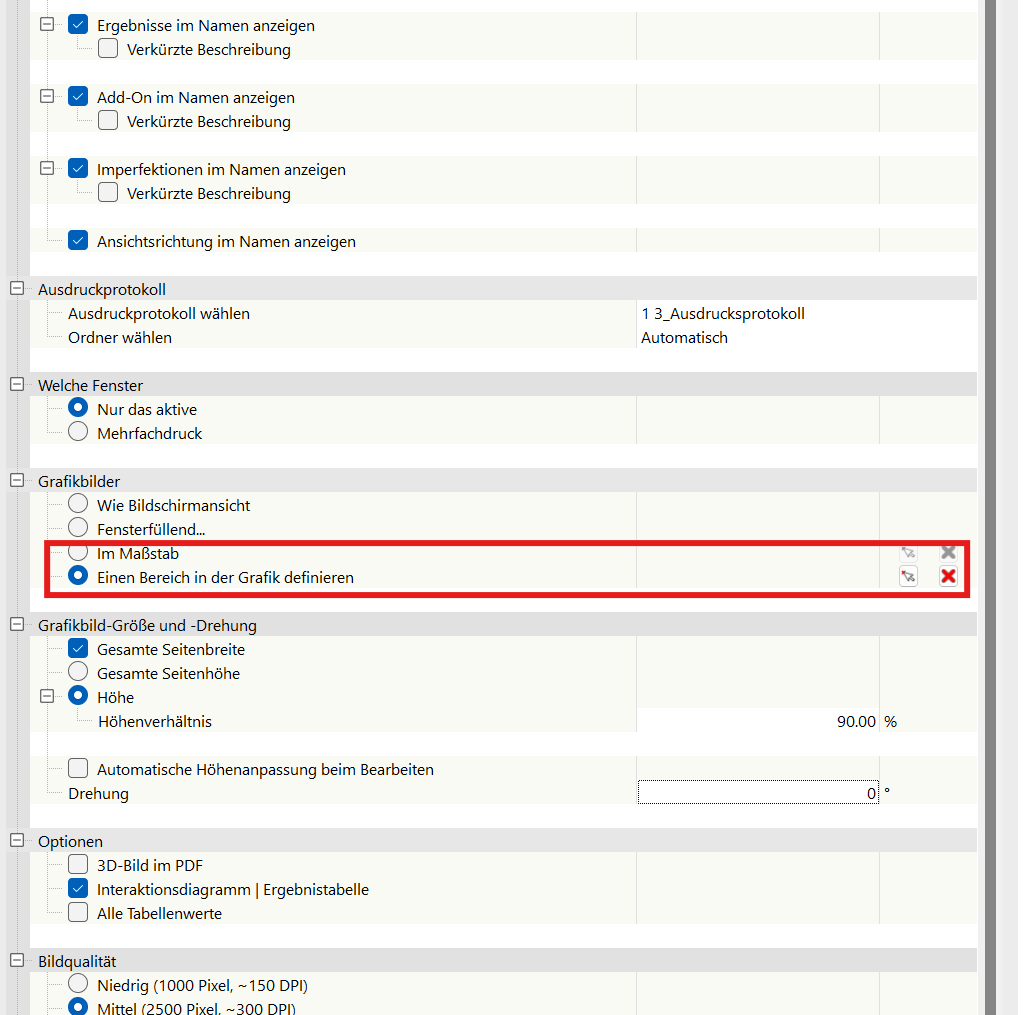
This already occurred yesterday in one of my university projects when using the function “Define an area in the graphic”.
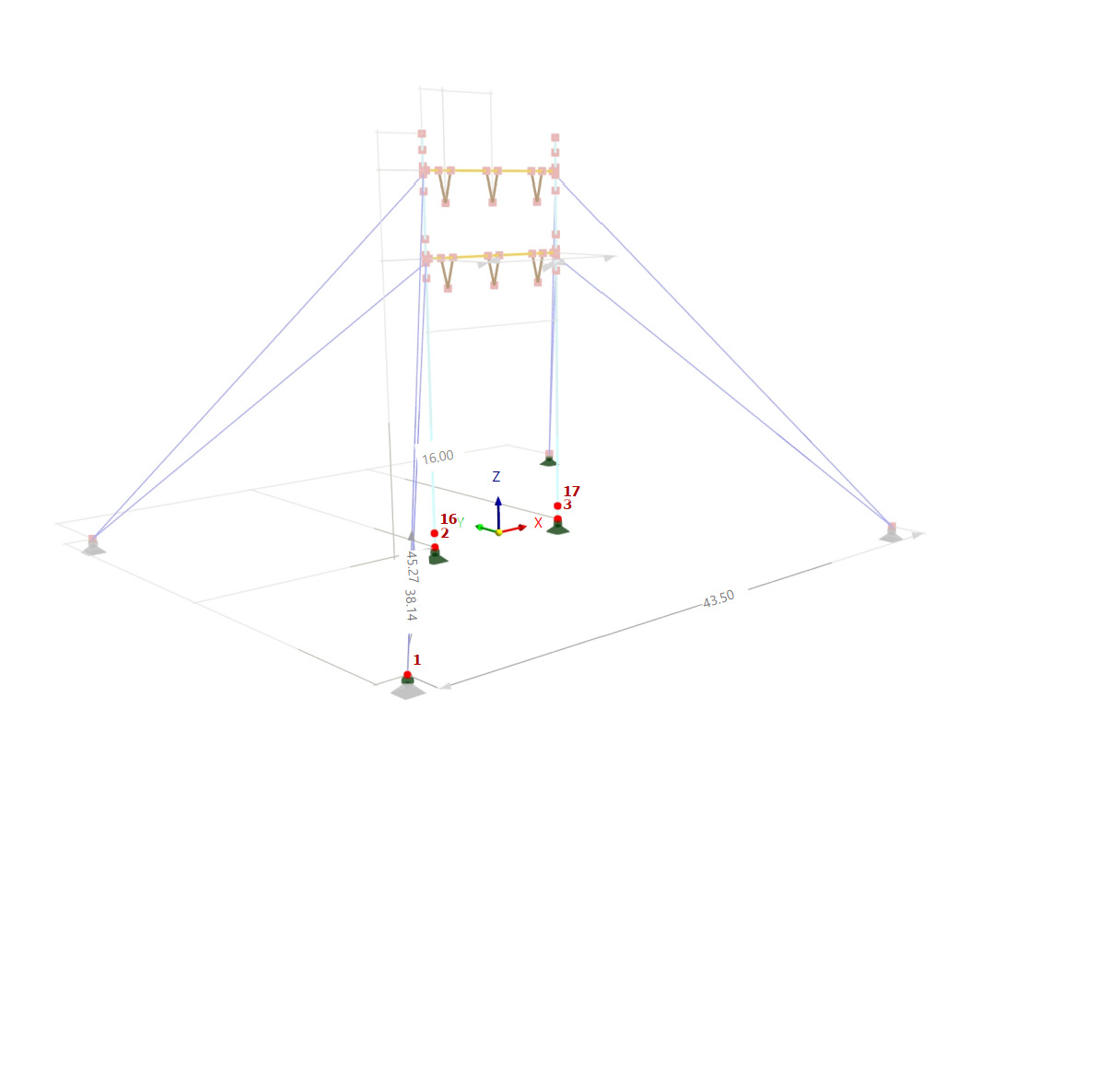
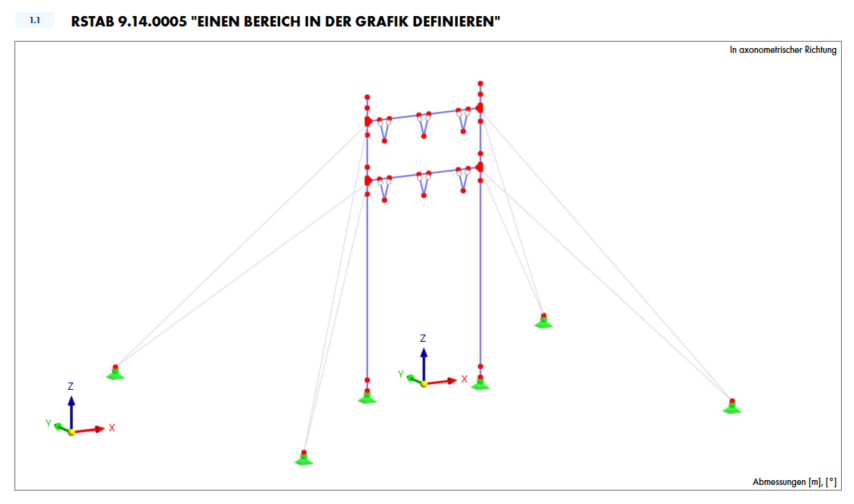
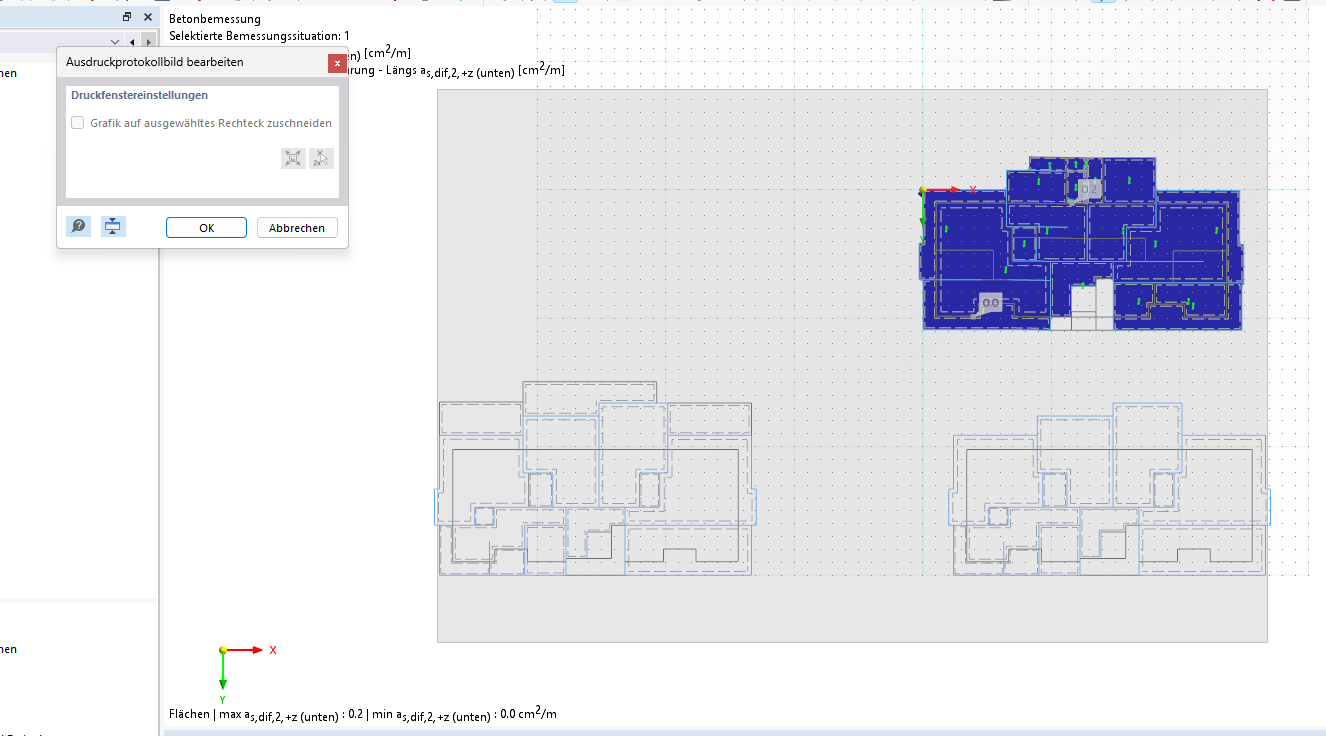
Initially, exactly what I want is displayed in the GUI. However, most of the section within the report is shown faintly, as if these objects were hidden and the "show hidden objects in the background" function were activated. Although this is not the case! :)
Now I also have this problem with RSTAB 9 at work and cannot proceed with correcting my structural analysis.
The file from my work is as follows:
Träger_vor_Systemänderung.rs9 (7.5 MB)
The file in which I have a very similar/same problem at the end of the print report is unfortunately too large to share.
I would be very happy about a solution.
Best regards,
Nick Böttcher
Update: When I opened the file after a restart, it worked for all the graphics that I NEWLY added to the print log. Since it happened quite quickly and only a few pages were affected, the issue no longer has a real priority for me. Still, I’m leaving the post up because one page would have still had the error, and the post might help find the cause of the bug and thus improve the performance of RFEM 6 in the long term.
Best regards, Nick
Hi DeflectionPerfection,
the problem is probably related to the age of the print log. The model was created in November 2024.
Solution: Create a new print log. After that, the print option will work perfectly again.
Here is the graphic:
Best regards
Marco Nikoleizig
To be honest, I do not believe this is the cause.
On the one hand, it worked in the meantime and only after repeated processing did the bug occur.
On the other hand, the same error occurred for me in an RFEM6 file, which was “freshly created.”
Unfortunately, the file size is too large to send it with the print report :/
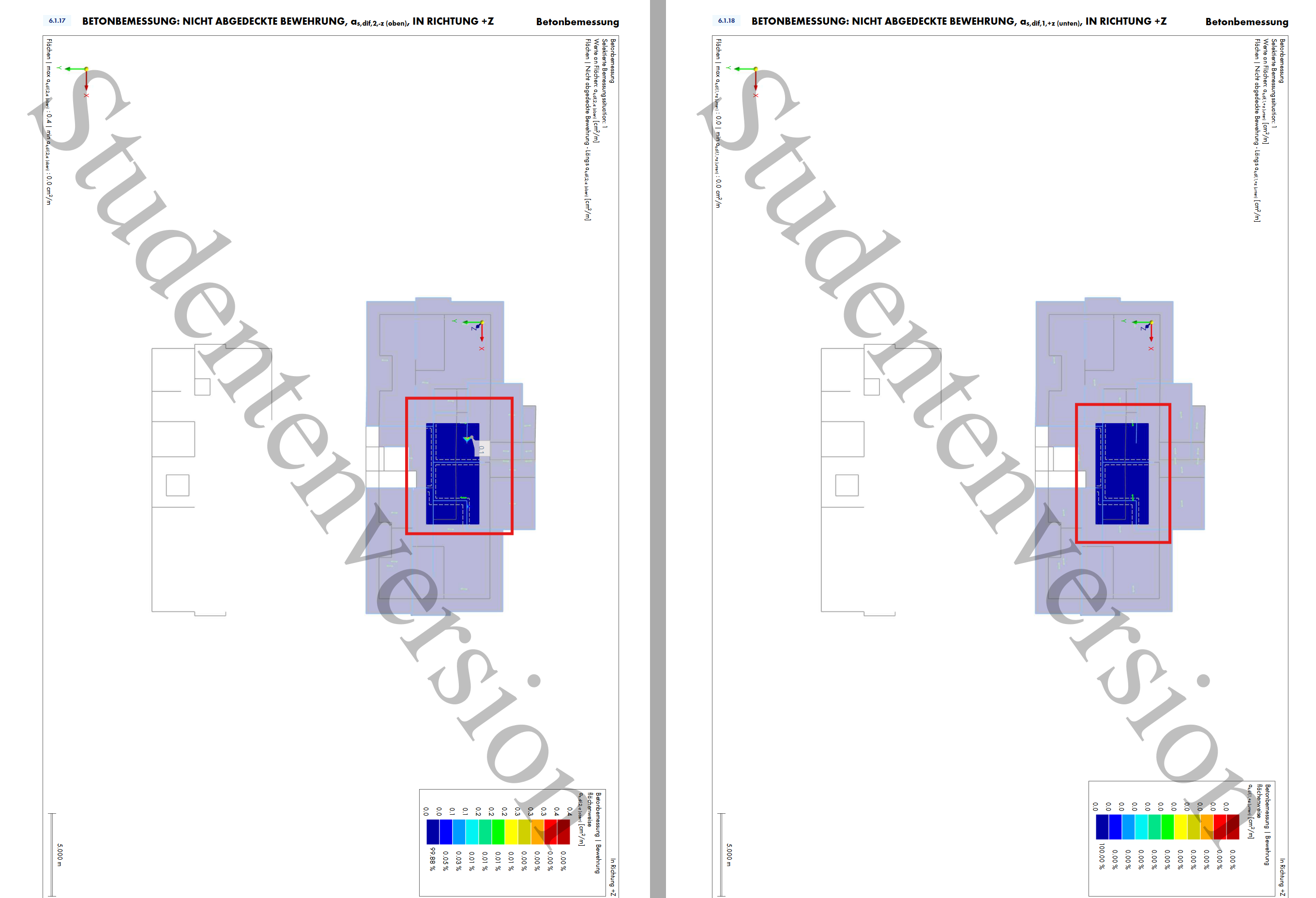
Here, in individual images in the print protocol, only a certain area is represented opaquely, the rest resembles the view “show hidden objects in the background,” although the objects are neither hidden nor has the corresponding setting been made. This file was created together with all settings and the print protocol within the last 2 weeks.
Best regards,
Nick Böttcher
Hi DeflectionPerfection,
You are referring to a different model. As long as we do not have this model, we cannot make any statement about it.
You can also upload the model to a file exchange server and provide the corresponding download link here.
Best regards
Marco Nikoleizig
Thank you for your feedback!
The file is available for download at the following link: https://e.pcloud.link/publink/show?code=XZ0jGiZ2mtkUbj51cfmoVC0ESExhuc9VlY7
The pages of the print protocol affected are exactly the last 6 pages.
If you try to represent the whole thing differently by clicking “edit” on the displayed page of the print protocol, you cannot, as usual, crop the graphic to the selected rectangle, and the rectangle that is still displayed cannot be manipulated either.
Best regards,
Nick Böttcher
Hi DeflectionPerfection,
the single image cannot be edited because the images were created using the "Batch Print" function. Therefore, open the editing via the option "Edit Batch Print."
However, for me, the images are deleted after this editing step. I have already passed this on to the developers to check whether it is a bug or a user error.
Best regards
Marco Nikoleizig