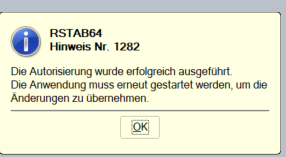
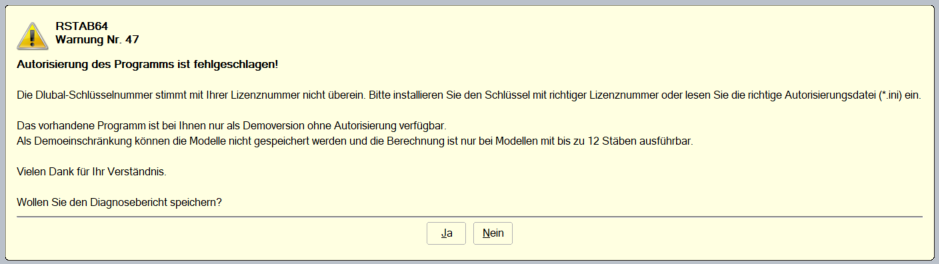
I would like to use RStab8. For this, I start the program and load the authorization file. Then I get the message that it worked, after which I have to restart the program. When I restart it, I get the error message that the authorization failed.
What can I do?
Thank you in advance!
Hannah Loske
Hi HannahLoske,
Thank you for your message!
Please send me the diagnostic file. Just click "Yes" in the warning message.
Send it to me via direct message: click on my profile picture or my username → message.
Best regards,
Gerhard Rehm
Hello Mr. Rehm,
attached is the diagnostic file.
Thank you very much!
Hannah Loske
Thank you very much.
Your license has not been activated yet. You need to complete this through the authorization dialog. I assume you simply loaded the authorization file via the Help menu. Unfortunately, this is not enough.
Solution:
Please close all Dlubal programs and open this path in Windows Explorer: C:\ProgramData\Dlubal\Global\General Data\
Delete the file AUTHORE.INI there.
When you start the program again, the authorization dialog will appear, where you select "Full version" and then specify the path to the Author.ini file that you received from us.