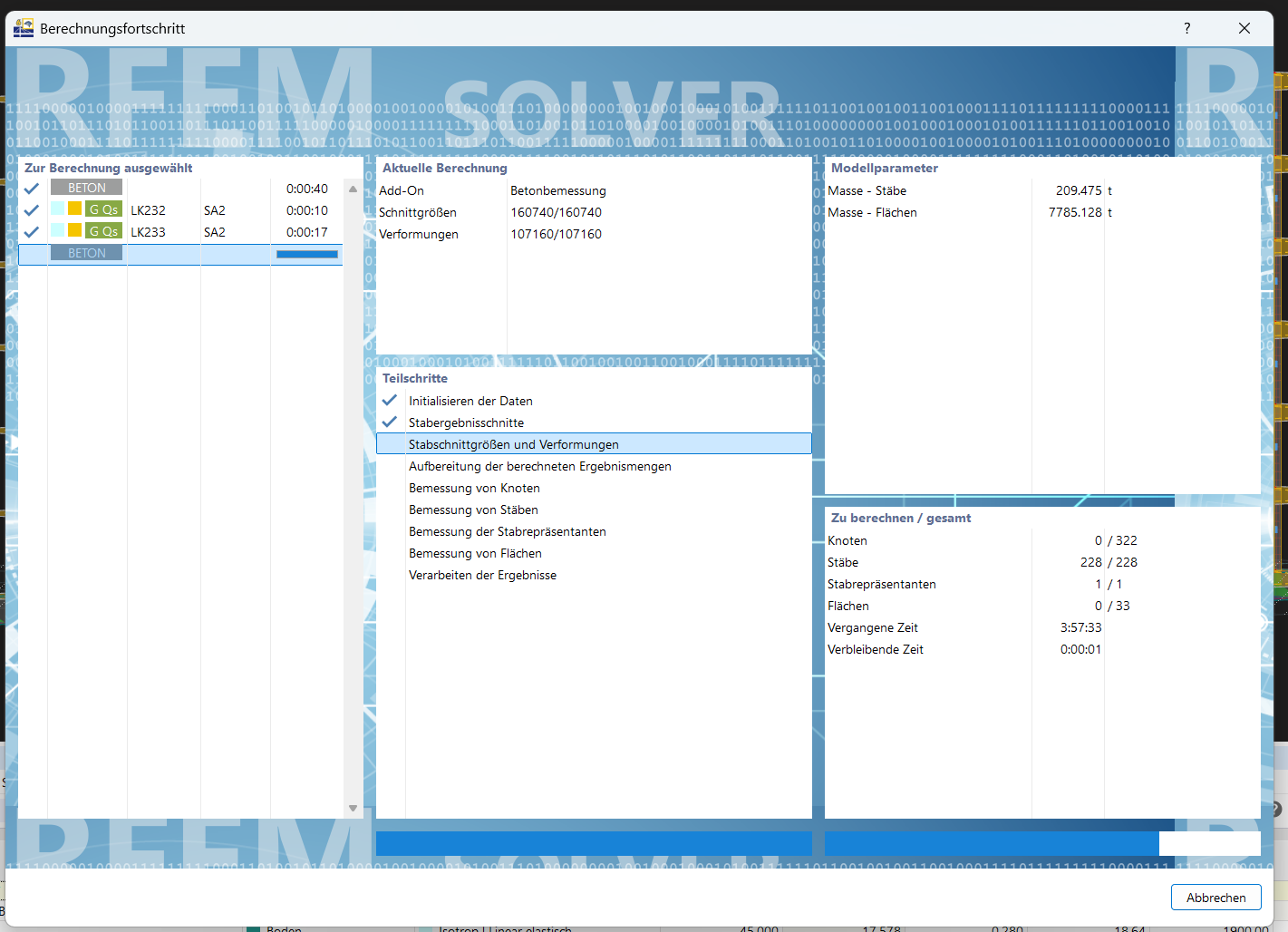
I want to perform the concrete design for a skeleton structure using RFEM6. The calculation has now been running for several hours and there are still no results. That can't be right. I have already run the calculation with both the direct and the iterative solver, both take forever. This can't be how it is supposed to be?
Hi ha123,
welcome to the Dlubal Community! 
Please check the global settings in the concrete design.
If possible, activate the enveloping method there:

If you need help finding the option or with the evaluation, feel free to contact us — we are always happy to assist you! 
Best regards
Stefan Hoffmann
Hi, thanks for the response. I have now activated the enveloping method. What kind of calculation time can I expect? It has been calculating again for 30 minutes already.
It has been loading again for over 2 hours...
Hi ha123,
Thank you for your feedback!
To analyze the problem more precisely, the model file would be very helpful:
 Click on File → Save As and choose the following settings to reduce the file size:

Then upload the file here (e.g. *.rf6, *.rs9) – this way the community can also contribute to the solution.
 Don't want to share the file publicly? No problem – send it to me via direct message: click on my profile picture or my username → Message.
Best regards
Stefan Hoffmann
Hello,
I would like to send the file privately as it is a thesis. However, I cannot find the button for private messages.
Hello ha123,
the button for private messages should now be available.
Our forum is set up so that users can only send private messages after a certain period of time. This is to prevent spam.
Best regards
Frank
2 Likes
Hi ha123,
I have reviewed your model and can confirm that the performance is currently unfortunately quite weak.
We will analyze your model in detail. 
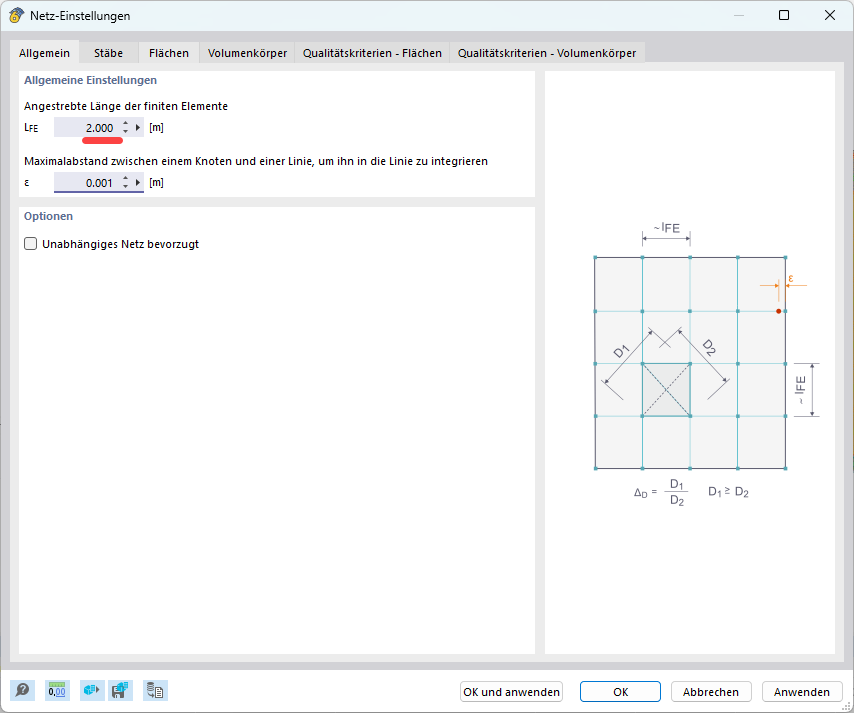
I noticed that the FE mesh of the surfaces has an impact on the computational performance. Since you are currently not meshing the surfaces, you can try:
-
setting the FE mesh coarser to reduce the computation time
-
then check if the model runs more smoothly as a result
For me, this adjustment already led to a noticeable improvement. 
Please let us know if you have any further questions or if the behavior persists despite the adjustment!
Best regards
Stefan Hoffmann
Now it's going better. Thanks for the help.
1 Like