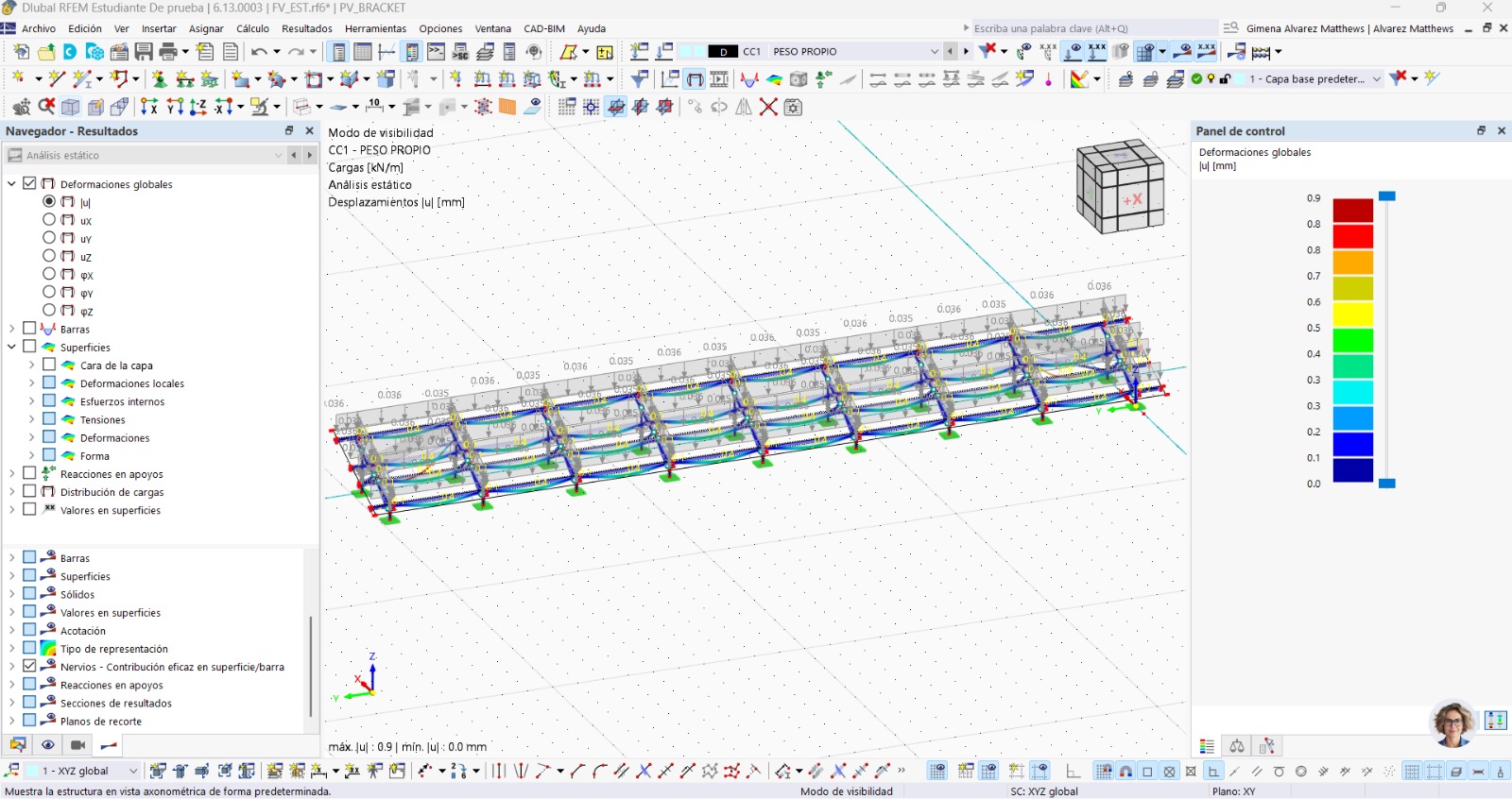
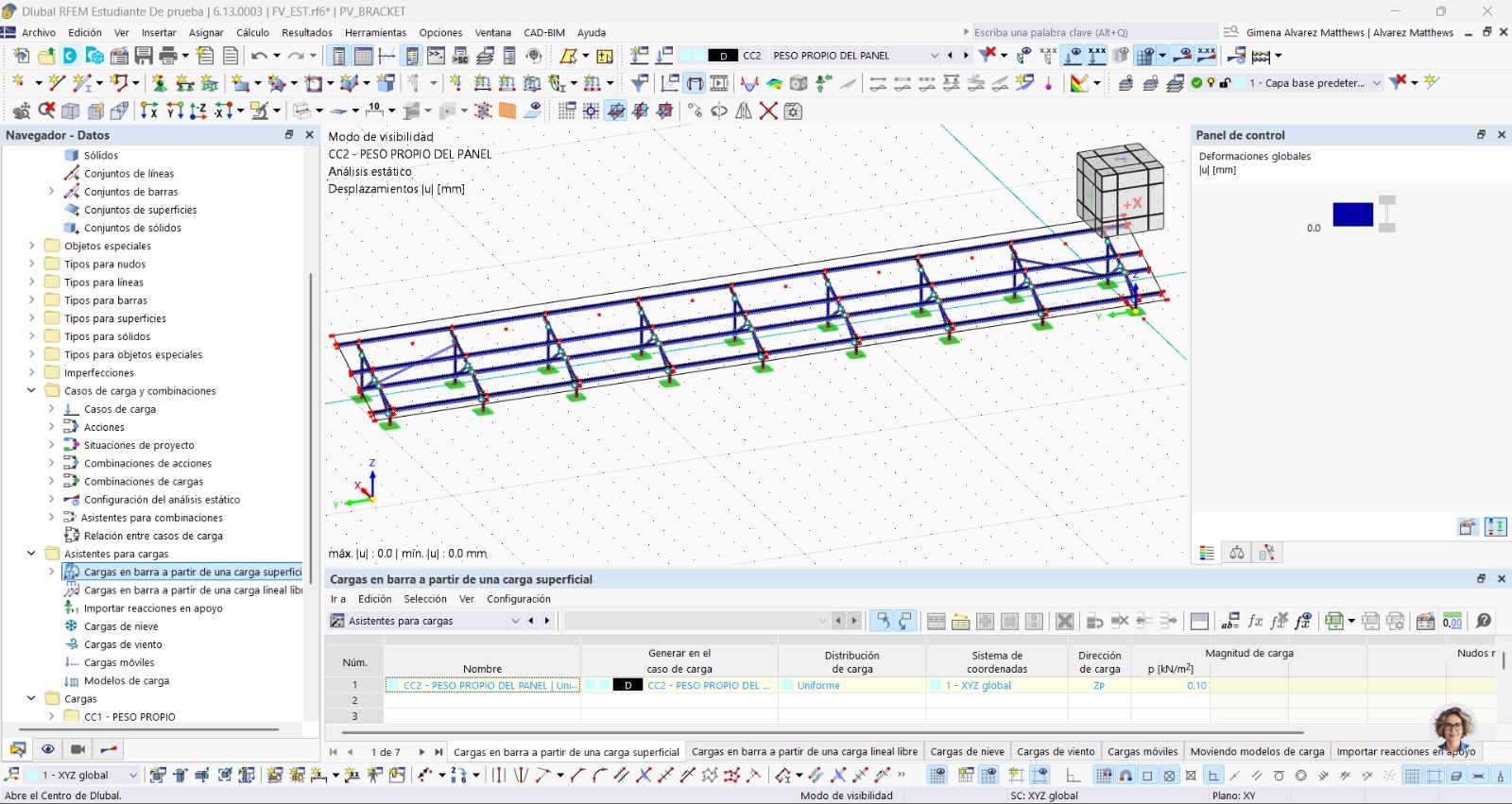
I am trying to apply a load to a metal structure (solar panel module) following the steps from two videos uploaded on the YouTube page.
The thing is, when I try to apply the load to the beam, nothing happens. I have already checked some FAQs and the load still does not appear. I tried increasing the load magnitude and that didn't work either. I can't find the error.
Is there any possible solution?
I am sharing images from the program (one of the images shows the self-weight of the structure by default and that is correct) but when generating another load case and inserting the load, it doesn't appear.
In order to analyze the problem in detail, we would need you to send us the model. You can share it here in the chat or, if you prefer, you can also send it via private message.
Additionally, we observe in your screenshot that the defined load appears in blue. This usually indicates that the load is not assigned correctly. In the case of a “member load from a surface load,” it is necessary to assign a surface or a load model as a reference. If this surface is not defined, the load cannot be transferred to the members and, therefore, no effect will be shown in the model.
Also, we would greatly appreciate it if inquiries could be posted in English. This helps us avoid misunderstandings and increases the value for the entire community.