Changing display color of a custom material?

Hello,

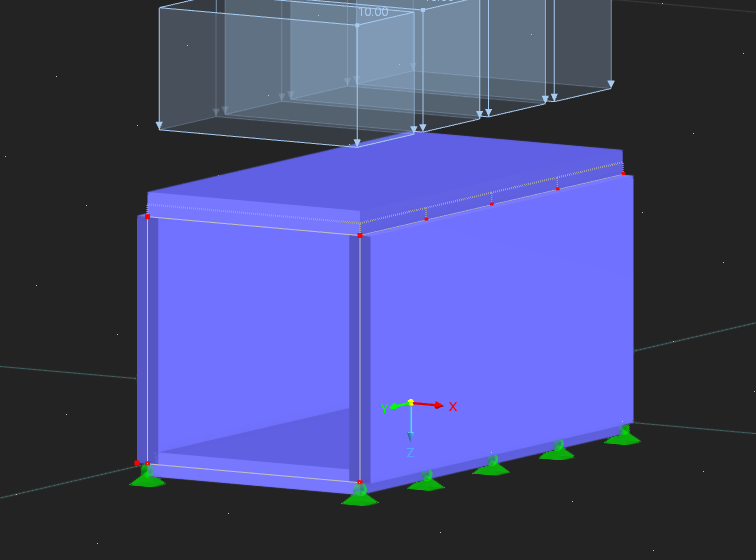
I created a new polyurethane material in RFEM. When I assign this material to surfaces, it appears blue in the model, similar to the default steel appearance.

I would like to change the display color of this material to something else (for example, similar to how timber appears brown by default), but I’m not sure where this setting can be adjusted.

Is there a way to customize the display color of a user-defined material?

Thank you in advance.
Hello frogoil,

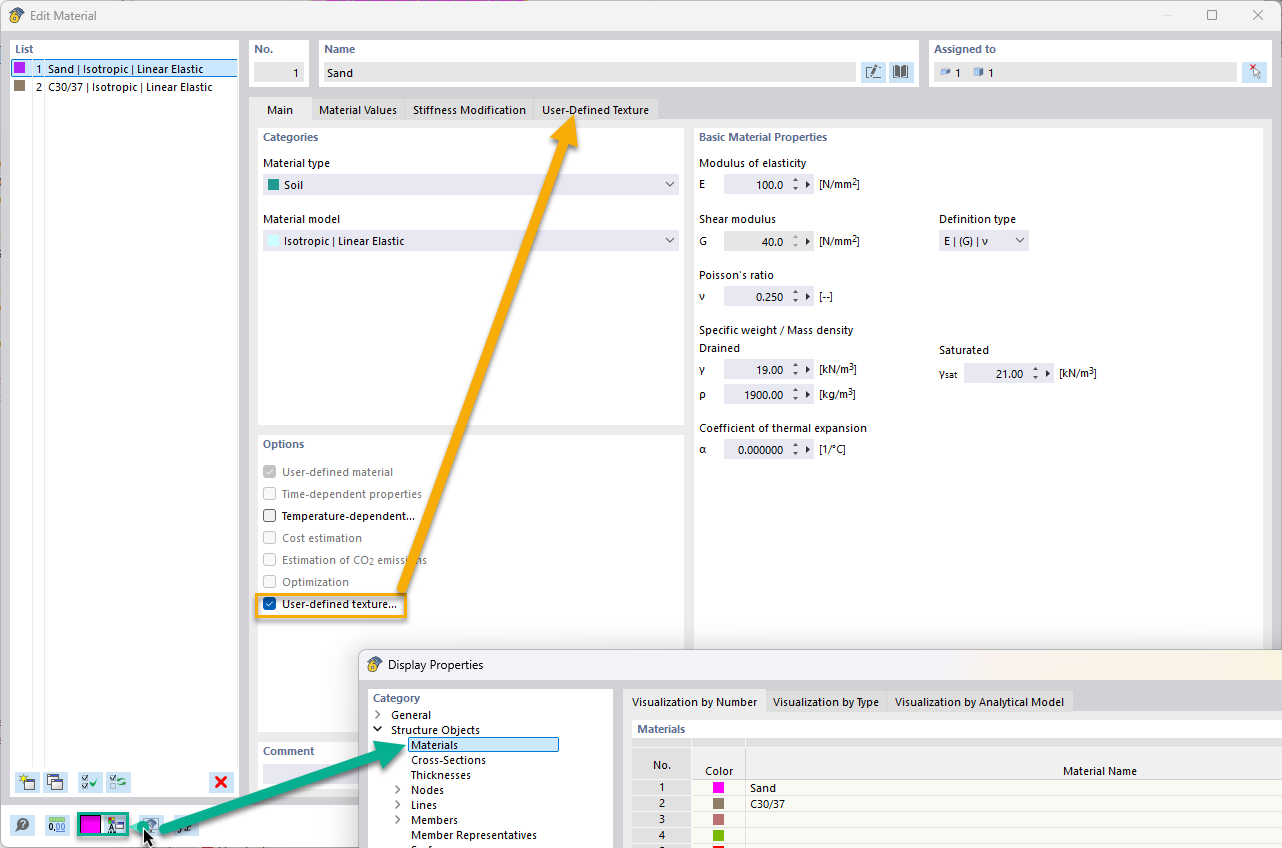
You can change the displayed color of the material easily by adjusting its color in the Display Properties. You can also add a user-defined texture. Both options are available from the Edit Material window. Please see the following image:

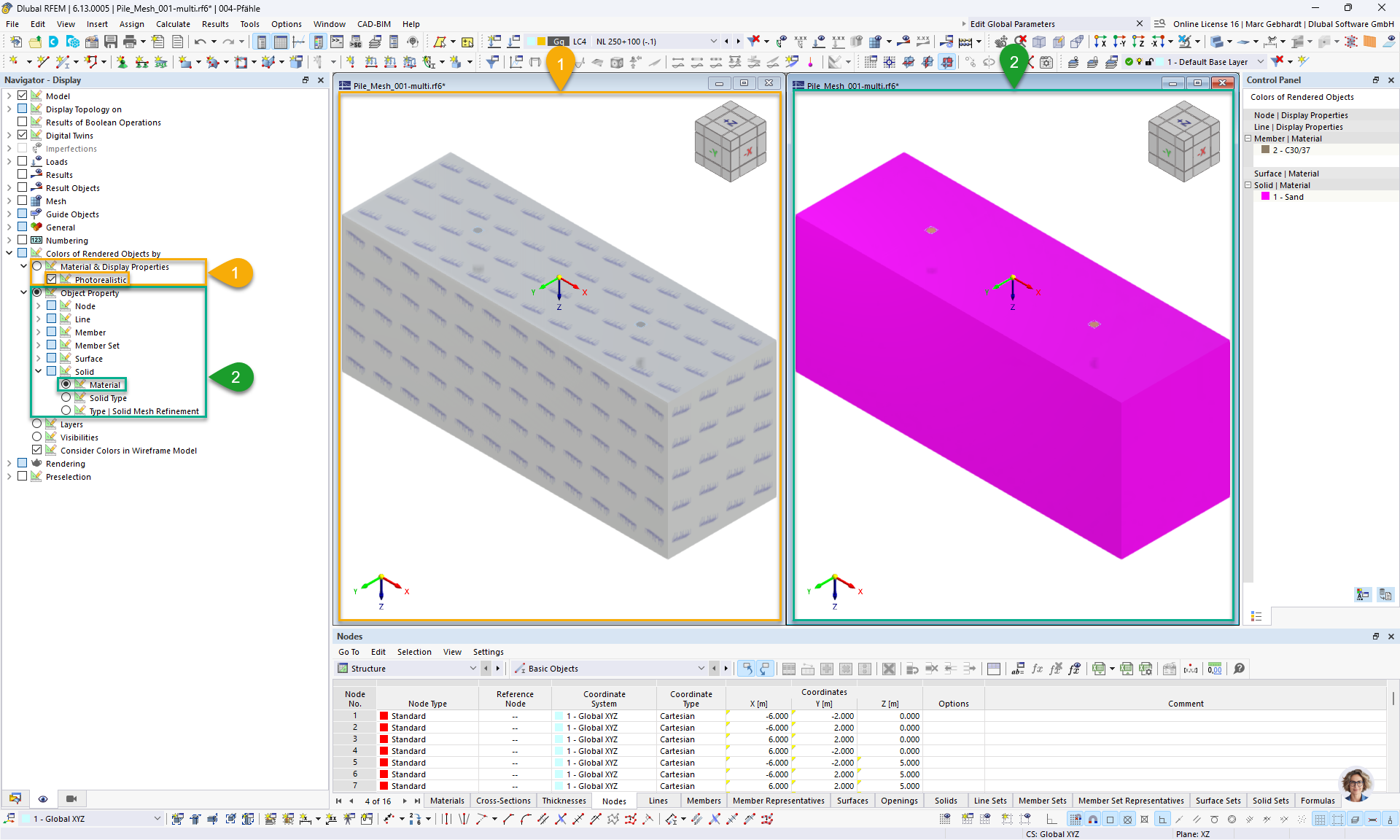
Afterwards you can easily change the appearance in the “Navigator - Display” under “Colors of Rendered Objects by”:

Best regards, :handshake:
Marc Gebhardt