Hi everyone!
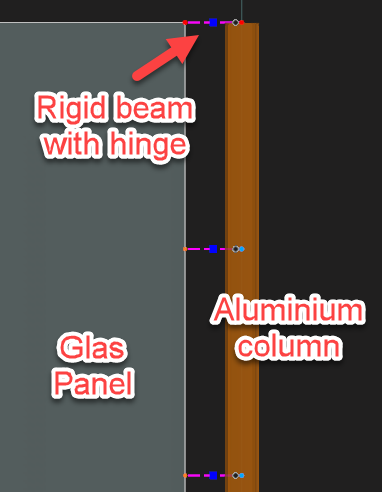
I'd like to properly model an aluminum frame, that recieves (a little) stabilization via glass panes that are "clamped" in between the aluminum profiles and a "lid" that you simply push / hammer down.
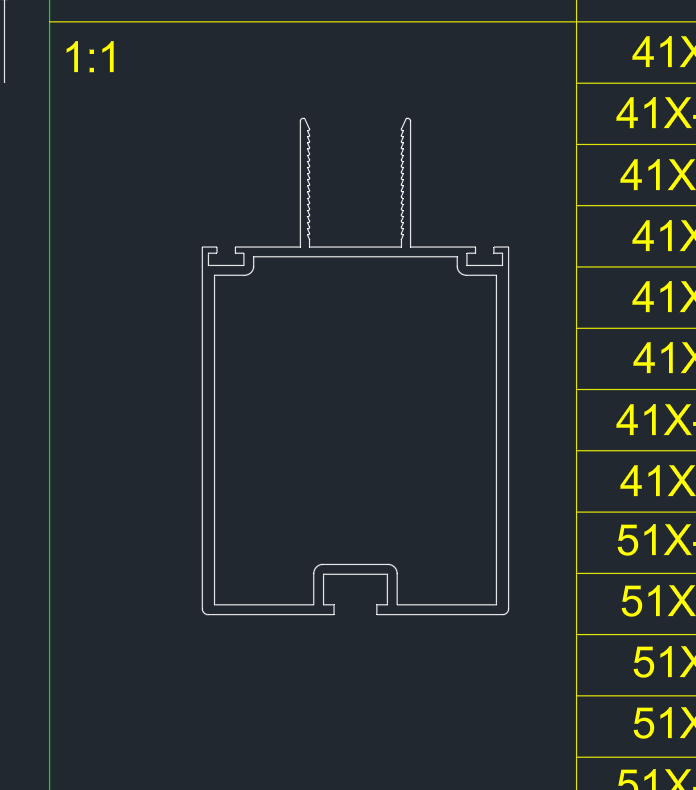
The first image shows the profile that's load bearing.
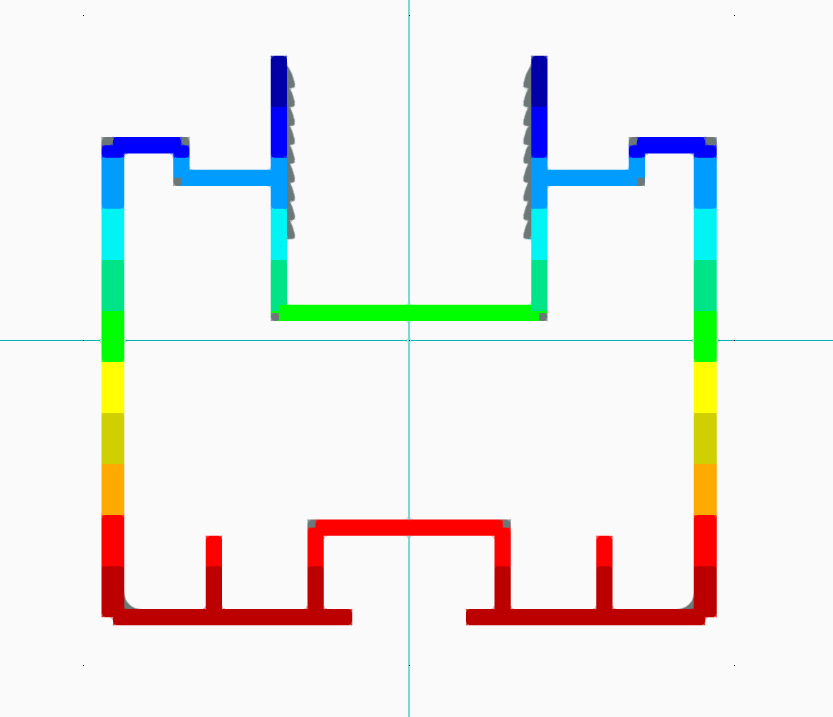
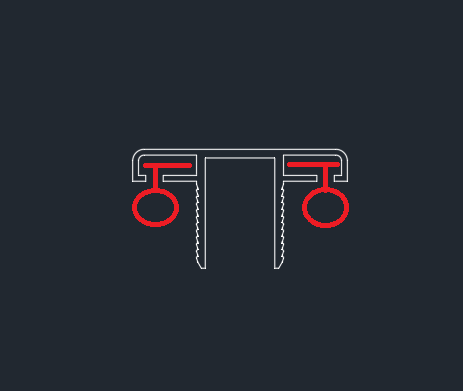
The second image represents the same first profile, but where i've marked in red where the glass would be placed, and thereafter a lid that's pushed down. The lid is not load bearing.
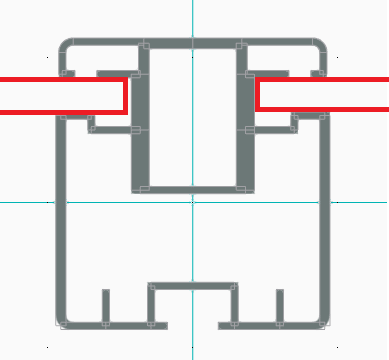
Now, the glass panes shouldn't take take any vertical loads, and neither should they reinforce the profiles.
However, in higher wind loads i get stability issues in my model (20 meters up in high wind zones..) so quite extreme conditions for a medium sized greenhouse.. The deflection also becomes to large for comfort, but i also know from simple experience that when we place the glass in the structure and clamp the lids on, the whole thing acts more as a "package" and instantly becomes more stiff and way less flexible. Compared to how it acts without any panes. I'd like this to be represented, accurately and safely, in the modelling.
Now i don't want the glass in the model to take all horizontal loads, we do have tension members that are the primary load bearing element for this. But is there some smart way to model the glass panes in the model in order to make the structure as a whole more stiff?
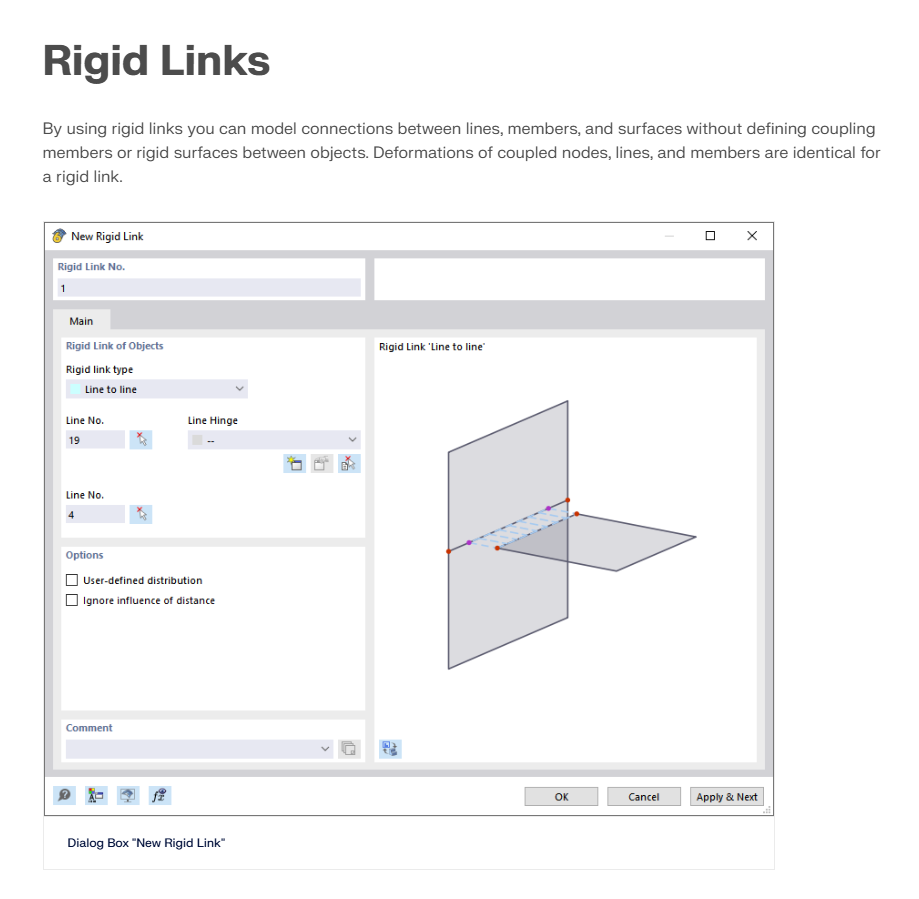
I suspect line hinges are necessary, but i'm sure there's plenty of settings, both in the line hinge interface but also in general while modelling that i quite frankly have no idea on how i should utilize to get a result that's somewhat accurate to real life behaviour of the structure and the glass effect on it.
I'd appreciate any tips, tricks and suggestions on how i can create a good and accurate model.  If you'd like to help, but feel like there's important information missing, feel free to ask me and i'll see what i can get a hold of! I'm not very accustomed to these types of lightweight structures so i apologize in advanced for the poor description.
Best regards,
Tobias M.

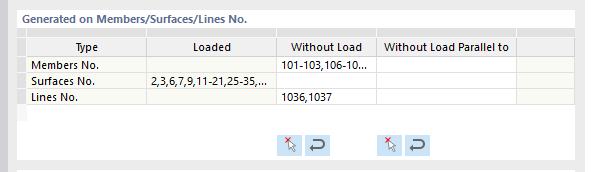

 Click on File → Save as and choose the following settings to reduce the file size: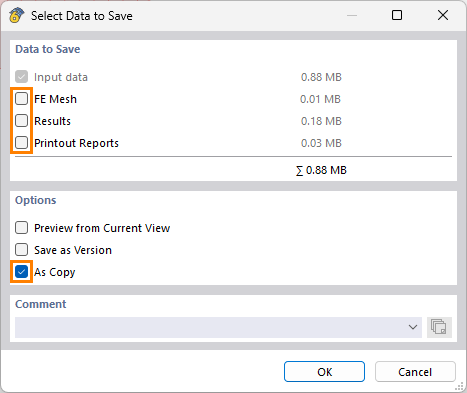
 Prefer not to share the file publicly? No problem – send it to me via direct message: click on my profile picture or user name → Message.