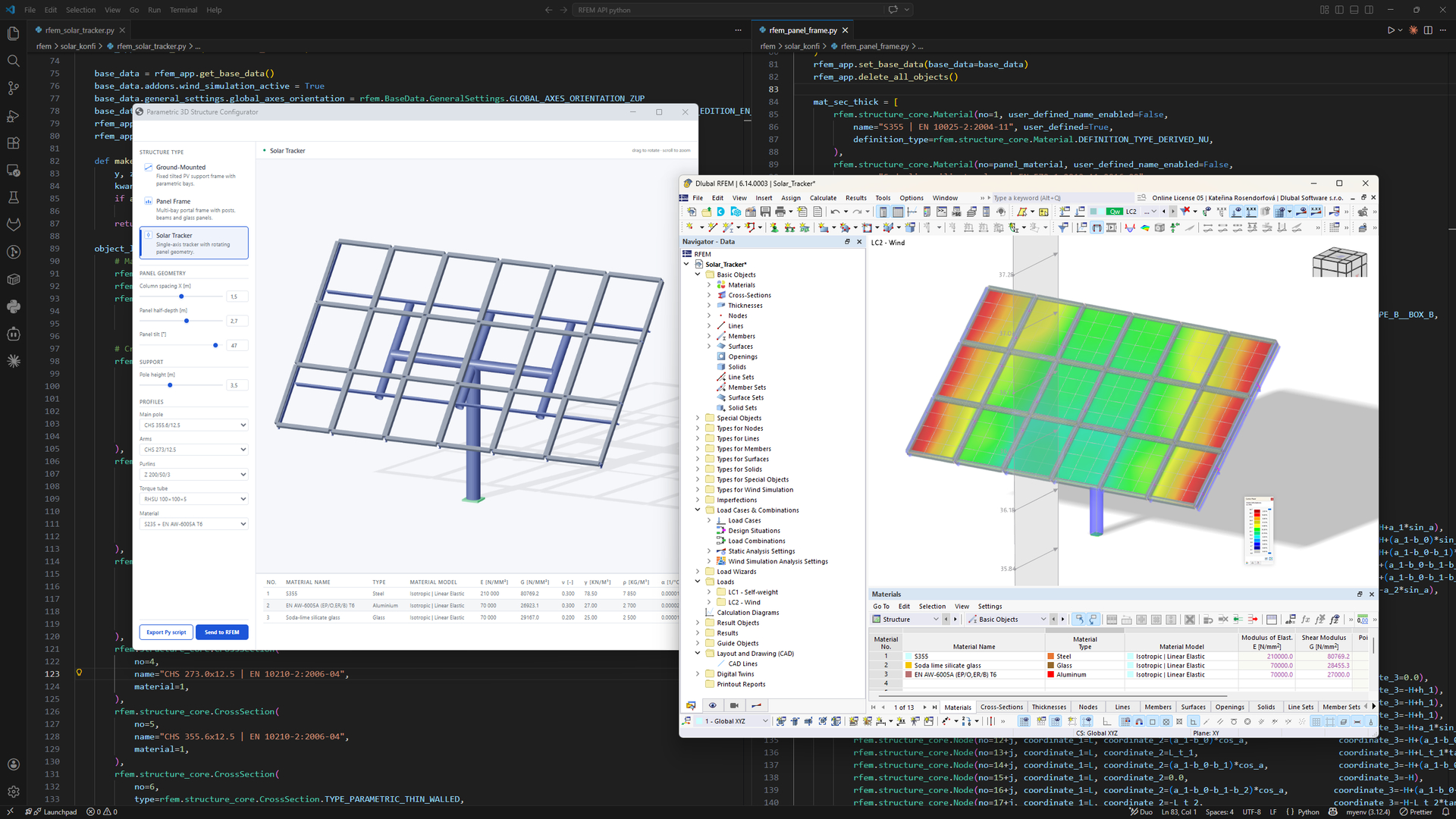
I’d like to develop a graphical interface that would let me quickly configure the stranding of the elements in my models. At the moment, this is very laborious, and there isn’t yet an equivalent solution to what the “Concrete Design” module offers for positioning passive reinforcement.
What would be the best approach? I’d like to use RFEM as usual, but have a supplementary graphical interface to manage the stranding of element families. Do I need to use the API? Or have I misunderstood something? Thanks in advance.
thanks for coming back and mentioning your approach. Where do you face difficulties? Can you send 1-2 screenshots?
You can as well try to use In-App scripting:
I’m looking to develop tools to streamline my workflow in RFEM, and I have a question about what’s possible with the Python Script Manager.
Until now, I thought I had to use the Dlubal API, with its usage restrictions and paid access. Is it possible to create a graphical interface in Python and launch it directly from the RFEM Script Manager? If so, would that let me avoid the API restrictions?
To give a concrete example, I’d like to create something like this:
but for configuring prestressing in concrete members.
So my questions are:
Can this be done using only the Script Manager, without subscribing to API access?
If so, can this interface run at the same time as RFEM? For example, I continue modeling as usual in the RFEM interface (adding concrete members, modifying the model, etc.) while using my interface in parallel to check specific aspects of the model and configure the strand layout in columns and beams.
A subscription is required for professional use of API II in the Script Manager. This will also give you access to the relevant add-ons, provided you have licensed them. If you’d like to work with your own interface, I’d recommend using something like VS Code, for example; programming there is much more convenient. From there, you can access individual or multiple objects and modify them accordingly. You can either pass the ID of the relevant object, or you can use the API to access the selected objects. However, not all modifications are possible: you can change object properties, but you can’t perform actions such as merging or splitting members.