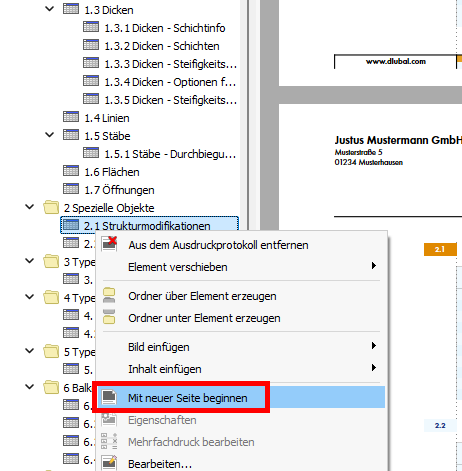
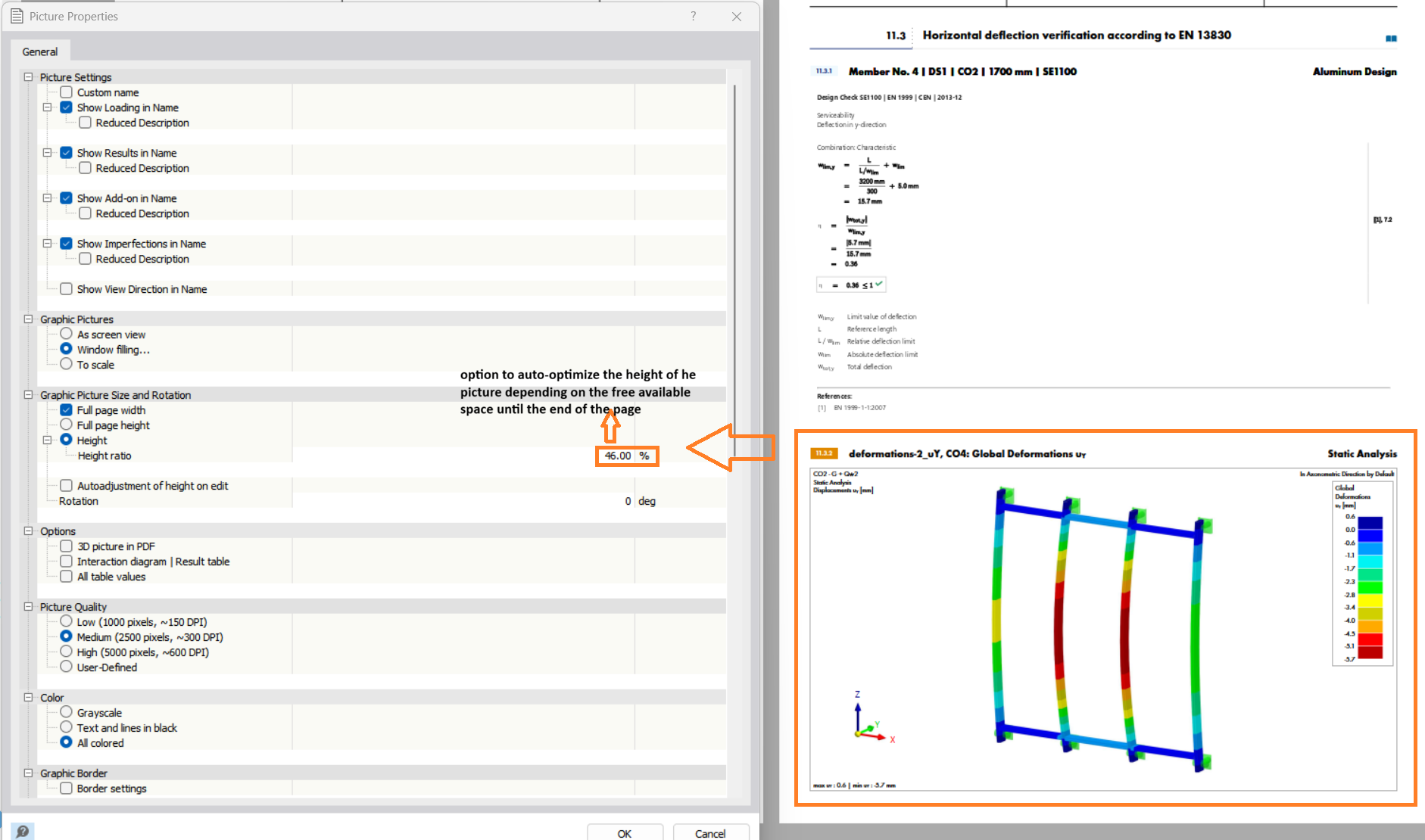
Good day,
I am currently creating a printout report for another angle brace portal and notice that I am spending a relatively large amount of time editing individual pages based on the "Properties" → Height, so that on the same page only the corresponding headings, node loads, and graphical representation of the loads are displayed =› Example:
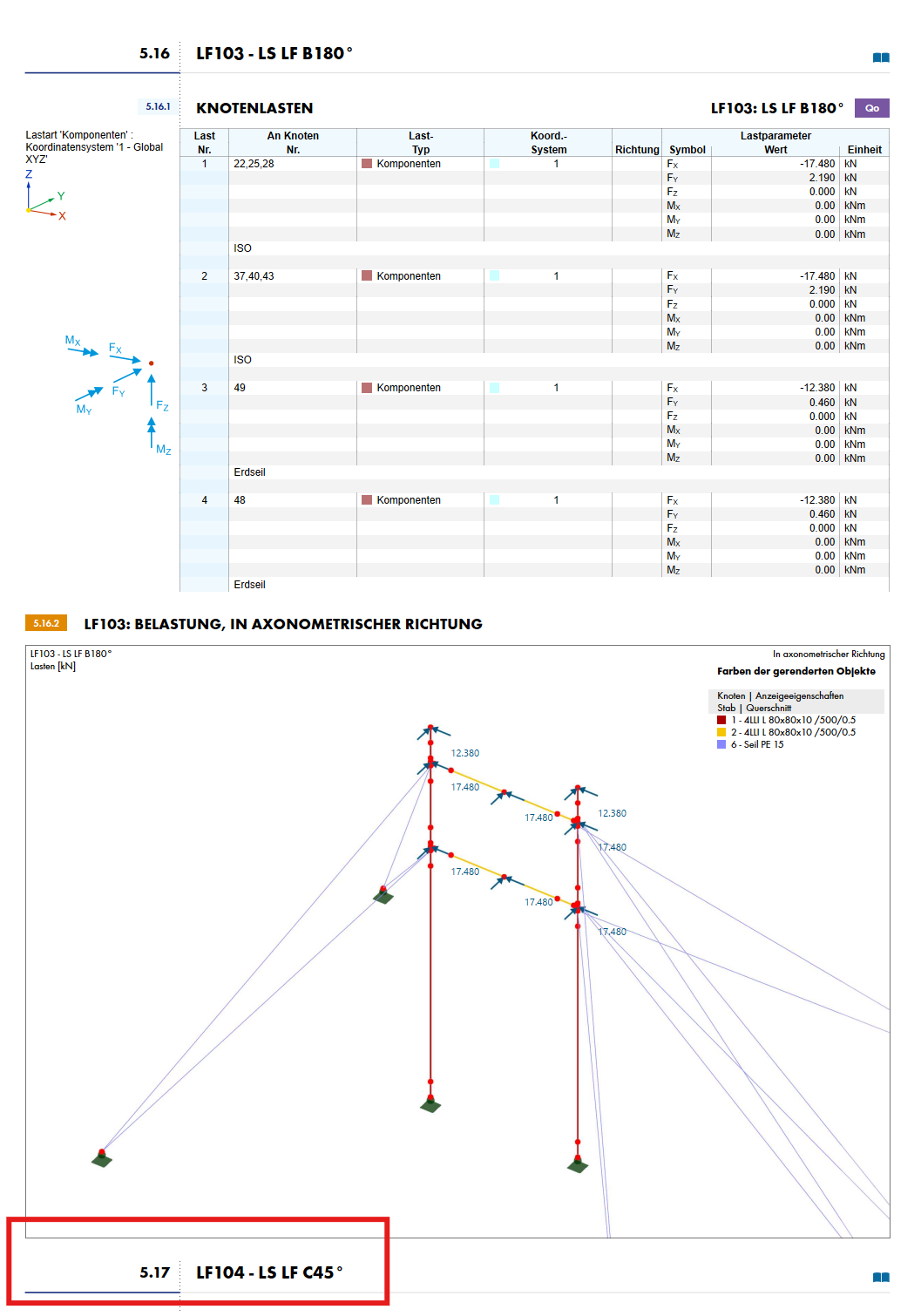
The red heading should first move to the next page, so I have to adjust the graphic above in the properties to a greater height, which I need to estimate precisely. Previously, I had reduced the size of the graphic because it was originally too large to fit on the same page as the list of node loads. Therefore, I need 2-3 iterations in adjusting the size settings of an image here. What initially sounds like a trivial detail in individual cases becomes a lengthy process under conditions of 180 load cases or more with more complex structures or load combinations.
My wish would be that one day in future RSTAB-RFEM versions, it would be possible to simply grab the graphic in the printout report by drag and drop and dynamically scale it to the size I want it displayed, so that, similar to Word for example, the following elements would automatically shift until they "slide" onto the next page.
I would be very pleased if a corresponding RUS could be created.
Best regards,
Nick Böttcher