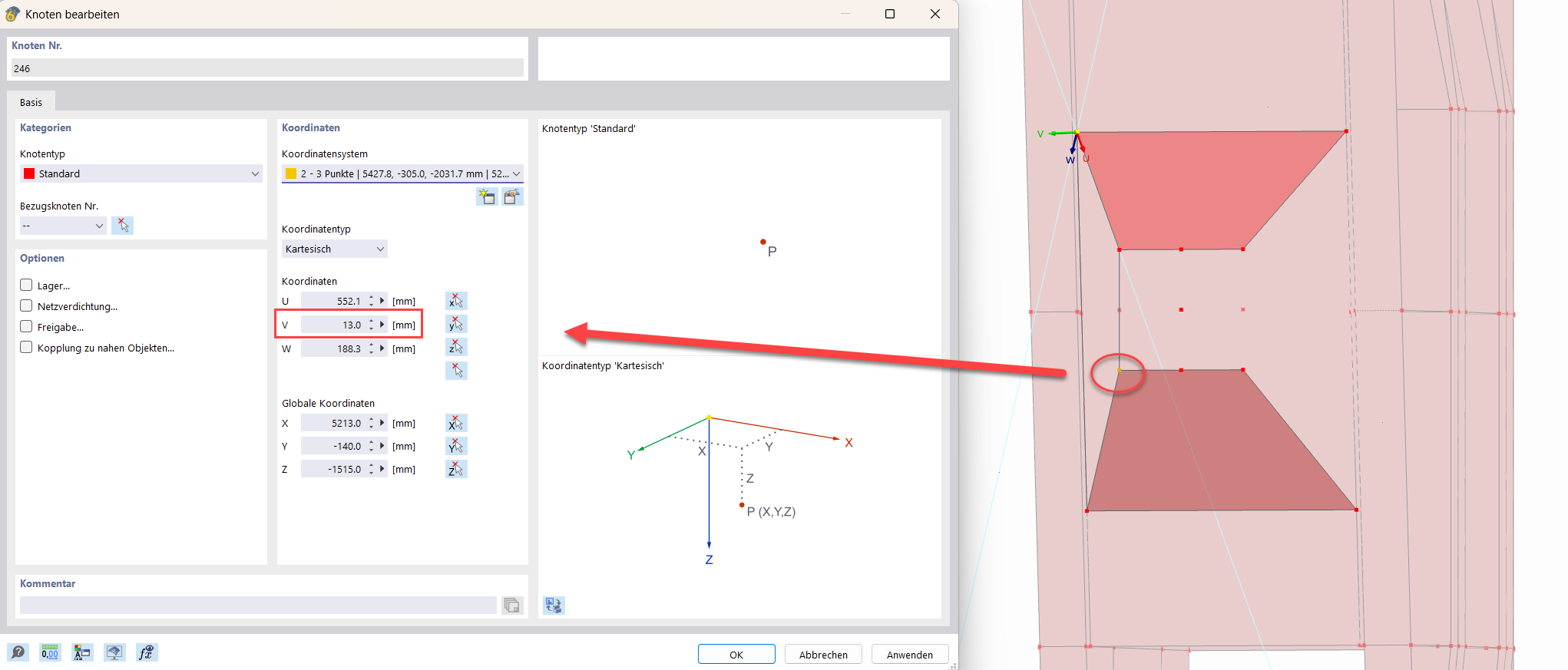
Good day,
I am currently trying to recreate a box profile of a portal crane from the 70s in order to subsequently perform a static analysis on it. I want to first build the model with planes without thickness and then manually assign the different thicknesses.
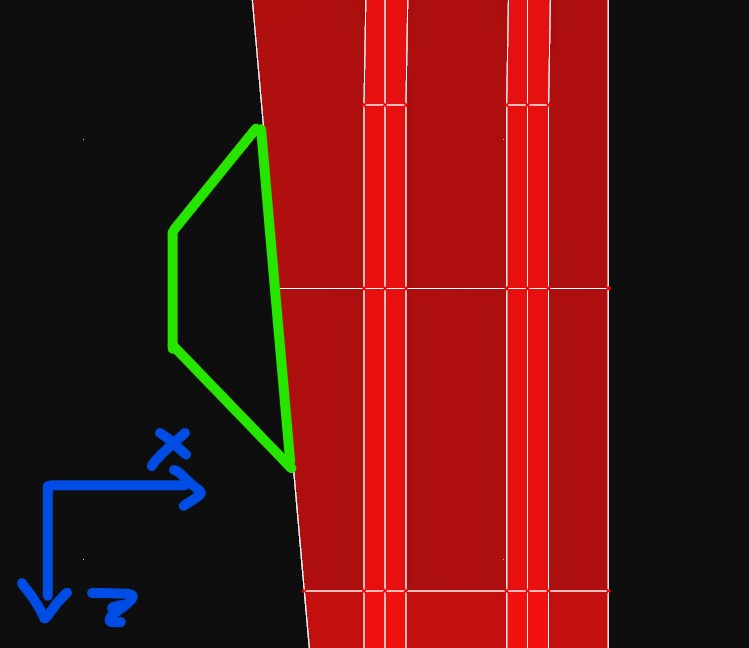
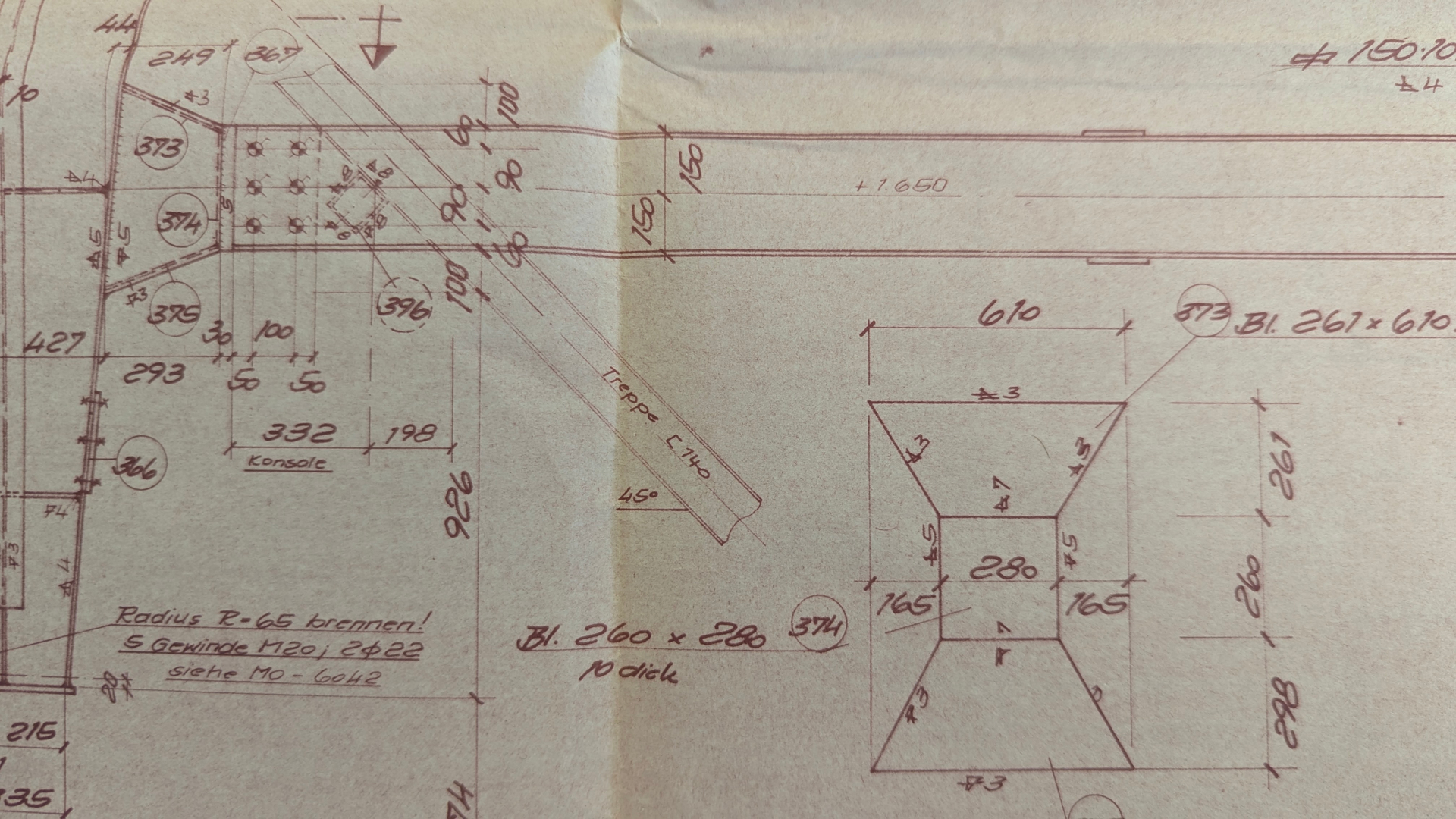
At the moment, however, it fails at the sheets marked in green in the images. With the RFEM 6 justification: "Points do not lie in one plane." But I can only disagree with that. I have tried more than is worth writing here and am just hoping for a spectator effect.
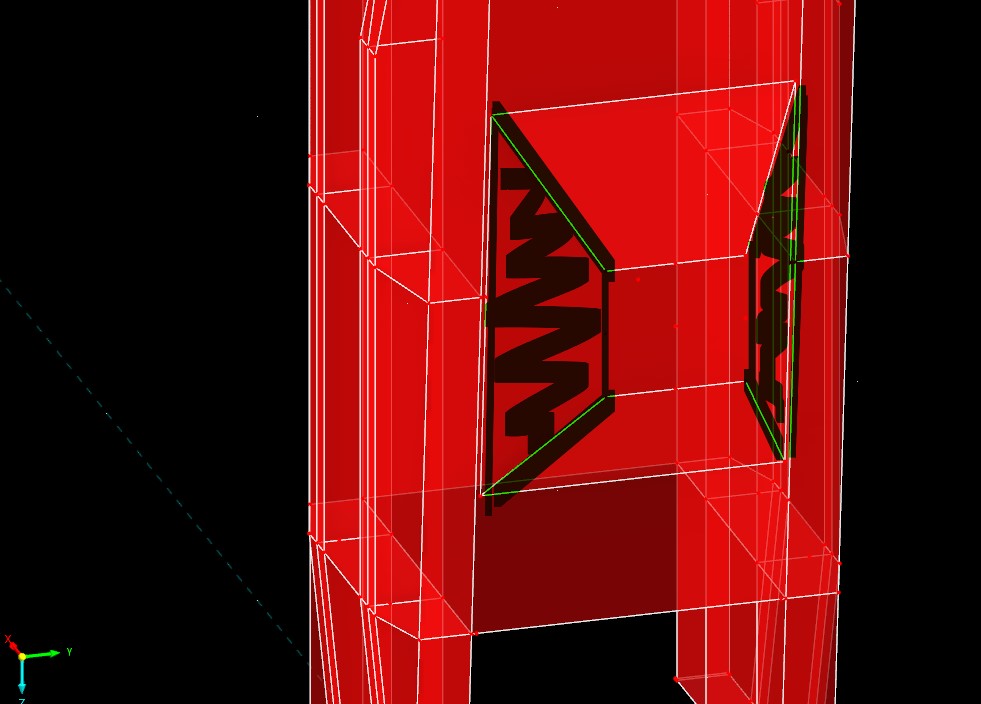
My suspicion is that RFEM6 cannot create polygon planes over more than two differently inclined coordinates.
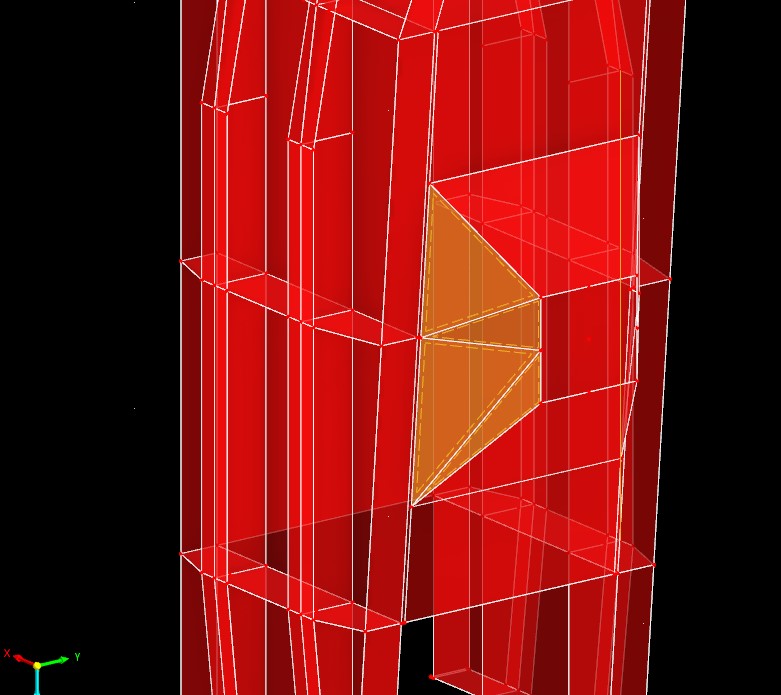
One possible solution I have found is to divide the sheet into many small triangles. However, there may be a better way, as I am not quite satisfied with this here.
Many thanks in advance.
Portal.rf6 (1.1 MB)
 ,
,