Graphics scaling not working properly

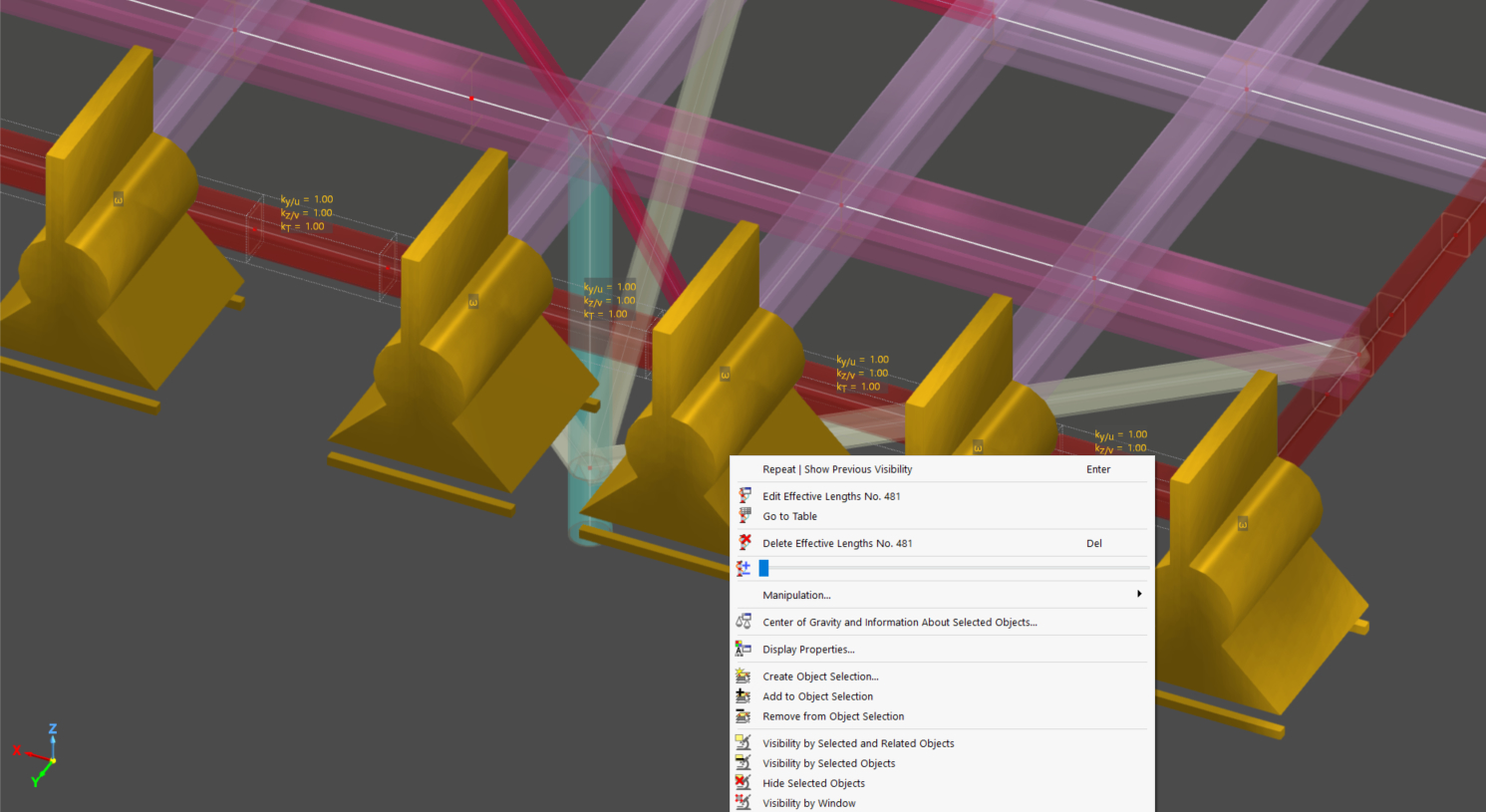
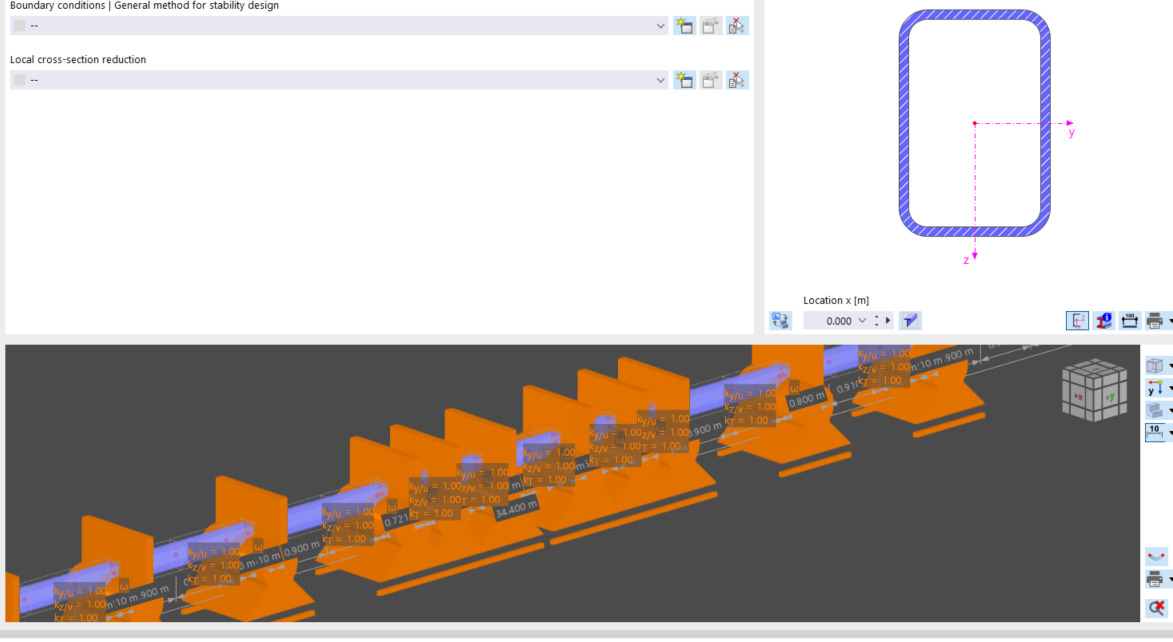
In RFEM6.12.0007 (and older versions) the scaling slider for the supports (nodal, line, surface, stability nodal supports, design supports, etc.) does not make their geometries small enough so that they don't obscure the structure itself. This is the case for both the main 3D view, and the smaller 3D views in pop-up windows. In the 3D views of the pop-up windows, there is not even a slider available.

It would be nice to have a better functionality for the slider, and have the slider option in the 3D view of the pop-up windows as well.
Hi PSA001,

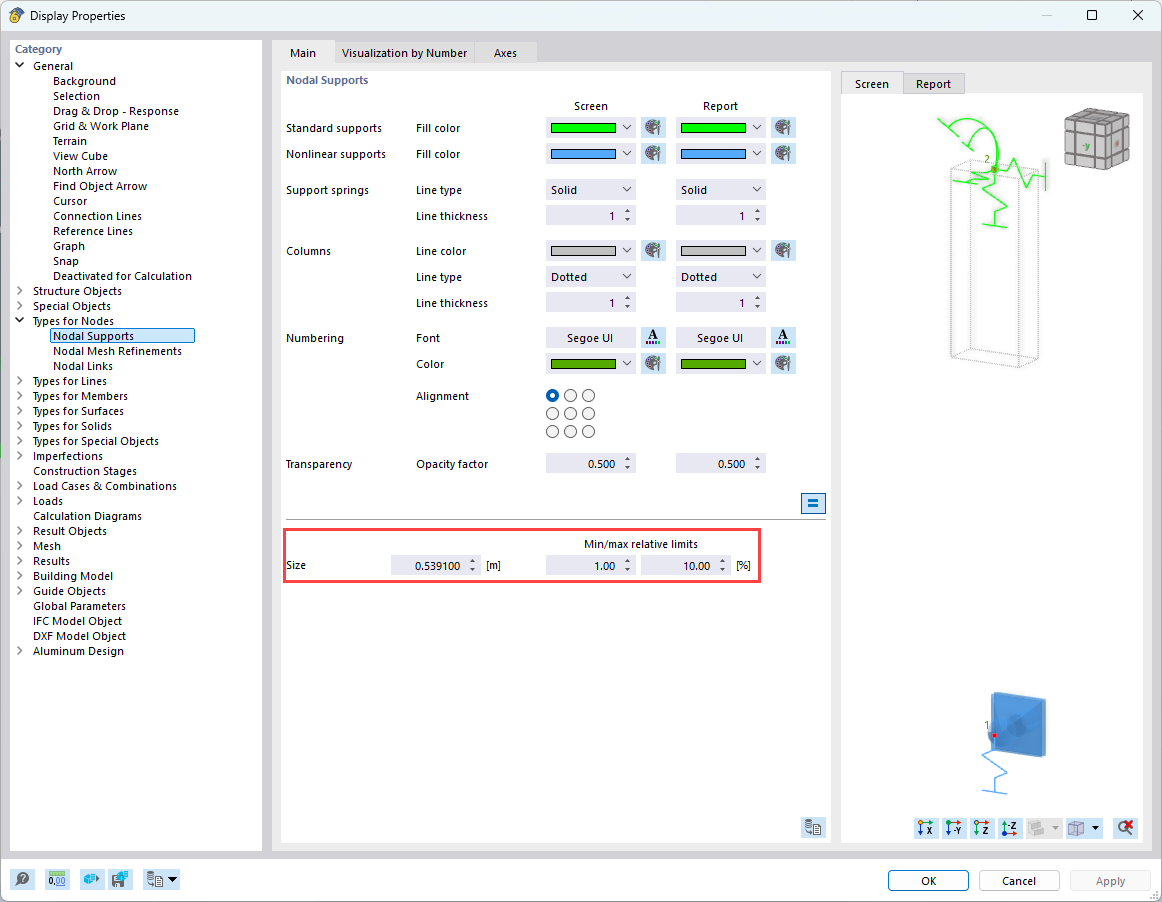
The sliders can only scale within the predefined MIN/MAX range.
So please check the display properties and adjust them if necessary. :slightly_smiling_face:

How to proceed:

  • Open the Display Properties

  • Verify the defined MIN and MAX values

  • Adapt the range if the current scaling does not meet your needs

You can find a step-by-step explanation in our online manual here:
:backhand_index_pointing_right: https://www.dlubal.com/en/downloads-and-information/documents/online-manuals/rfem-6/000015

If anything is unclear or you need further assistance, just let us know :+1:

Best regards
Stefan Hoffmann

1 Like