Hi everyone!
I am trying to create a model for a TCC (Timber Concrete composite) floor slab. Where you have grooves in the CLT panel to be able to hold on to the concrete layer better.
So to create the grooves I created different surfaces for the grooves to create a difference in height though layers (the grooves have 3 and the rest 5) but as I try to align them through an eccentricity to the bottom -->
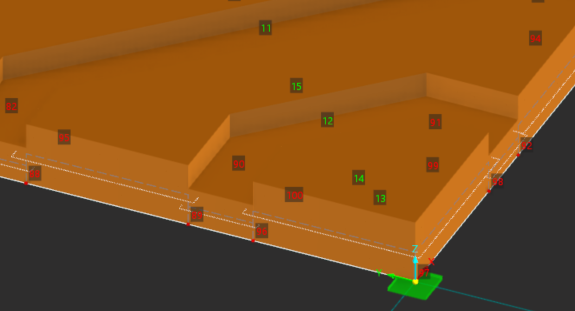
The heartline (or the surfaces themselves) move on the z axis too and so they don't work as a single panel anymore.
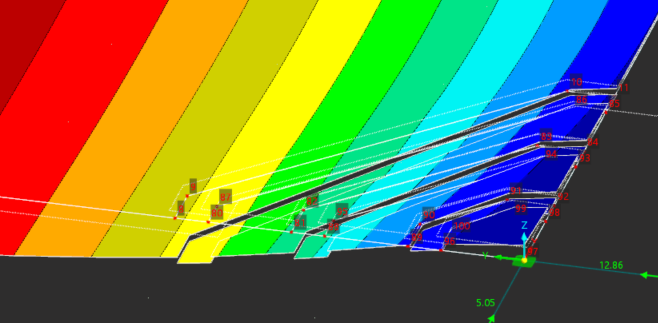
I'm quite new to dlubal so I would like to know if there is a way to be able to fix this, or if it is perhaps a better option to create the differnt layers of CLT seperate as a solid and add surface contacts to make it into one panel. Or simply making a solid without the layers and add CLT as a material?
Thanks for the help!