Hi waelnoaman,
Thank you for your message!
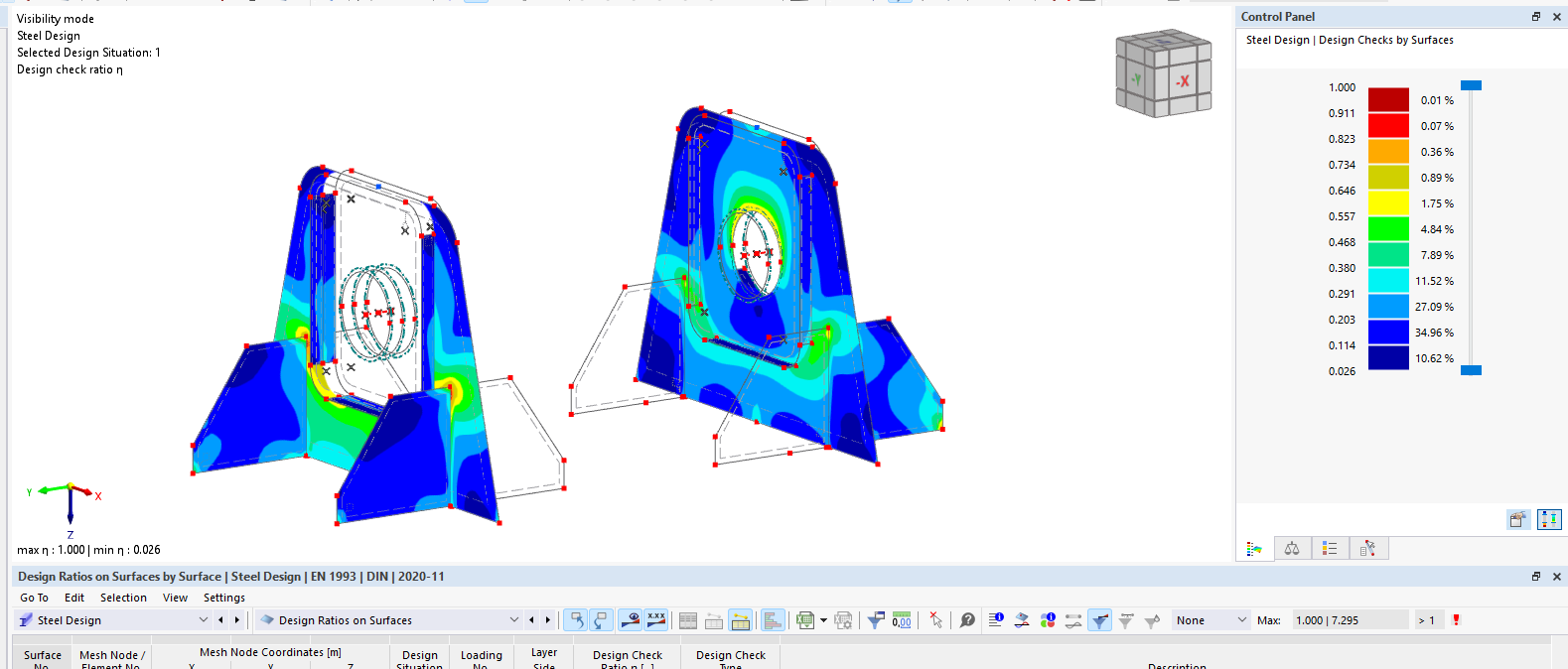
Have you also selected all the surfaces for the design?
To analyze the problem more precisely, the model file would be very helpful:
 Click on File → Save As and choose the following settings to reduce the file size:
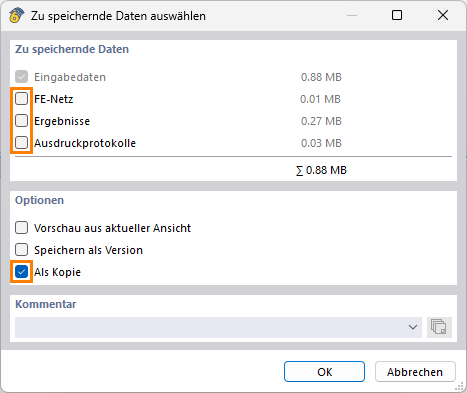
Then upload the file here (e.g. *.rf6, *.rs9) – this way the community can also contribute to finding a solution.
 Don’t want to share the file publicly? No problem – send it to me via direct message: click on my profile picture or my username → Message.
Best regards
Stefan Hoffmann
Hi Stefan,
Thanks so much for your reply. Honestly, it is working now well. I dont know why, it was not working. Maybe the problem is in my computer. The original model works now well.
But look at this connection model. No results appears for the circular plate.
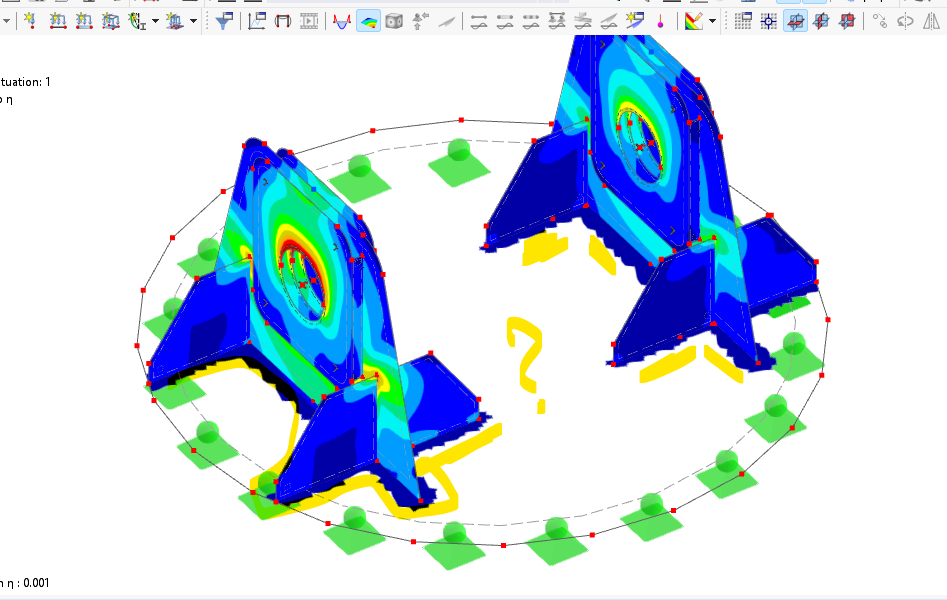
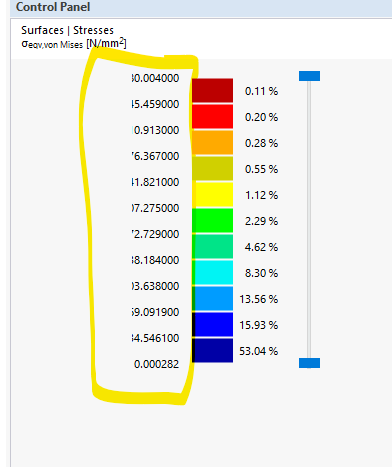
and the second photo the numbers are hidden
Thanks so much for your help
Best regards,
Wael
trial4.rf6 (1.5 MB)
Hi waelnoaman,
Thanks for your feedback.
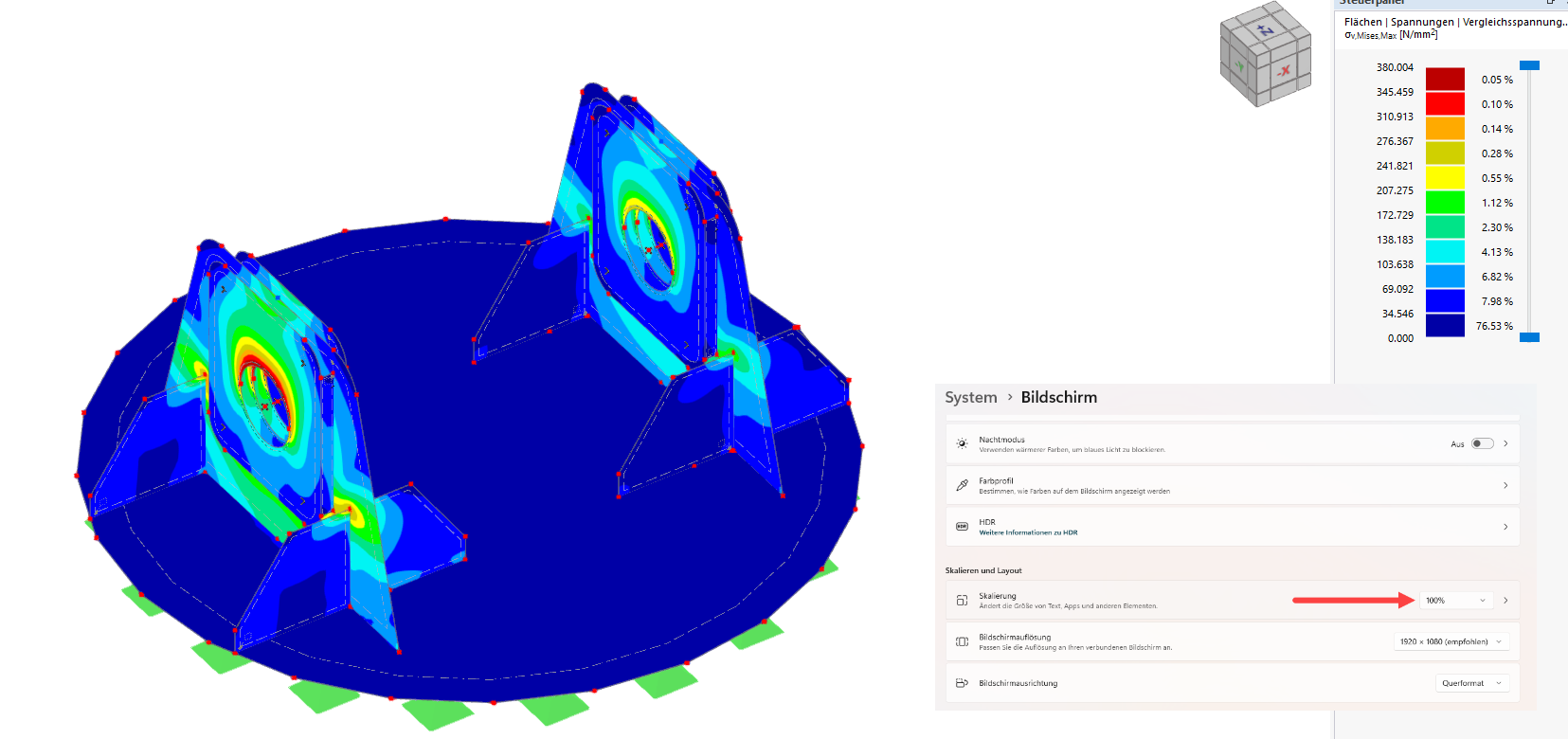
Did you change the DPI settings? I don’t have any clipped numbers on my side:
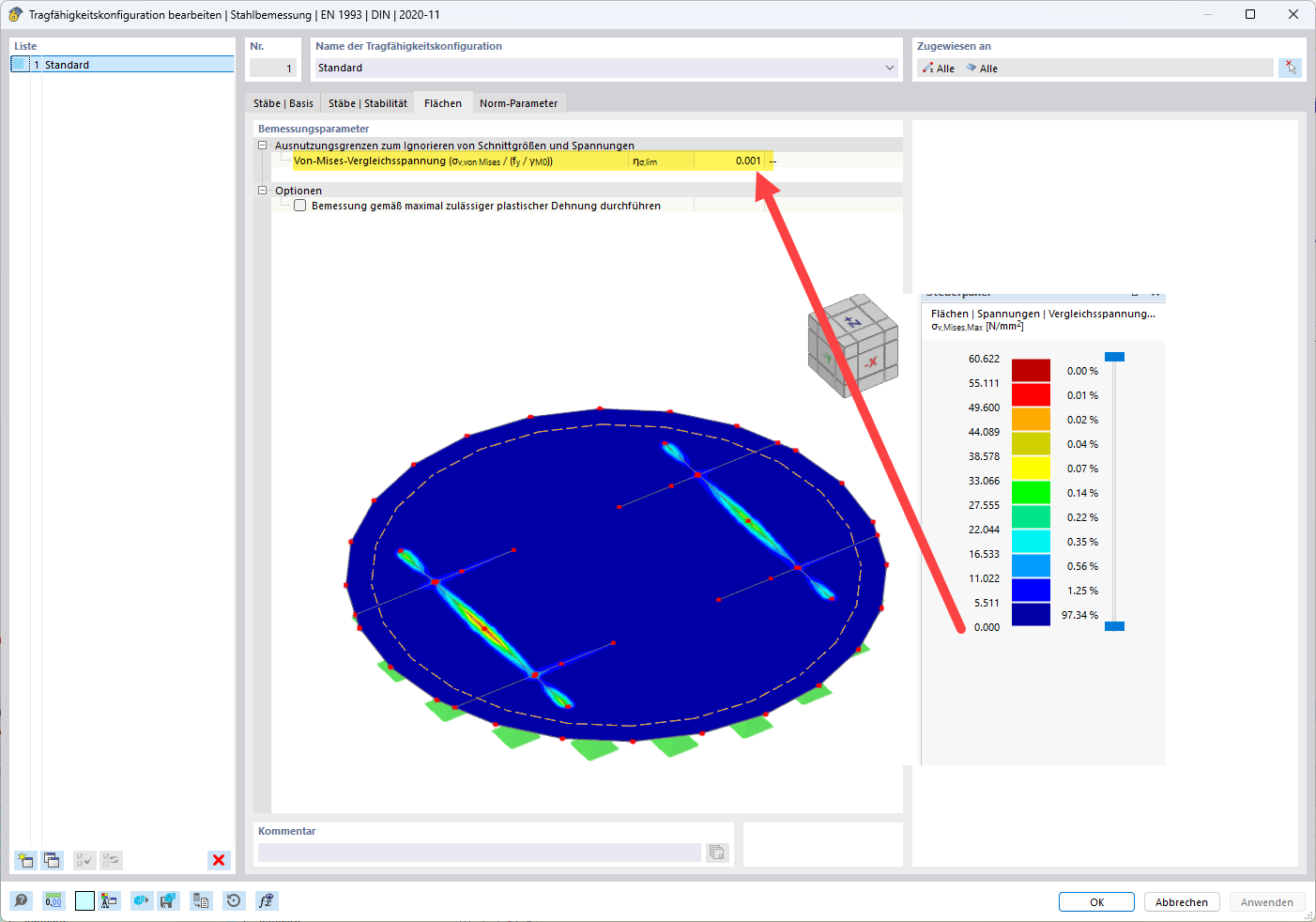
The stresses in the area are missing because the threshold of 0.001 applies here. There is hardly any stress there. So if you want to see everything, set it to 0 there:
Best regards,
Stefan Hoffmann
thanks so much, then this is my computer problem. I dont know why.
Best regards