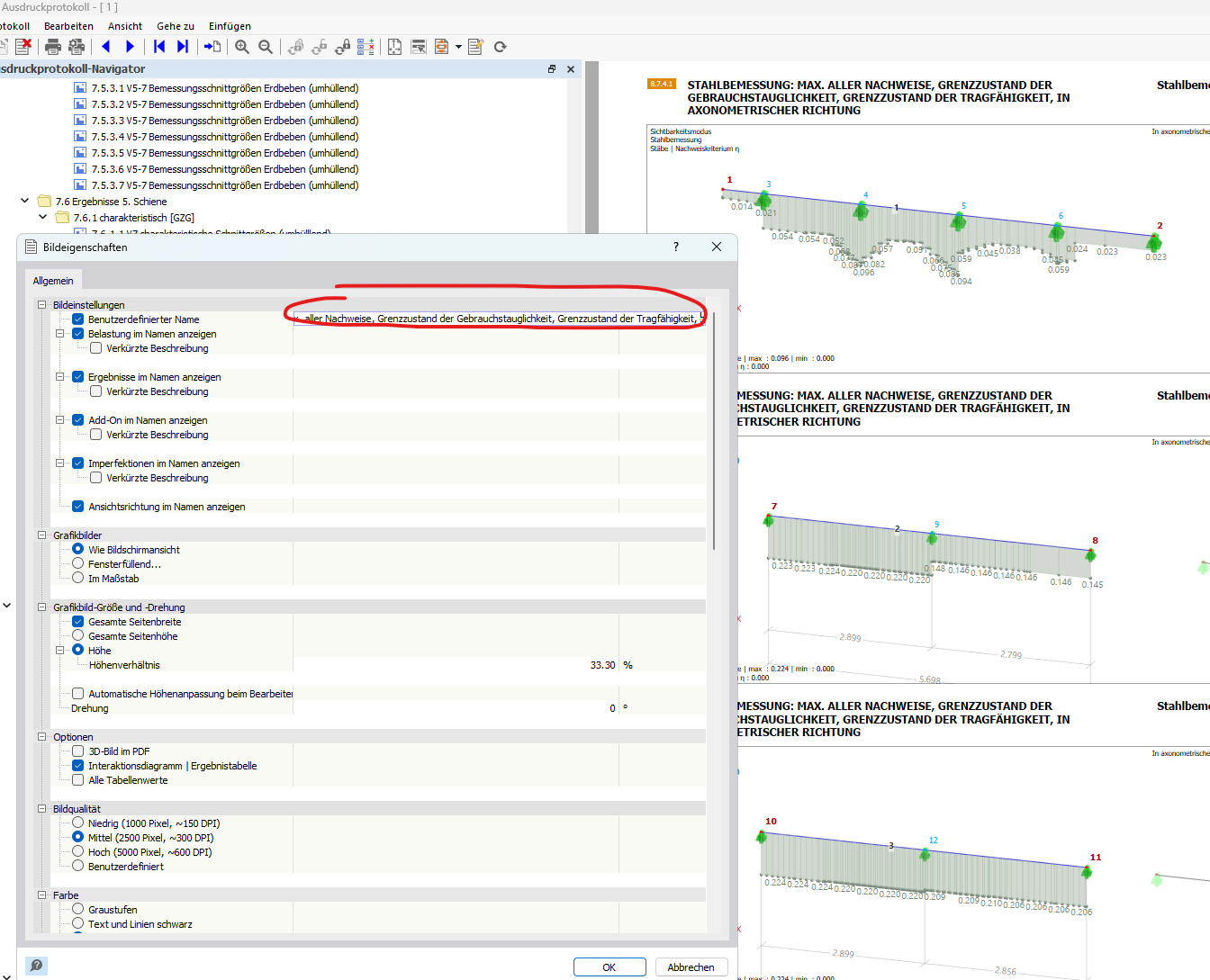
When editing the name of a graphic in my print protocol, I would like to stretch it over 2 lines, for example by pressing the enter key (or like in Excel, when you want to go to the next line in a cell by pressing alt+enter).
I imagine it like this:
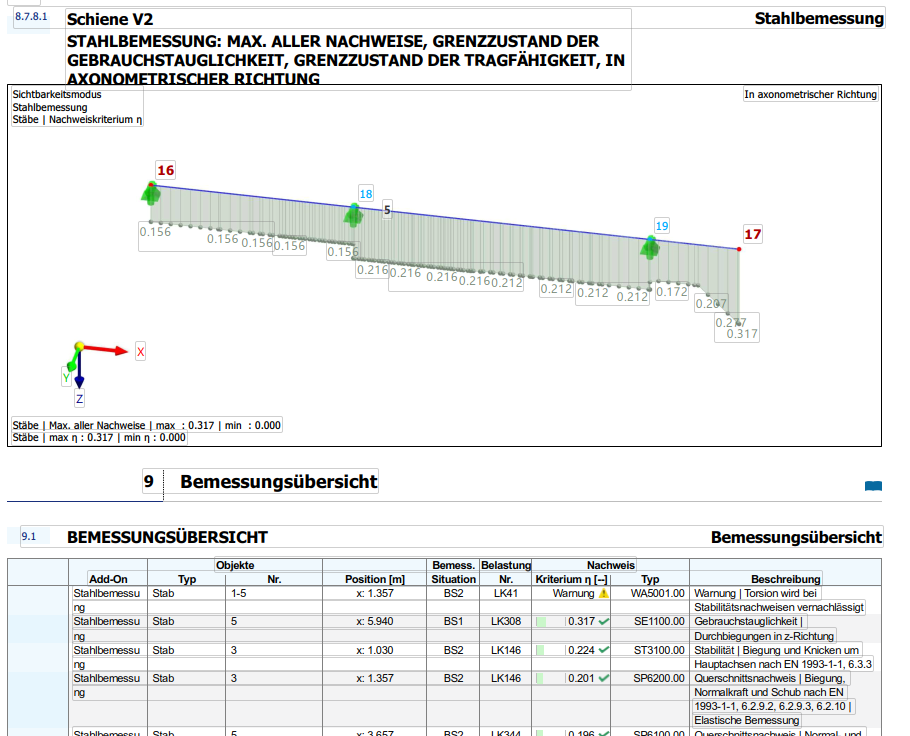
The fact that the word Schiene V2 stands alone in the first line I only managed to do with the PDF-XChange Editor, it would be practical to solve this directly in RFEM.
What would be even better and would really save a lot of time, especially in offices with slower computers where the print protocol takes a long time to update and load with every change, would be the possibility to combine the user-defined name with the properties below, especially in multiple printing.
That is:
- I select 10 images in the print protocol
- I click on the image properties and check the box for user-defined name
- I check the boxes for show addon in name, show results in name
- Now all 10 selected images should be titled like this: [userDefinedName; Load; Results]
This way I can ensure that many images at once first carry the name of their position in the heading, but the loads etc. do not have to be entered manually but are automatically displayed from RFEM in the name.
If this is already possible and I just can’t see the forest for the trees on how to set this quickly and cleverly, please tell me how :D.