Hello everyone,
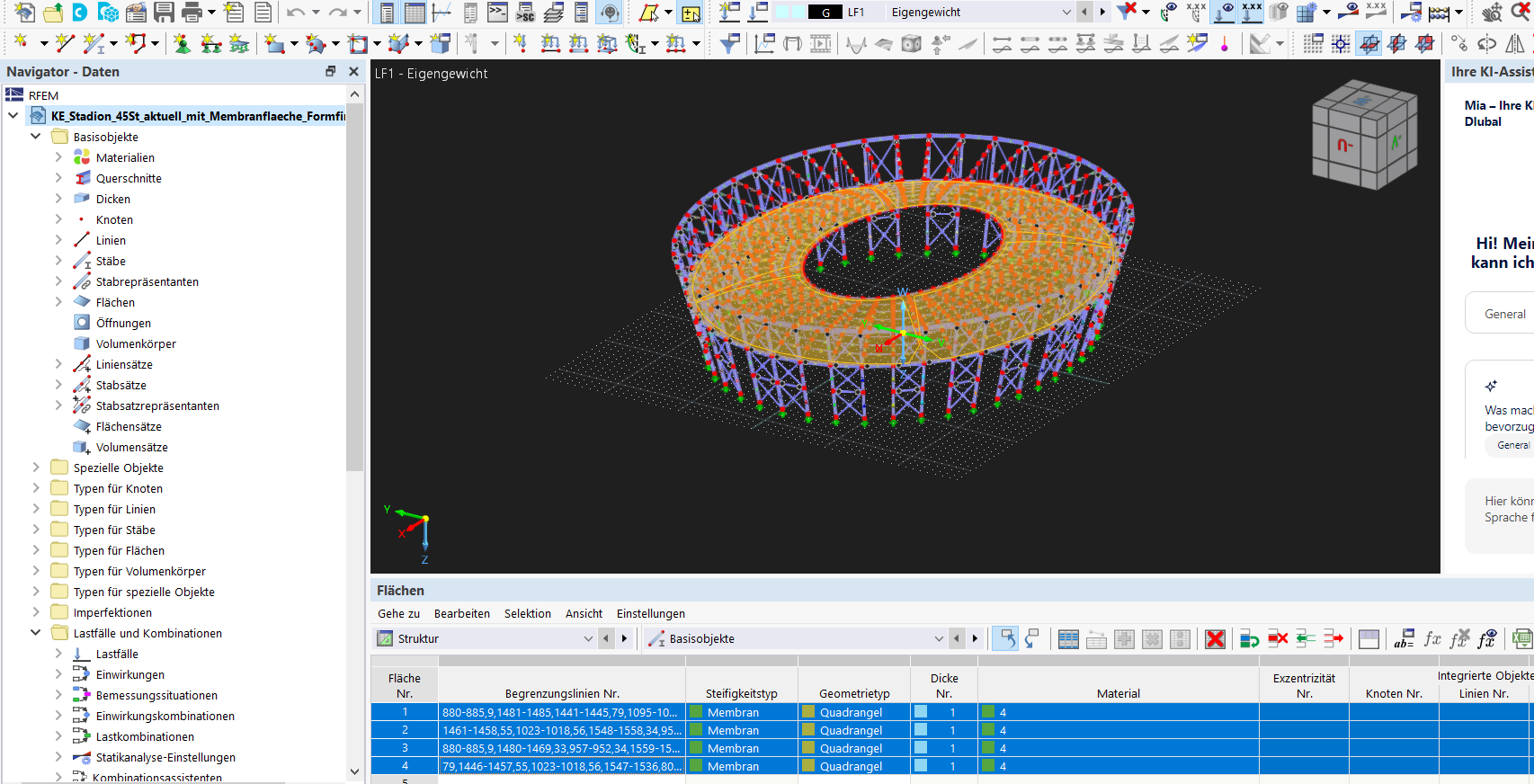
I am stuck at a point in a project (spoke wheel membrane roof) and hope someone here has encountered this before.
Problem:
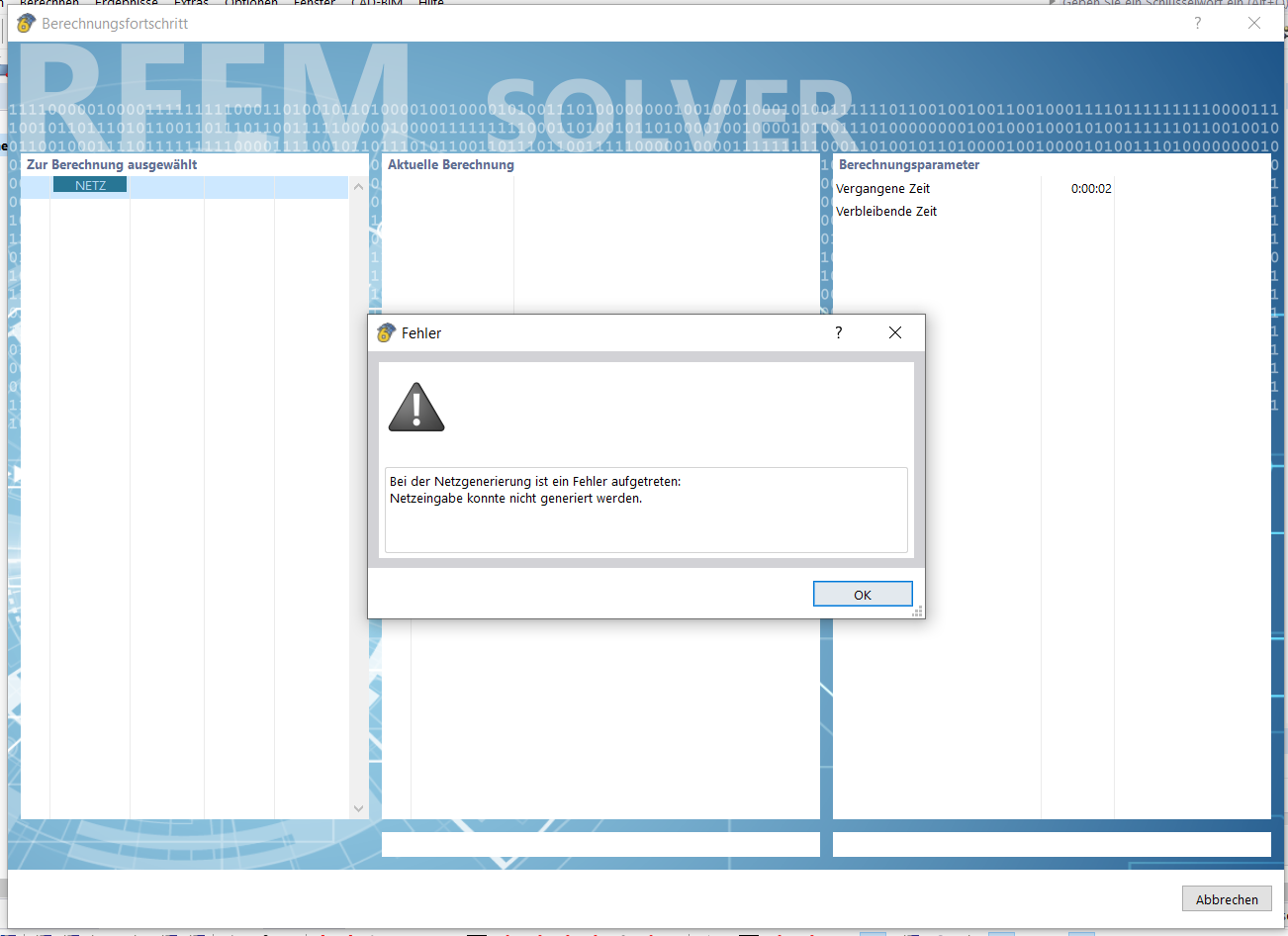
During the mesh generation, the following keeps occurring:
"An error occurred during mesh generation: mesh input could not be generated."
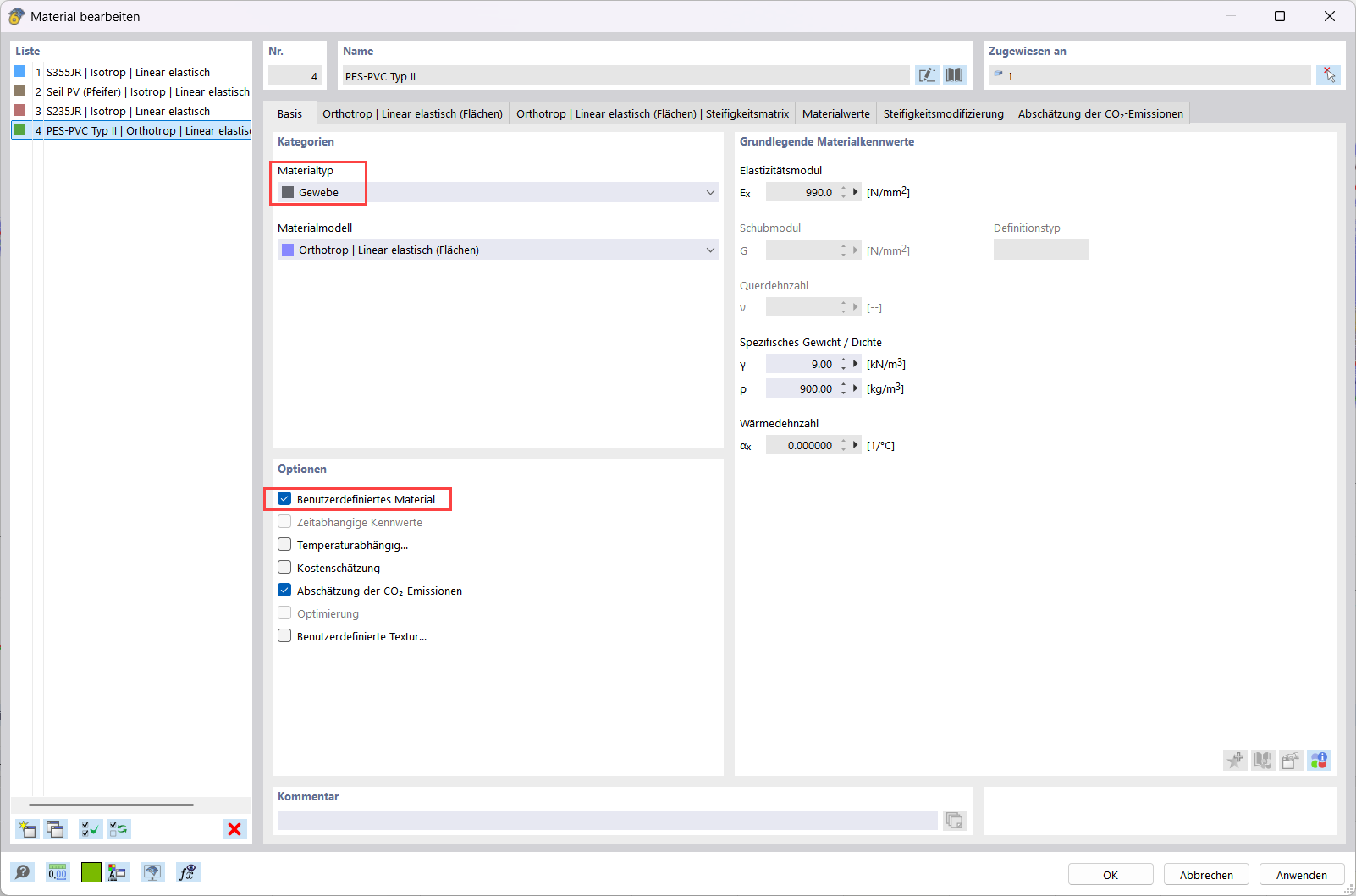
The affected part is a membrane surface (geometry type quadrangle, stiffness type membrane, orthotropic material, d = 1.0 mm), which is part of a form-finding calculation (form-finding add-on active, pretension of supporting/tension cables and tension ring as separate load cases).
What I have already ruled out:
- FE mesh quality criteria relaxed to the respective maximum values (α = 5°, ΔD = 15), additionally failure criteria (curvature of membrane elements, aspect ratio, corner angle, Jacobi) significantly increased
- Element shape set to "Triangles only", "Triangles for membranes" active
- Model check for duplicate nodes/lines with tolerances from 0.1 to 10 mm
- Surface area plausible (approx. 500–700 m², no zero or negative value)
- Isolated test surface rebuilt with 4 new, straight lines between the same 4 corner nodes → same error
- "Connect" applied to surface + boundary objects
- "Split surface with cutting lines" → creates 4 partial surfaces, error remains in all
- Integrated objects and result mesh temporarily deactivated
- Member subdivisions reset to default values (10)
Questions for you:
- Does anyone know this error in this form with membrane surfaces that have a strongly skewed initial geometry that has not yet found form?
- Is there a setting or object property that can block the mesh generator which I have not yet considered above?
- Is it advisable to smooth the initial geometry more strongly before form finding, or should the mesh generator also be able to handle distorted quadrangle surfaces?
Version: RFEM 6.14.0010
I would be grateful for any hints.
Best regards
A