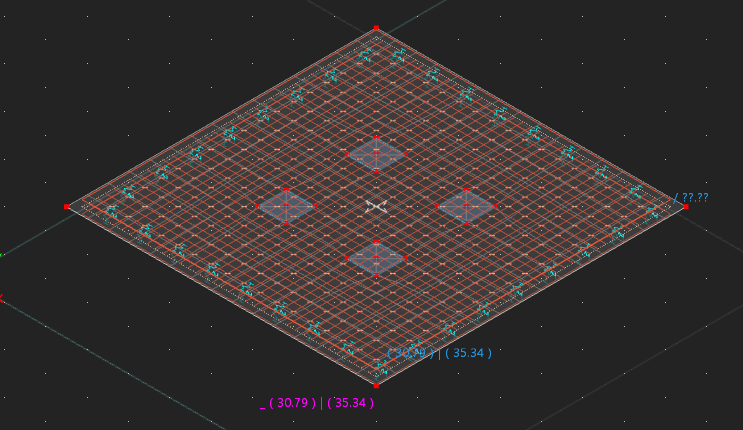
In the UI I have checked the boxes in the 4 nodes to enable punching design, and run the concrete design but I get the error "One or more nodes have a dimensionless node load. Punch calculation is not allowed."
From Punching Shear Design in RFEM 6 it says "The concentrated load at these nodes can be introduced by columns, concentrated force, or nodal supports". The load transfer surface has a pressure load of 6090 kPa (2985kN total force) so it warrants a punching shear check, but unsure if rfem6 will check it for a pressure load or if it has to be a node load? The node is an integrated object in both the main (standard) surface and the load transfer surface. I'm not 100% sure what constitutes a 'concentrated load'.
I can email or message through the model file if that will help
The load transfer surfaces are not intended for load distribution.
The purpose of load transfer surfaces is to enable wind loads to be applied to a steel frame structure, for example. This video shows how they are used:
I have removed these surfaces and applied concentrated loads.
The program needs information about the dimensions of the column. If there was a real column, i.e. a beam, then the dimensions would be taken automatically from this beam.
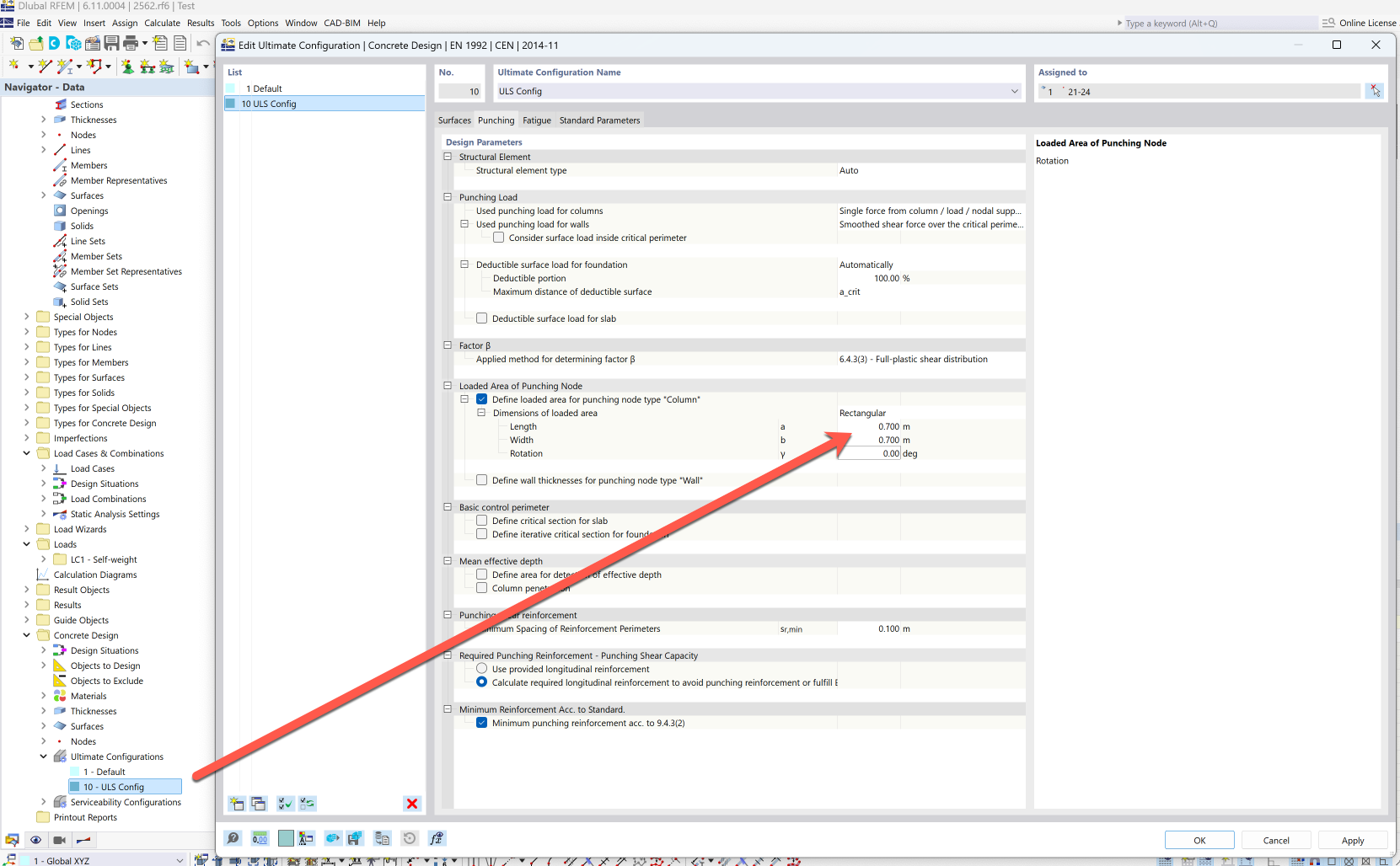
As we only have the loads here, the dimensions must be defined in the configuration.
The calculation should then normally run without an error message. But it does not. The message appears that the critical perimeters are superimposed. This appears to be a bug (bug ID 466046). We are analyzing this in more detail and I will then report the result here.
The model is for a reinforced concrete base with 4 base plates supporting columns.
I wanted to apply area/pressure loads to more accurately simulate this rather than concentrated loads but couldn't find a way to apply an area load over part of a surface, which is why I had load transfer surfaces there. I understand now that load transfers isn't right in this case thanks to the video. I tried rigid surfaces but then its the same problem of punching shear won't accept a node that is also on a rigid surface.
Is there any way to get an area load over where the base plates are and still check for punching shear? Or a workaround that achieves the same result?
I tried splitting up the 1 big surface into lots of little surfaces (1 for each base plates, and then others to make up the rest of the concrete base) but then the reinforcement was for each surface rather than a whole so that didn't work.
Thank you so much Frank that's exactly what I'm after!
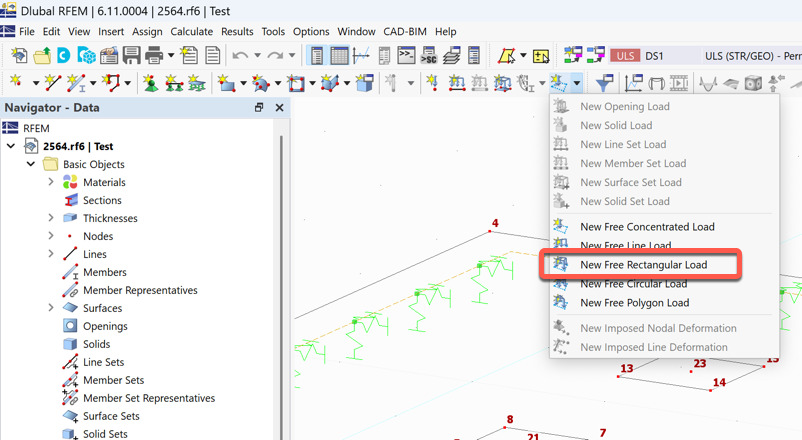
I don't know how I didn't find that tool myself when I was researching how to build my model, I definitely overcomplicated and wasted some time trying to find a work around to do exactly what free rectangular load did (I'm kicking myself a bit)...
I will use the free rectangle load tool to get more accurate contact stress, deformation and reinforcement design, and then use a point load for punching design (with the loaded area you mentioned before).
I am revisiting this one trying to get punching shear to work after a bit of a break working on other things.
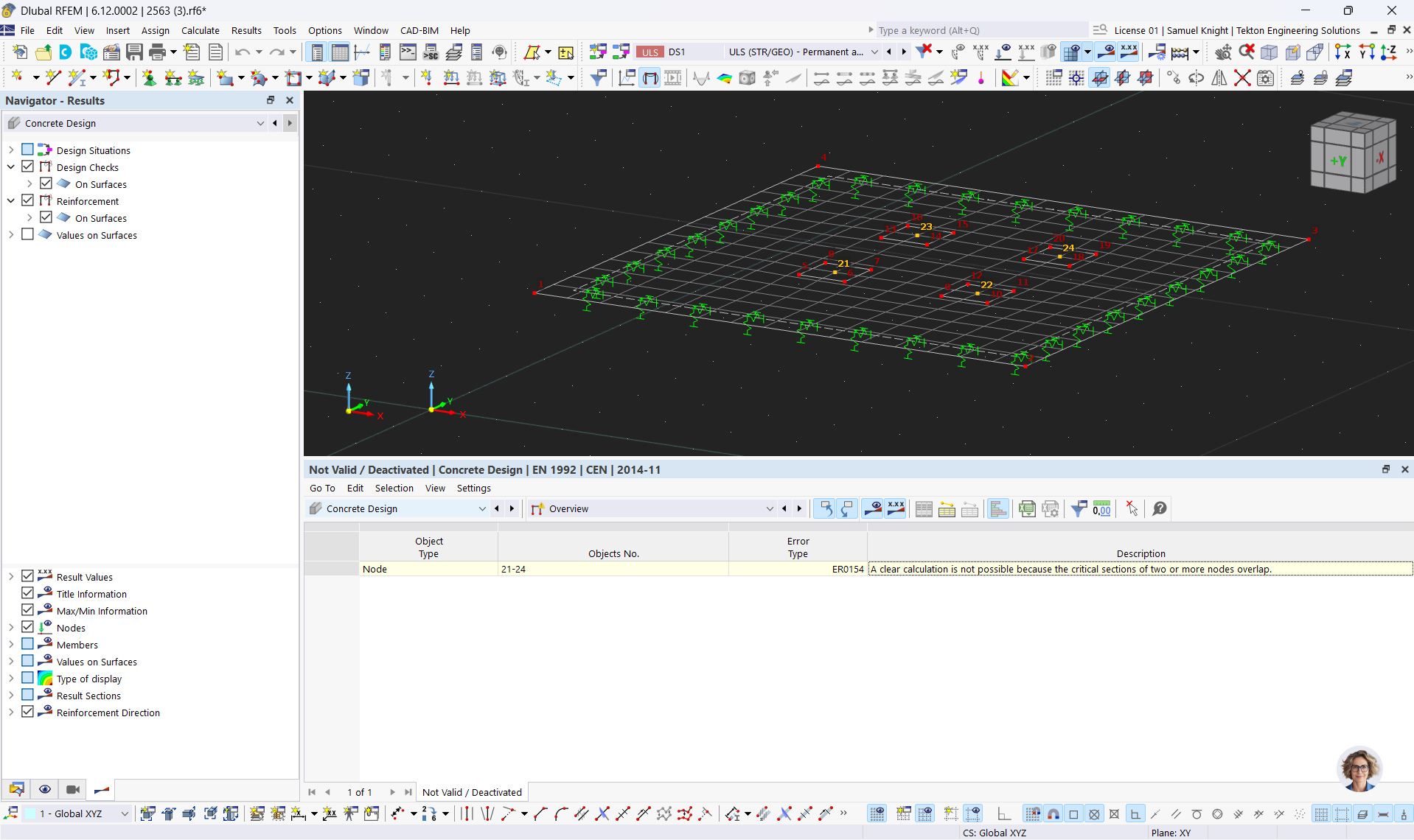
I’ve updated to 6.11.0007 but I still get the “A clear calculation is not possible because the critical sections of two or more nodes overlap.” error type ER0154.
I was wondering if you figured out what causes this?
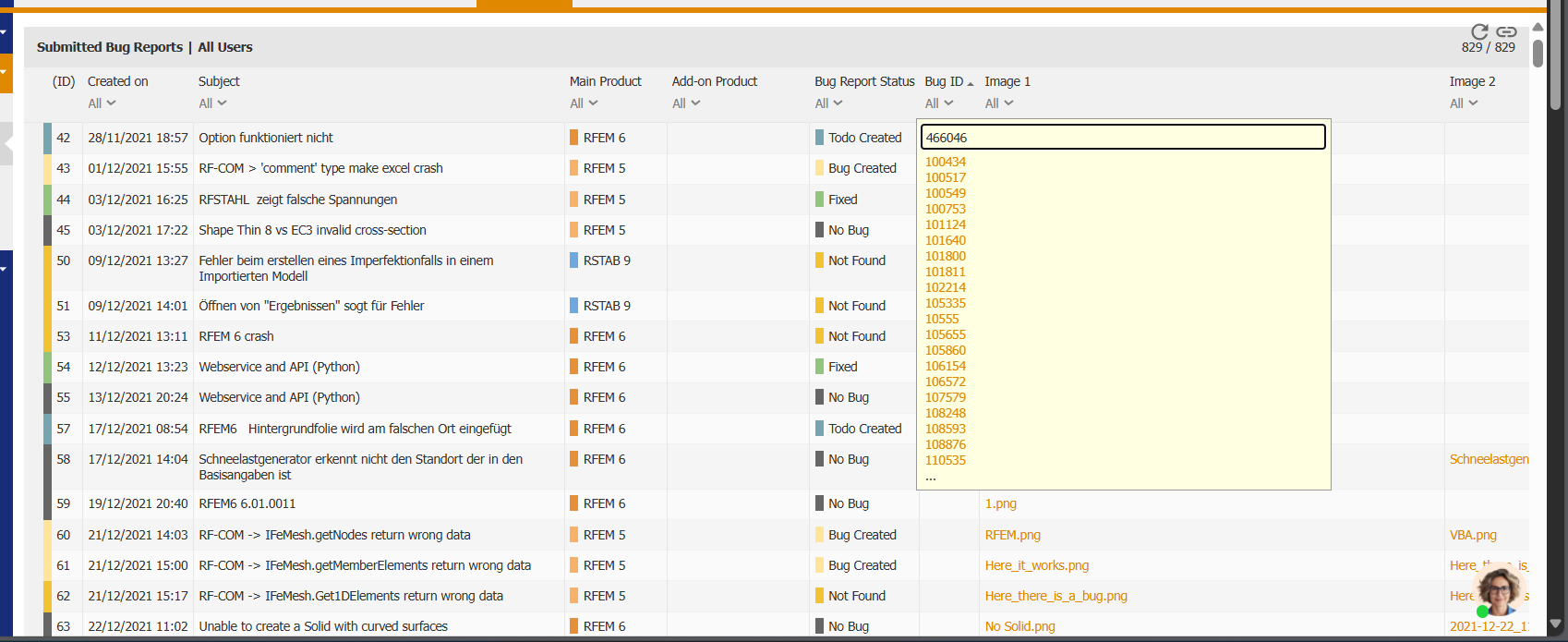
I tried to find bugID 466046 you mentioned above in Submitted Bug Reports | All Users on the extranet but couldn’t find it so figured I’d ask here.
I tried to use the extranet to search for the update on this bug because I know you have a 41 bug status which is pretty cool to be able to track its progress, but bug ID 466046 isn't showing up. Am I searching wrong or is not listed there?
Oh, now I see why you cannot find it.
You have to select Fixed Bugs instead of Submitted Bug Reports on the left side. This is due to the fact that this bug was not submitted by a customer but documented by us at Dlubal Software.
But the good news is: The bug has been fixed since version X.11.0010
Unfortunately, I don't think the bug has been fixed as I still get the same error as what raised the bug in my model "ER0154 - A clear calculation is not possible because the critical sections of two or more nodes overlap." when I run for my foundation. (I'm running 6.12.0002)
for some reason the upload file in this reply isn't working so I'll try again to upload my updated foundation model later
I also still get the error on the original 2563.rfa model sent by Frank (modified off mine) which raised the original bug. See attached.
Should I create a new bug or is it better for this one to be reopened? Can dlubal confirm that they get the same error as me? Maybe it was fixed in previous versions but popped back up in the latest one? I personally have never been able to get my models to get past that error.
I analysed it and said bug is not applicable in your case. Instead, the error message you're getting is intended.
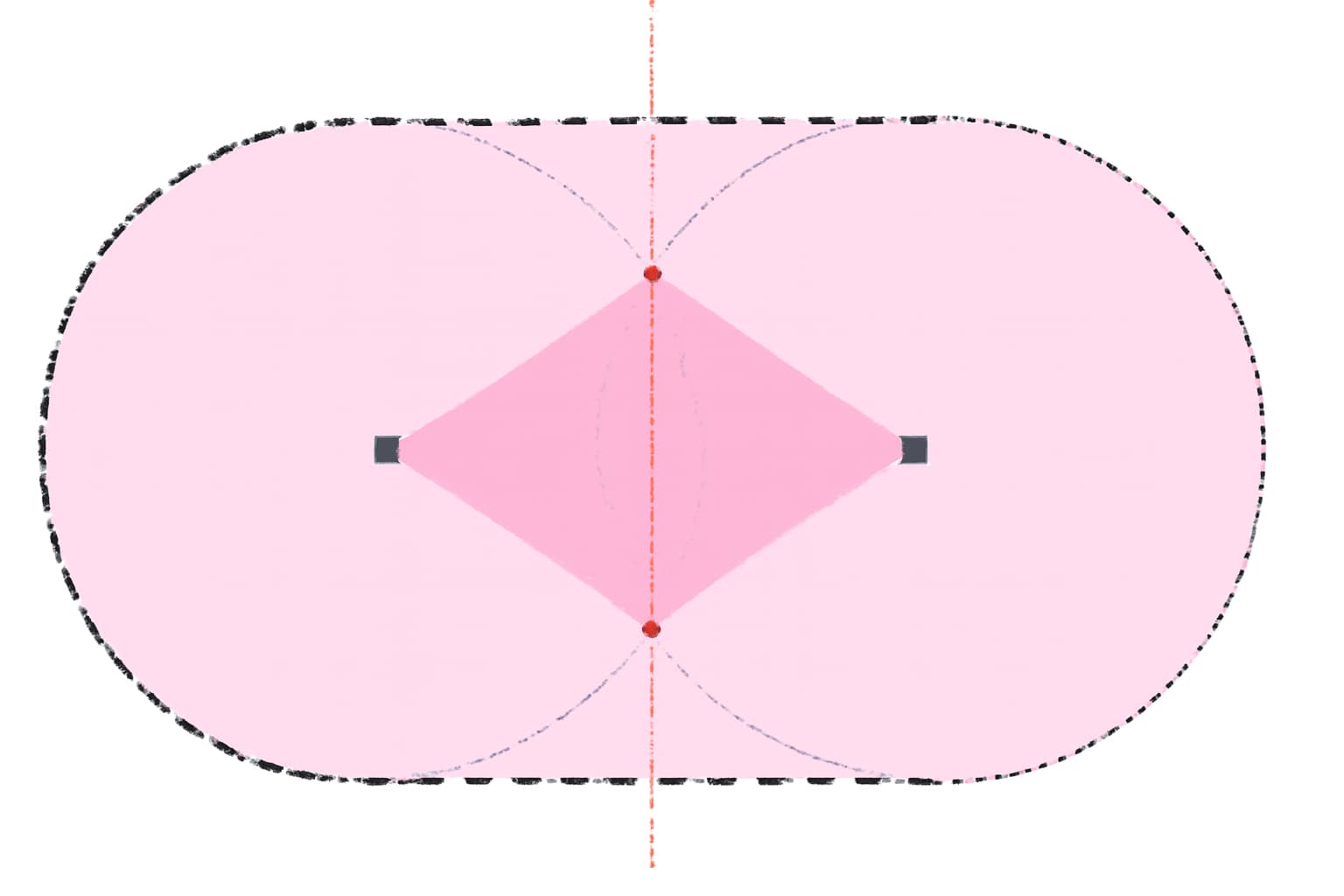
The EC doesn't say anything about what to do if the critical perimeters of adjacent punching nodes overlap. But since there's somewhat of an interaction between such close lying nodes, and hence ignoring the overlapping in the calculation would be on the uncertain side, we decided to implement this error message.
However, there can be found an approach in literature how to perform the design of such details:
First, a common perimeter is created that includes all nearby lying punching nodes. Then, the punching design is calculated for each node by using the corresponding part of the perimeter. Additionally, a shear design check is performed for the area in between the nodes.
Thank you for the detailed reply that clarifies a lot for me!
I am keen to try that wall work around. I gave it an attempt myself, and now I don’t have the warning anymore! But I can’t see the punching shear results?
This is my first time every trying to design for punching shear so I am not 100% sure how to do it. I read Punching Shear Design in RFEM 6 so I expected to see ‘Design Rations on Nodes’ but it isn’t there which is making me think I did something wrong?
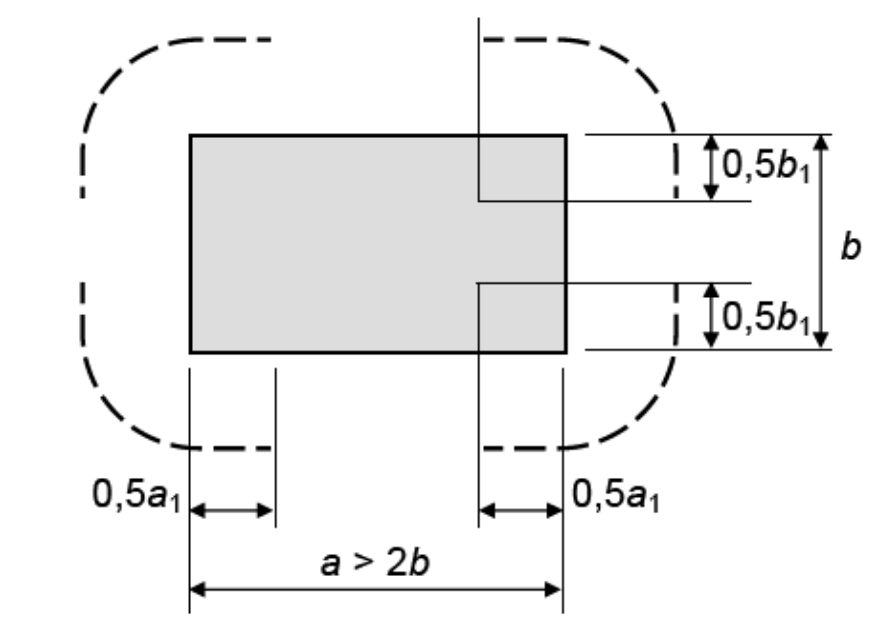
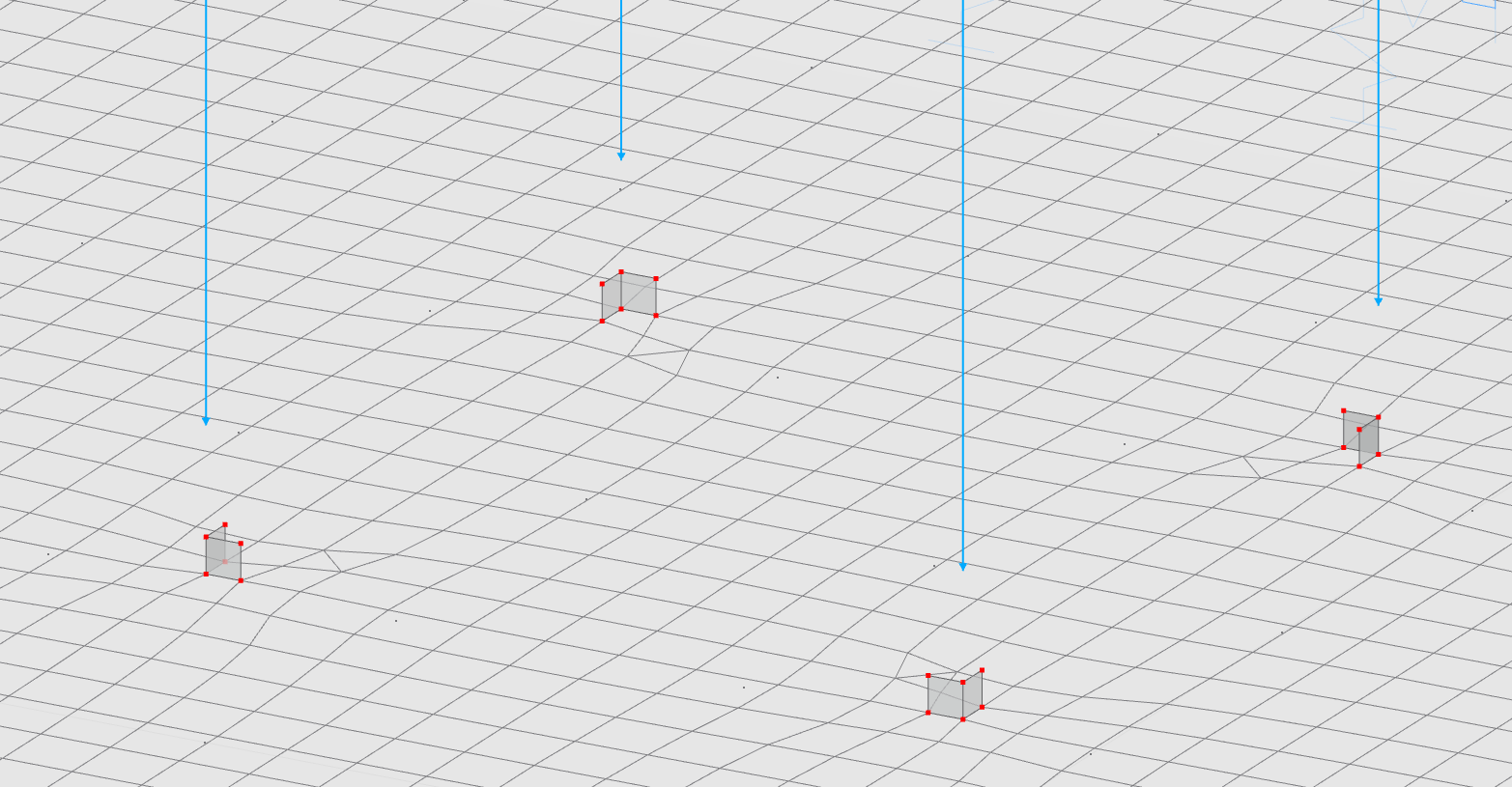
For a bit of background I essentially have a foundation with 4 base plates. In design situation 1 I have the ULS loads as free rectangular loads (so the load is uniformly distributed across the base plate). I then have design situation 5 where I have put equivalent node loads (which I understand is required for punching shear check). In ultimate configurations, punching, I have checked ‘Define Loaded Area for punching node type ‘column’’ and set the area as 0.7m x 0.7m.
Earlier when I ran, I was getting a concrete design, overview (error) for UL0203.02 (Shear resistance - Reinforcement shear capacity acc. to 6.2) for Design Situation 5. But I know it passes in the more realistic case of Design Situation 1 which has the rectangular loads. Thus I excluded surface 1 (my main footing) from Design Situation 5. I then had no overview errors, but still can’t see the punching shear results.
I had a look into your file and I can confirm that – unlike the valid expectation – no punching design check is performed for DS5. Apparently, it has something to do with the surface thickness. If the surface is thinner than a certain threshold (e.g. 1000 mm works), the punching design check is carried out. However, since the program doesn't explain its behaviour, e.g. by displaying a warning or error message, I passed this on to our development team (bug ID 523888).
Generally, the punching design check is always about a nodal like load, so a nodal load, wall end or corner. Therefore, a punching design check cannot be carried out by using a free rectangular load, because it's a surface and not a nodal load.
It is possible to use the free rectangular loads and just carry out the shear design check as this is on the safe side. On the other hand, however, it is also uneconomical because you're not taking advantage of the more exact load bearing mechanism punching.
Finally, two tips:
It is reasonable to refine the mesh around a punching node.
If you save the file without results, you can upload it directly here and don't have to take the detour via Google Drive.
Is the bug you raised because RFEM6 wasn’t able to perform the punching shear or that it didn’t display a warning as to why it isn’t able to do so?
If it’s a limitation related to large slab thicknesses, could you confirm whether it’s actually possible to perform punching shear checks in RFEM 6 for thick foundations (around 2 m), and if so, why not and whether there are any recommended modelling settings or workarounds to enable that?
I understand that punching shear in RFEM is evaluated only for nodal loads, which is how I’ve set up DS5. For reinforcement design and one-way shear, I’m using DS1 with rectangular free loads instead.
I also understand that punching shear may not govern compared to the shear design, but I still want to assess that failure mode for compliance with Eurocode, as a concentrated reaction does exist in my foundation scenario.
Also I tried to search for bug ID 523888 but couldn’t find it. I tried searching by bug id, and then also filtering to just show bugs raised this month but neither showed it.