Hi IPE300,
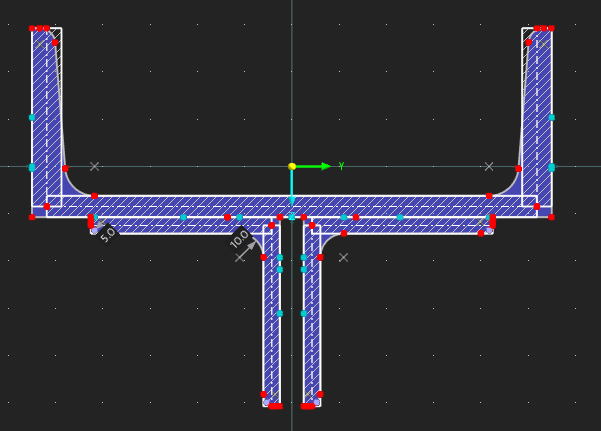
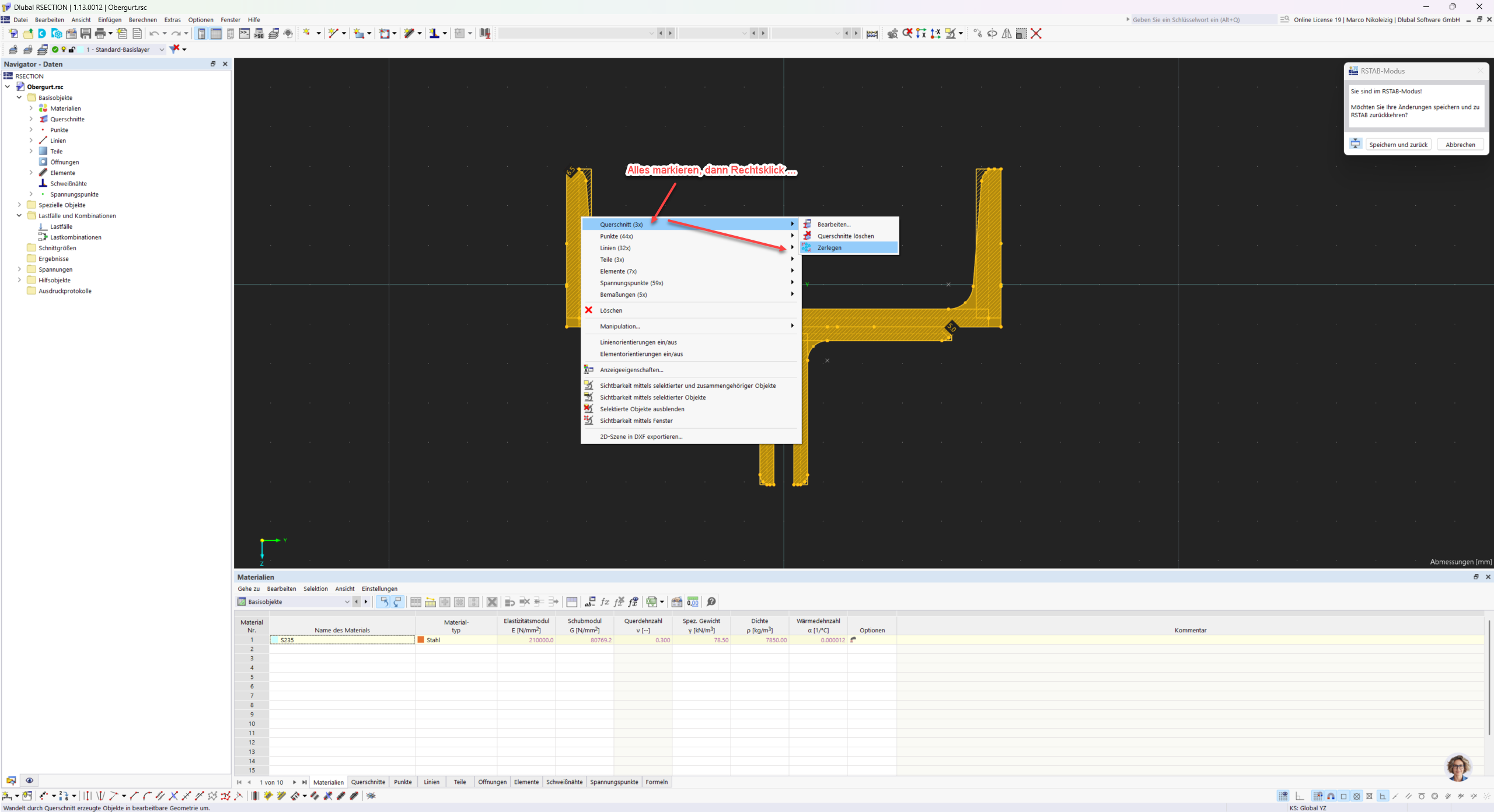
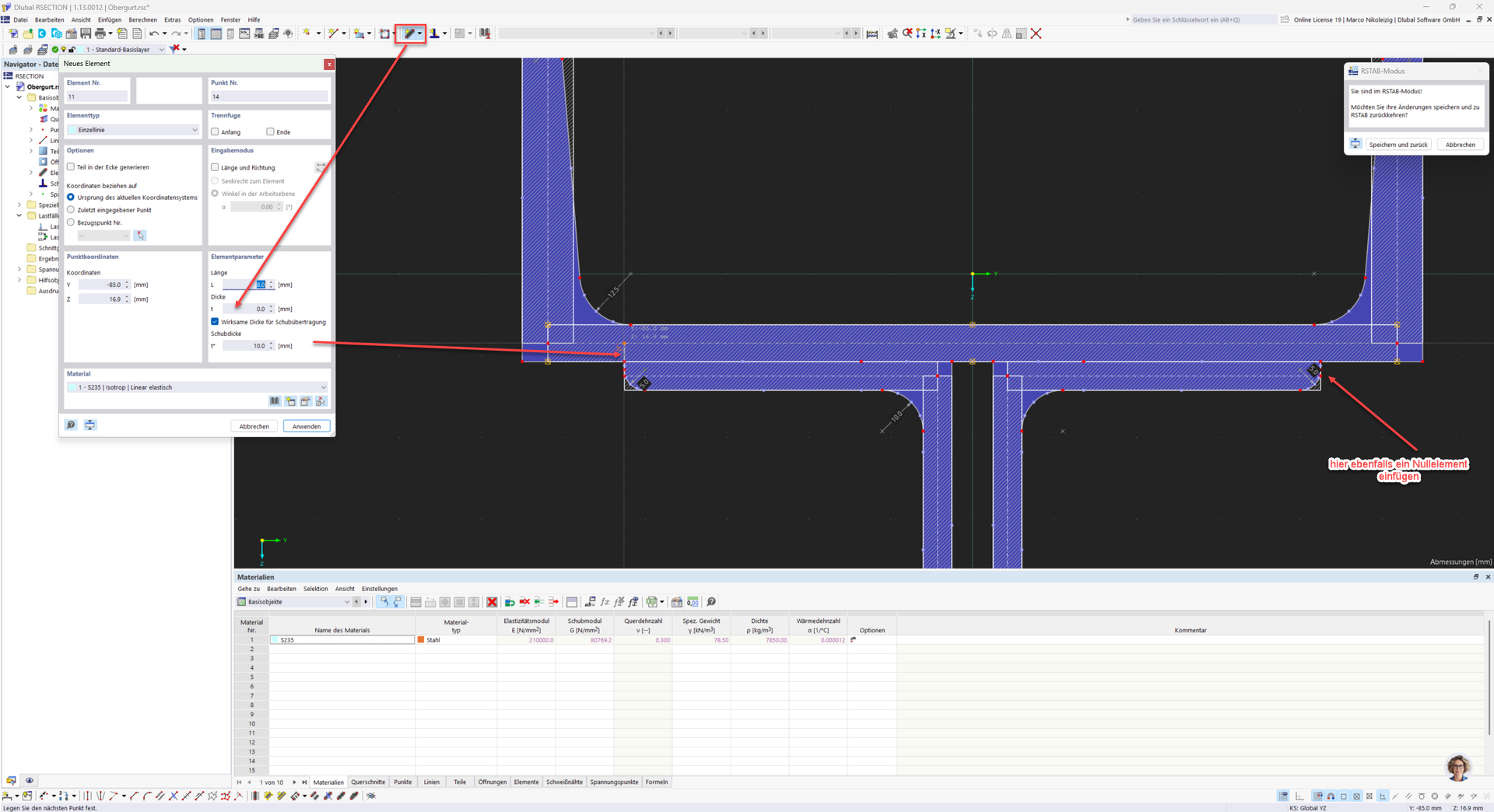
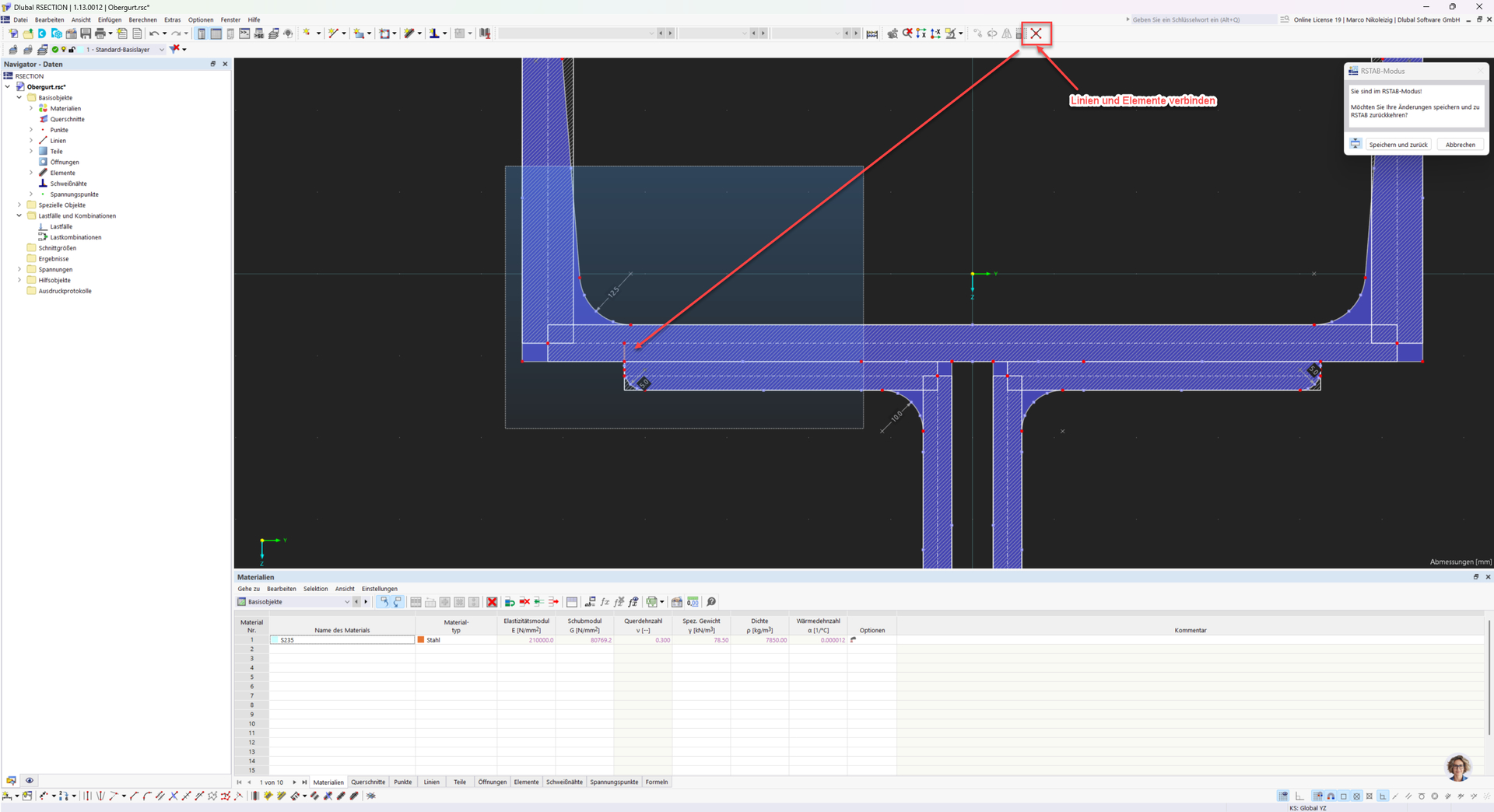
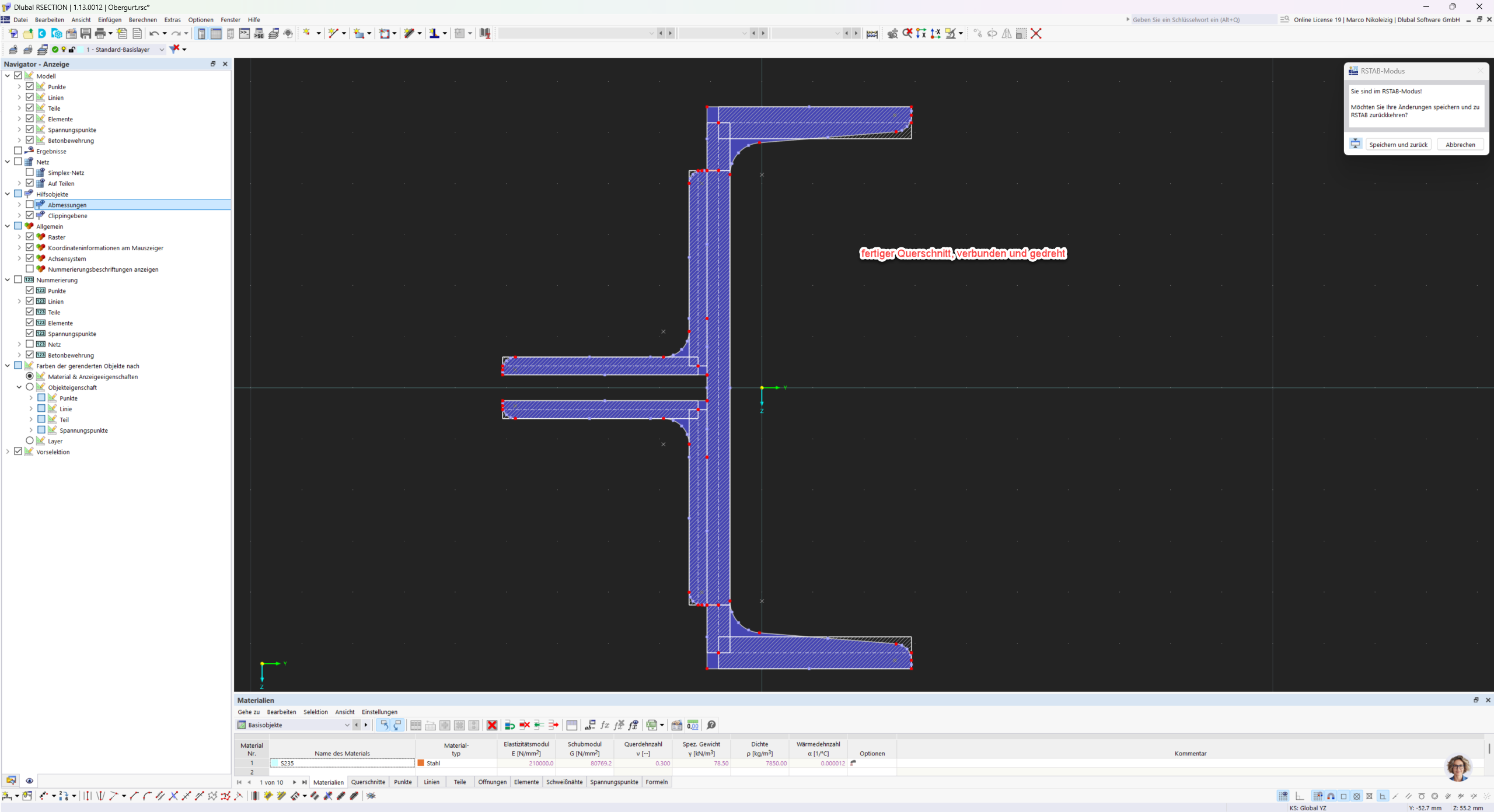
For composite cross-sections created in RSECTION, it is important that the individual cross-section parts are connected to each other, otherwise you will receive a corresponding error message in RSTAB.
https://www.dlubal.com/en/support-and-training/support/faq/005391
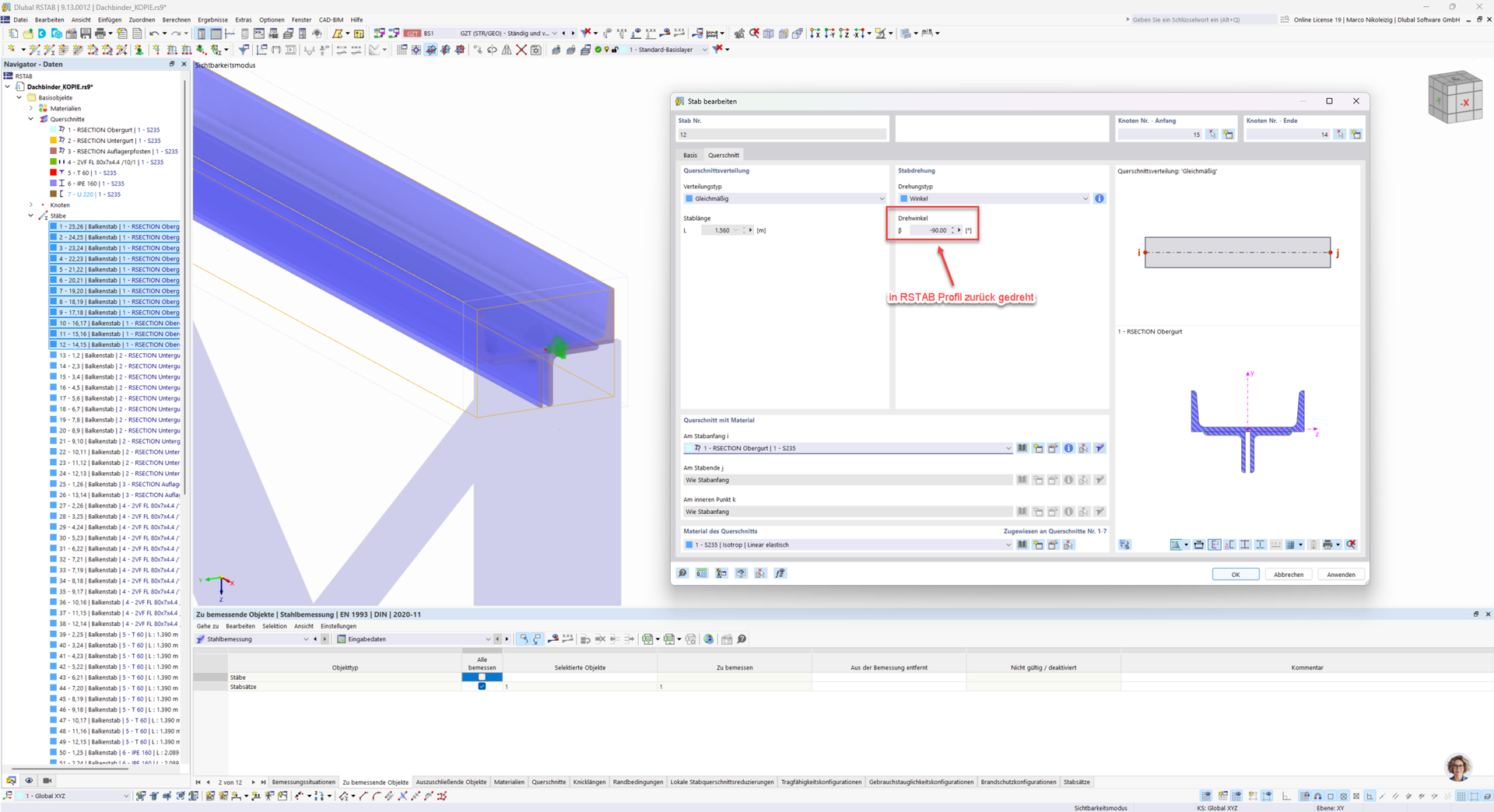
For such profiles, it can also happen that the moment of inertia Iz is greater than Iy. In this case, the cross-section should possibly be rotated by 90° in RSECTION.
https://www.dlubal.com/en/support-and-training/support/faq/005615
https://www.dlubal.com/en/support-and-training/support/faq/005760
In the Steel Design add-on, the following error message may also occur regarding the stability check:
For combined loading conditions (e.g., axial force and bending moment about the y-axis), the equivalent member method according to EN 1993-1-1, 6.3.3 is only applicable for doubly symmetric cross-sections.
For singly symmetric cross-sections, boundary conditions and the general 2D method according to EN 1993-1-1, 6.3.4 must be used to verify lateral-torsional buckling about the weak axis and lateral-torsional-torsional buckling.
If you use the General Method here in combination with the Extension Methods, the stability check can usually be performed successfully.
General Method: https://www.dlubal.com/en/downloads-and-info/documents/online-manuals/rfem-6-steel-design/000102
Extension Methods: https://www.dlubal.com/en/downloads-and-info/documents/online-manuals/rfem-6-steel-design/006072
To analyze the problem more precisely, the model file would be very helpful:
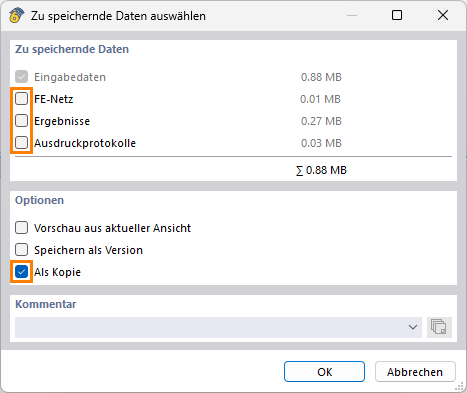
 Click File → Save As and select the following settings to reduce the file size:
Then upload the file here (e.g., *.rf6, *.rs9) – this way the community can also contribute to the solution.
 Would you prefer not to share the file publicly? No problem – send it to me via direct message: click on my profile picture or my username → Message.
If you have any further questions, feel free to contact me – I am always happy to help! 
Best regards
Marco Nikoleizig