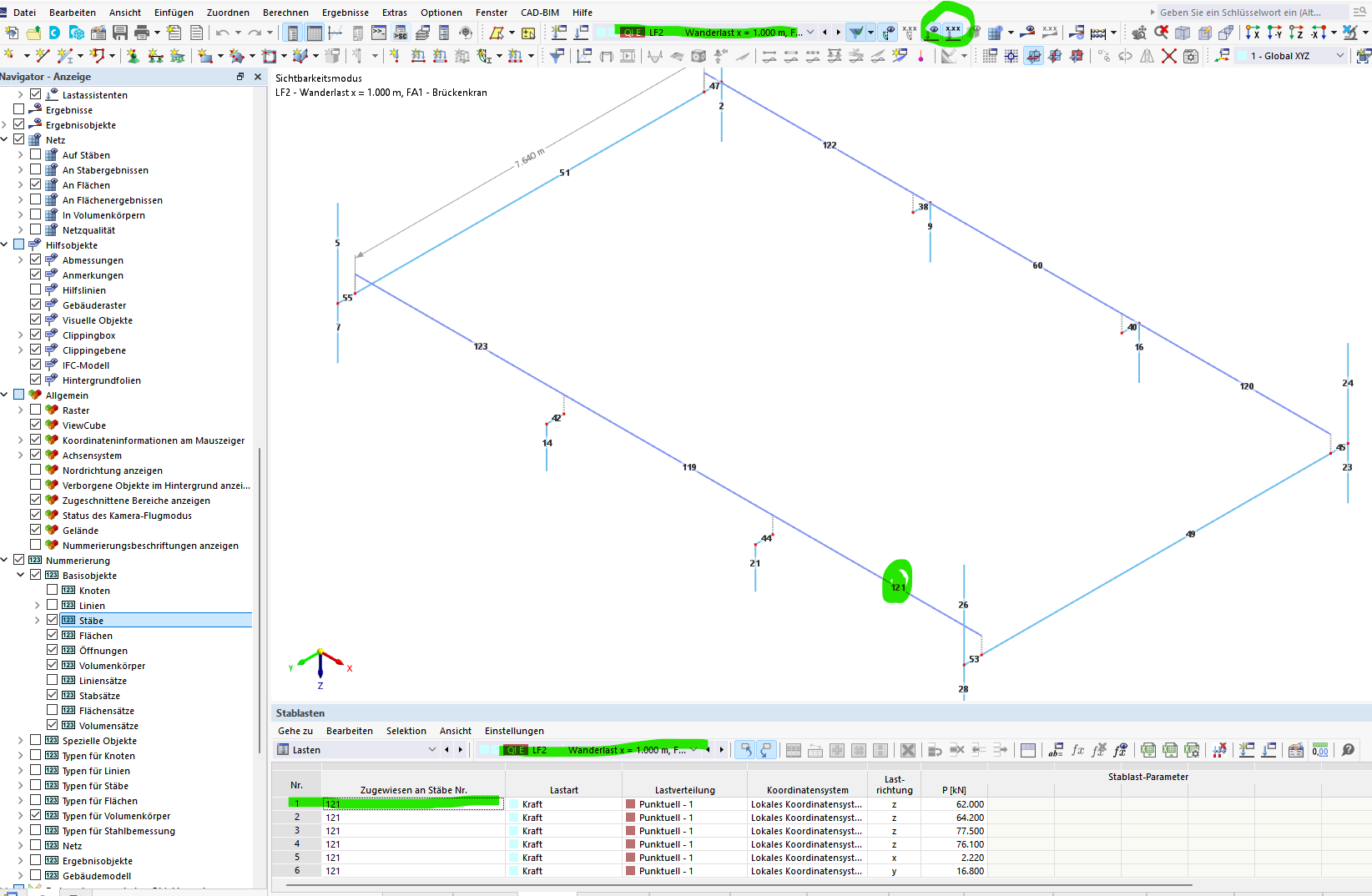
In a current project, I want to display only certain beams for a clear representation of the crane runway loads (those visible in the following screenshot).
However, the loads are unfortunately not visible, even though they were modeled as member loads and member 121 is visible.
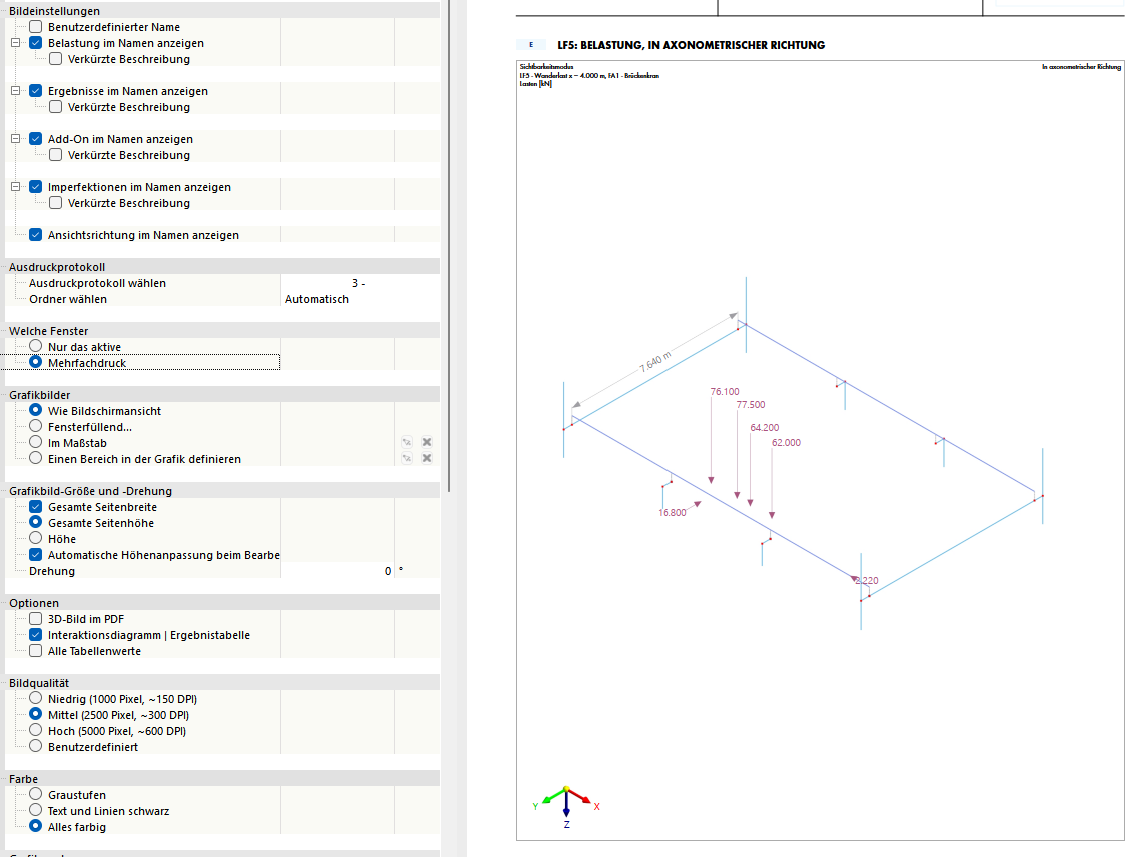
When using multiple prints, it is even more peculiar; sometimes loads are shown, sometimes not, depending on the load case. The loads are always modeled the same way in each load case as point member loads. What error could I have made here? How could I efficiently circumvent this problem? If I display the entire model, the loads are visible, but the printout is simply too confusing. The makeshift solution here is explicitly to select and display the loads themselves and the beam. However, with the number of load cases and loads in the model, that would be hours of selection work, etc.
Hi DeflectionPerfection,
to analyze the problem more precisely, the model file would be very helpful. Could you post it here or send it to me in a direct message (click on my name and then on Message)?
Best regards
Clemens Gutmann
Hi DeflectionPerfection,
thank you for the model file.
Invisible beam loads
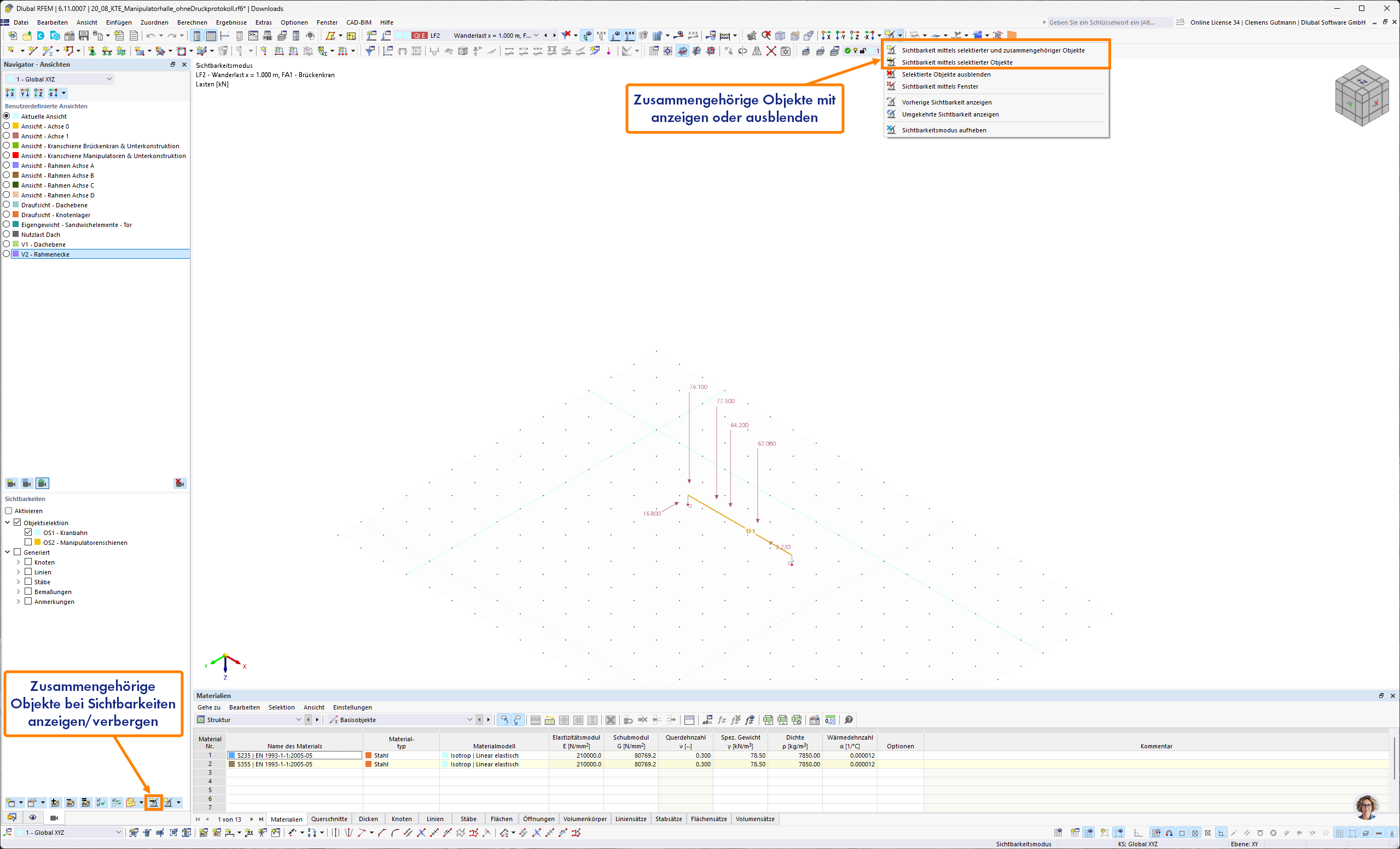
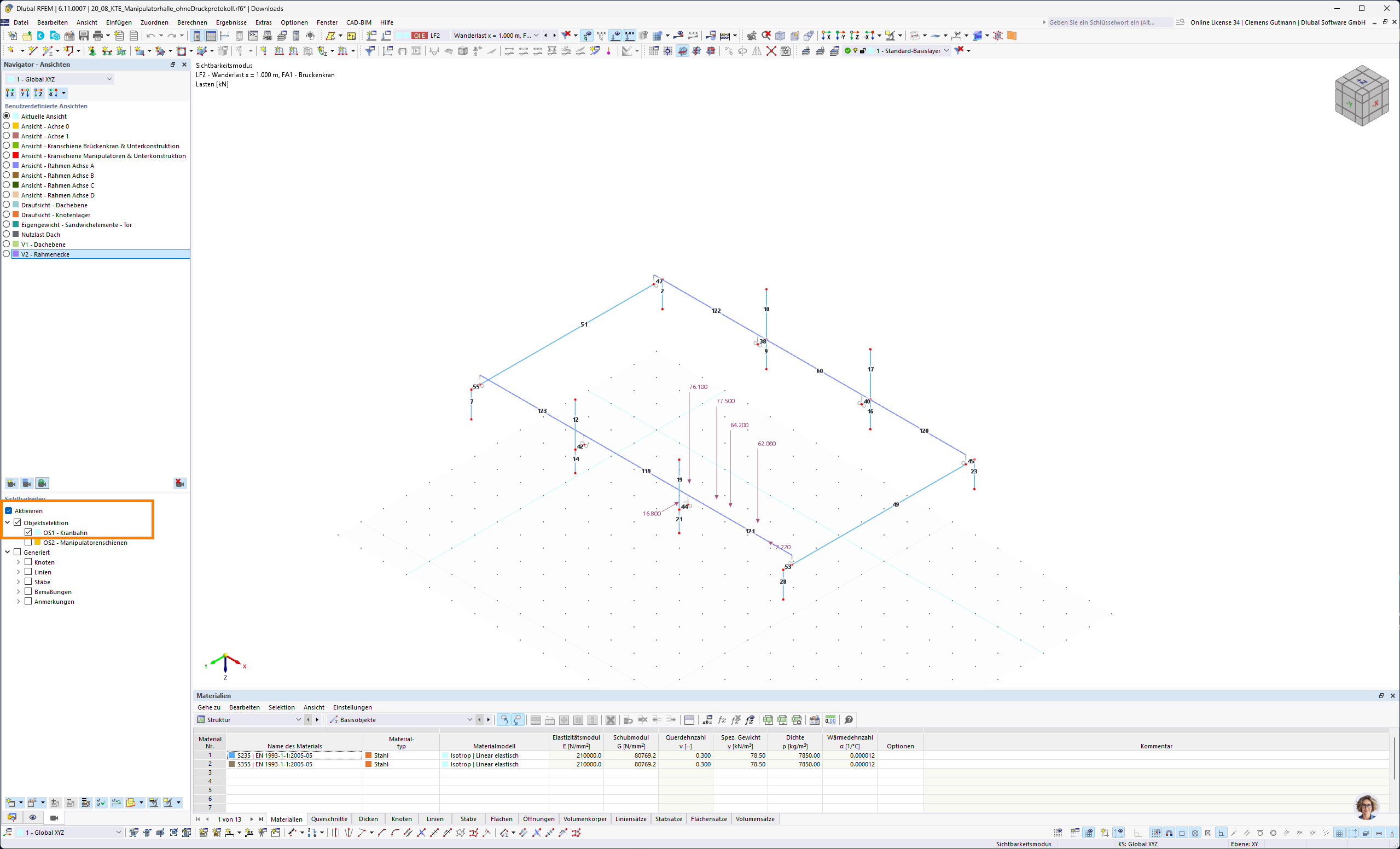
Loads are separate objects whose visibility is basically independent of the reference objects (e.g., beam). However, you can choose in both the manual and defined visibilities whether you want to see associated objects (e.g., beam load) when selecting (e.g., a beam) or not:
Multiple printing
Unfortunately, I could not reproduce the program behavior you described with loads displayed or not displayed depending on the load case. Could you perhaps describe your procedure where this occurs?
Do you select the current or a user-defined view?
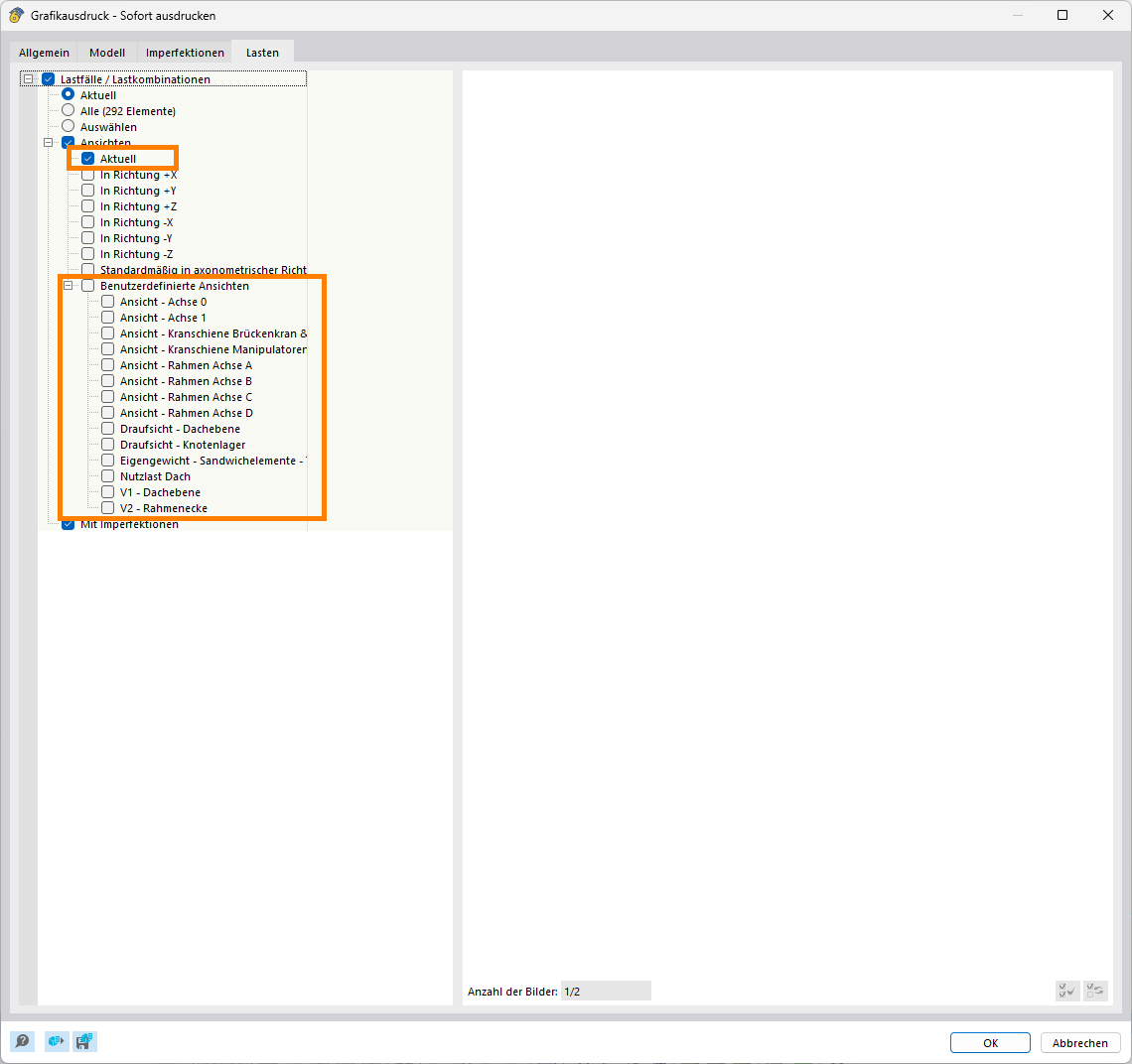
Is a specific visibility active?
Best regards
Clemens Gutmann
1 Like
Thank you very much!
The cause was the unfavorable visibility setting, in which the related objects are not displayed.
Best regards,
Nick
1 Like