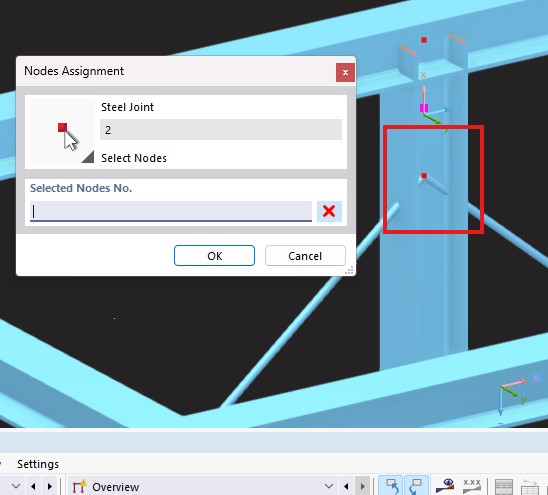
I was trying to add a steel joint and first it didn't allow me to click and add the node. Then I manually typed the node number.
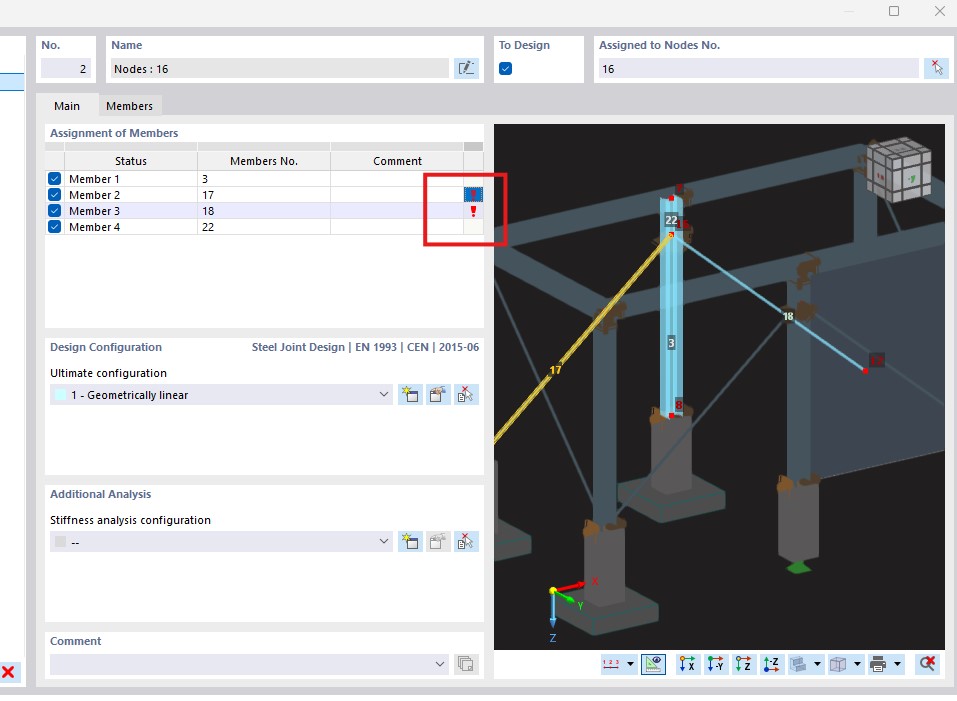
Then it throws errors "Wrong section" for the braces. Why?
Project File
test4.rf6 (1.5 MB)
I was trying to add a steel joint and first it didn't allow me to click and add the node. Then I manually typed the node number.
Then it throws errors "Wrong section" for the braces. Why?
Project File
test4.rf6 (1.5 MB)
Hi, thanks for this question!
I tested the node assignment with your file, and everything worked properly. Does this occur for multiple nodes, or is it even replicable at all?
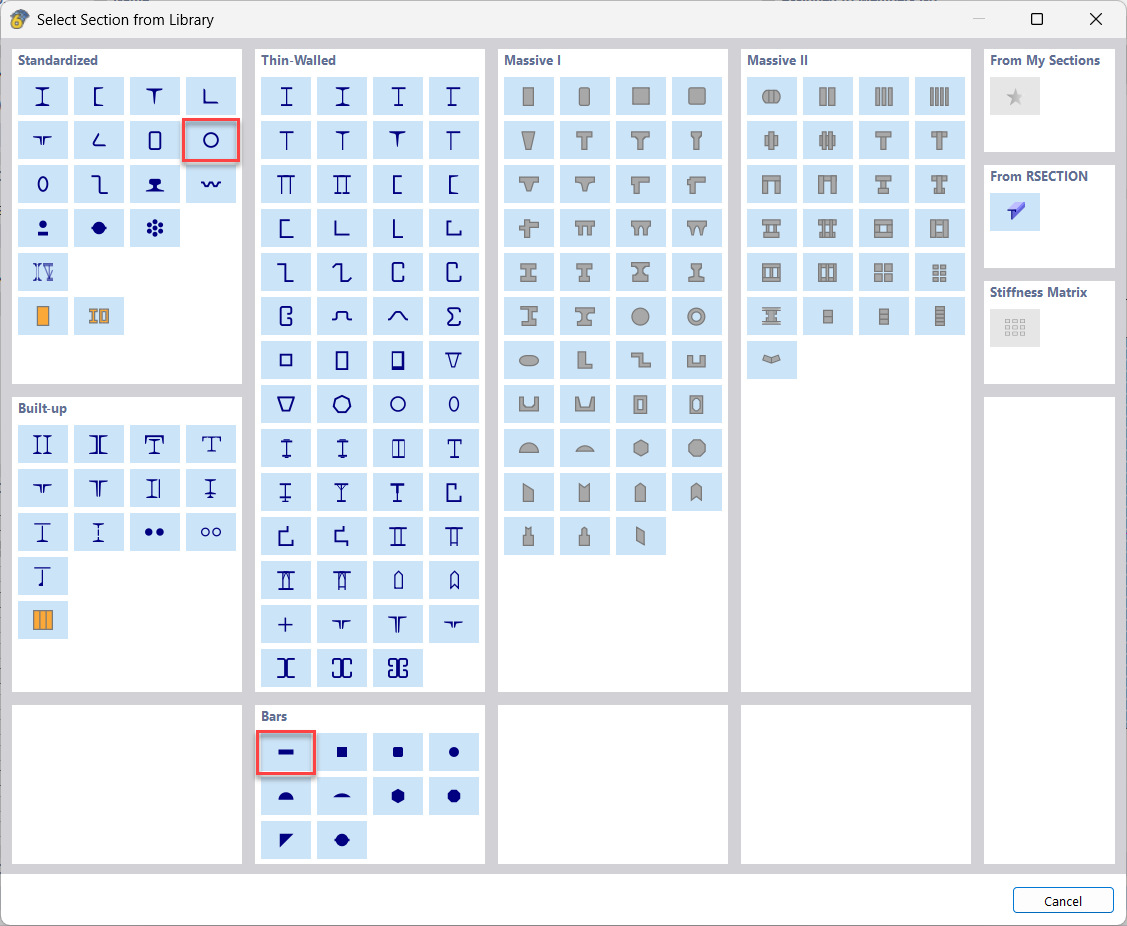
The general modeling of joints is based on surface elements. This is suitable for thin-walled sections and saves a lot of computational resources. The downside of this approach is that it does not apply to massive cross-sections without further ado. That's why those braces are excluded from the steel-joint design in the current state of RFEM 6.
I suggest the following workaround:
Cut the bracing members at a short distance from the joint
Pick another cross-section "equivalent" to your circular cross-section e.g., the following:
Assign the new section to the end part
Does this work for you?
BR, Fabian