Hello everyone,
While analyzing cold-formed members, I’m comparing the cross-section capacities calculated according to AISI S100 and AISC 360 for identical profiles.
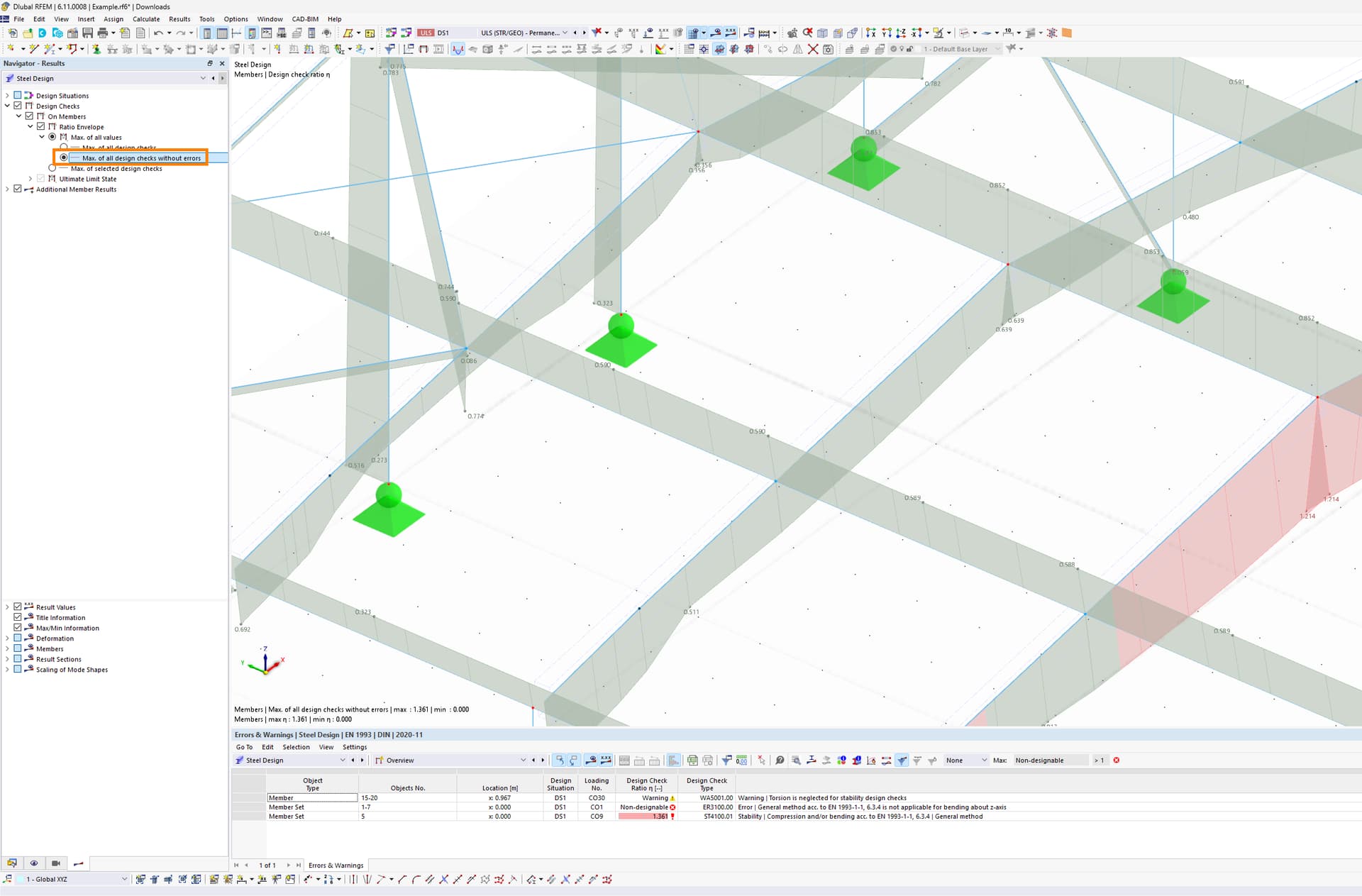
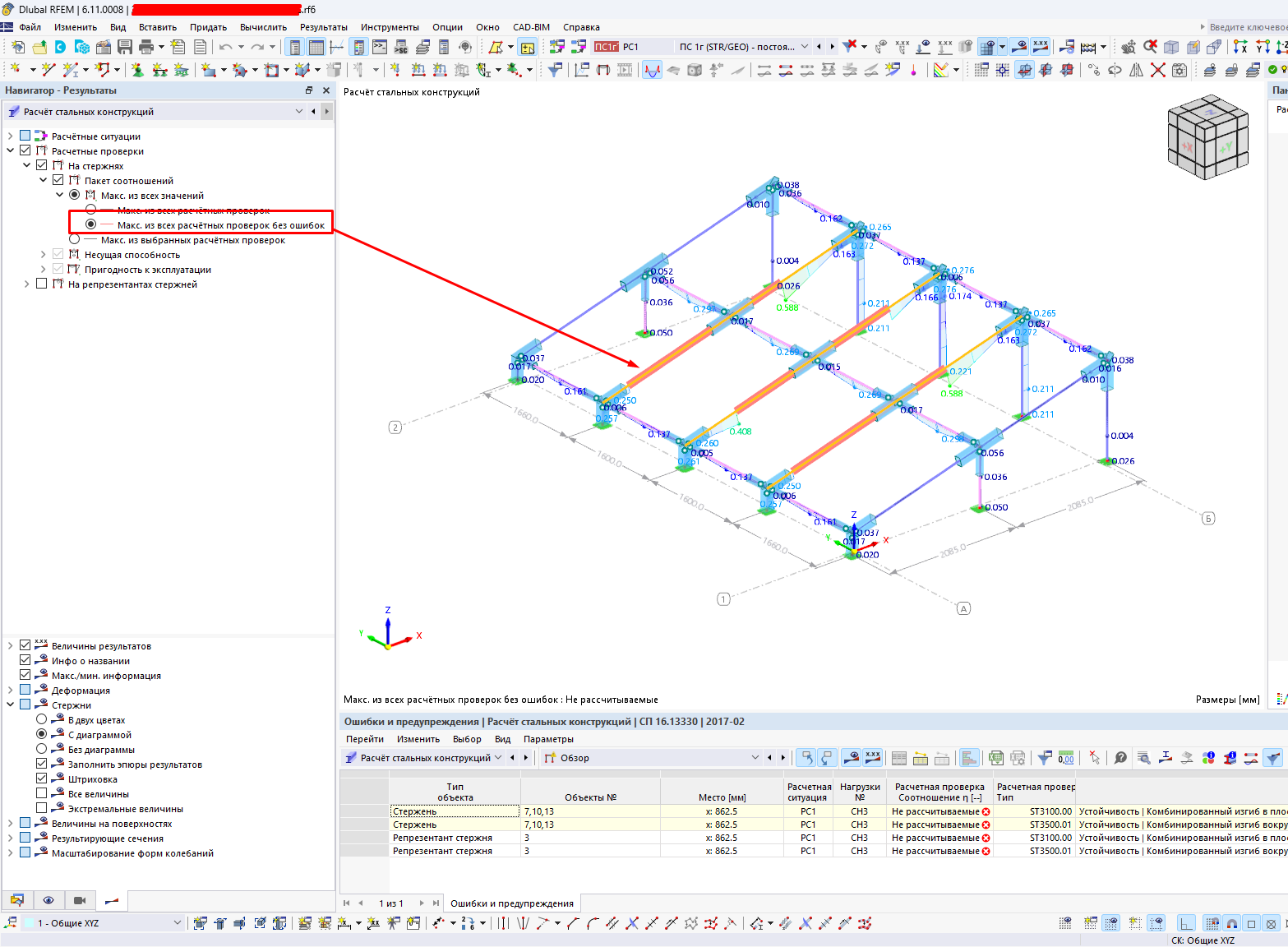
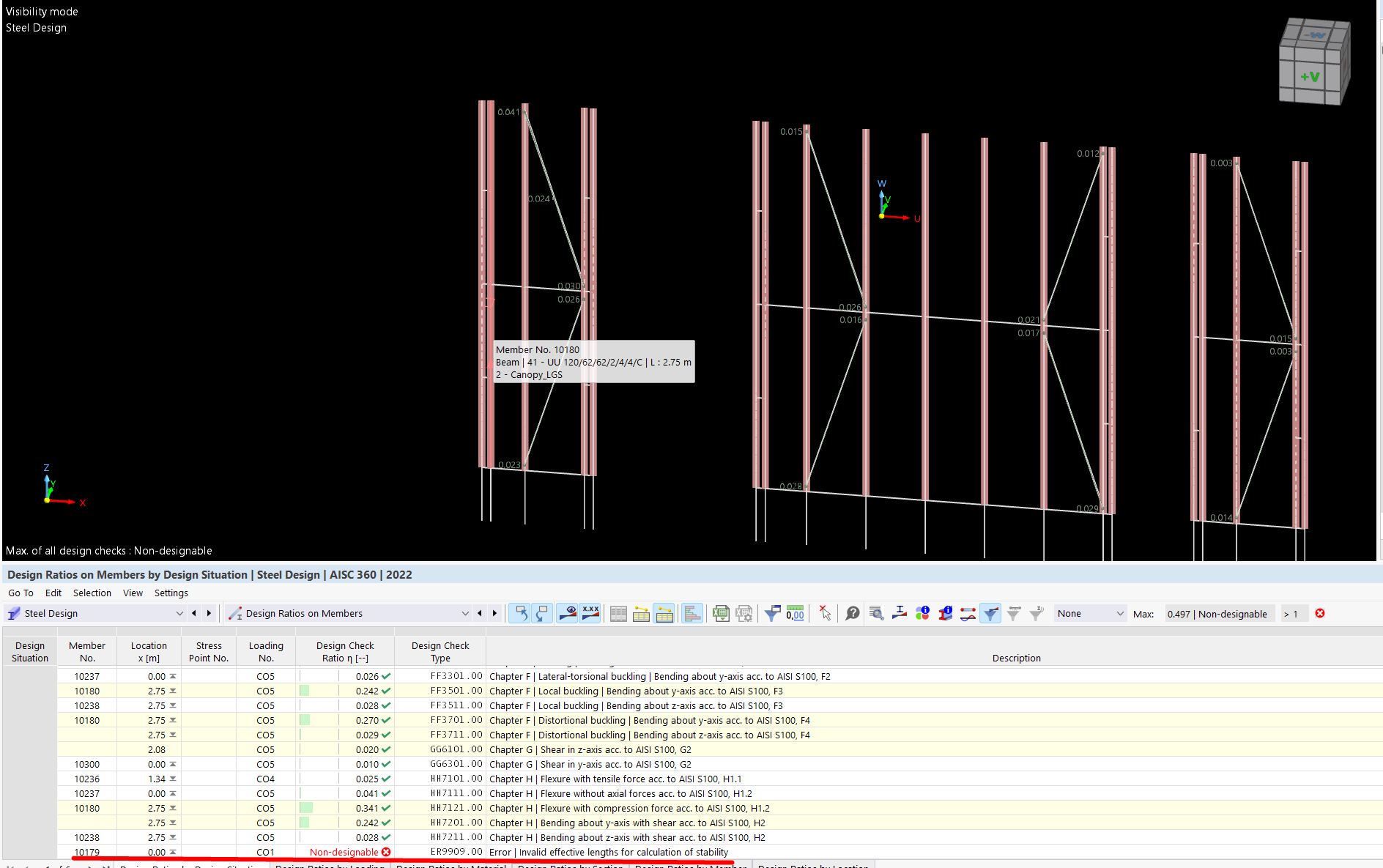
In the second variant—where the Thin-walled model option is disabled—the results are displayed in tabular format. However, in graphical visibility mode, I encounter an error notification.
Is there a way to manually hide this error message in the graphical view?
I appreciate any insights you may have and look forward to your feedback.
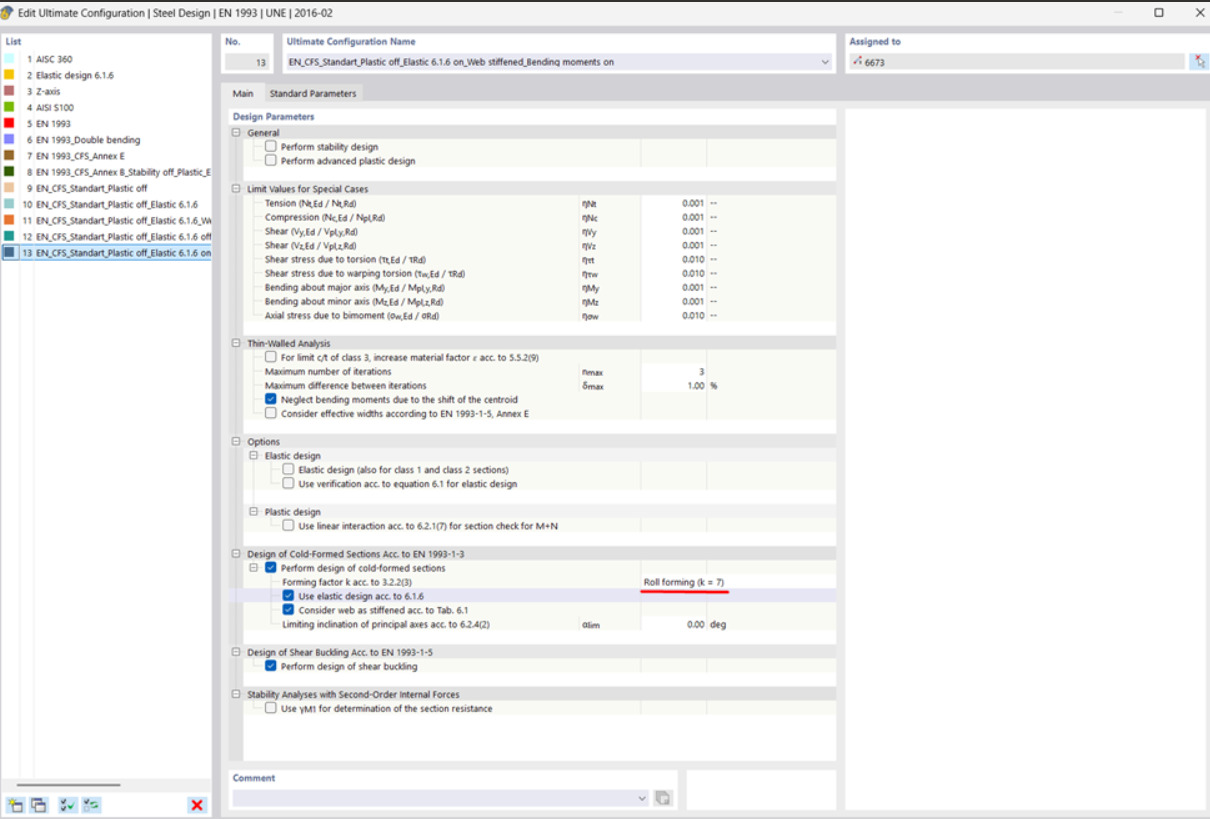
I have an issue with recognizing of colf-formed U-section and applying Roll forming factor k=7.
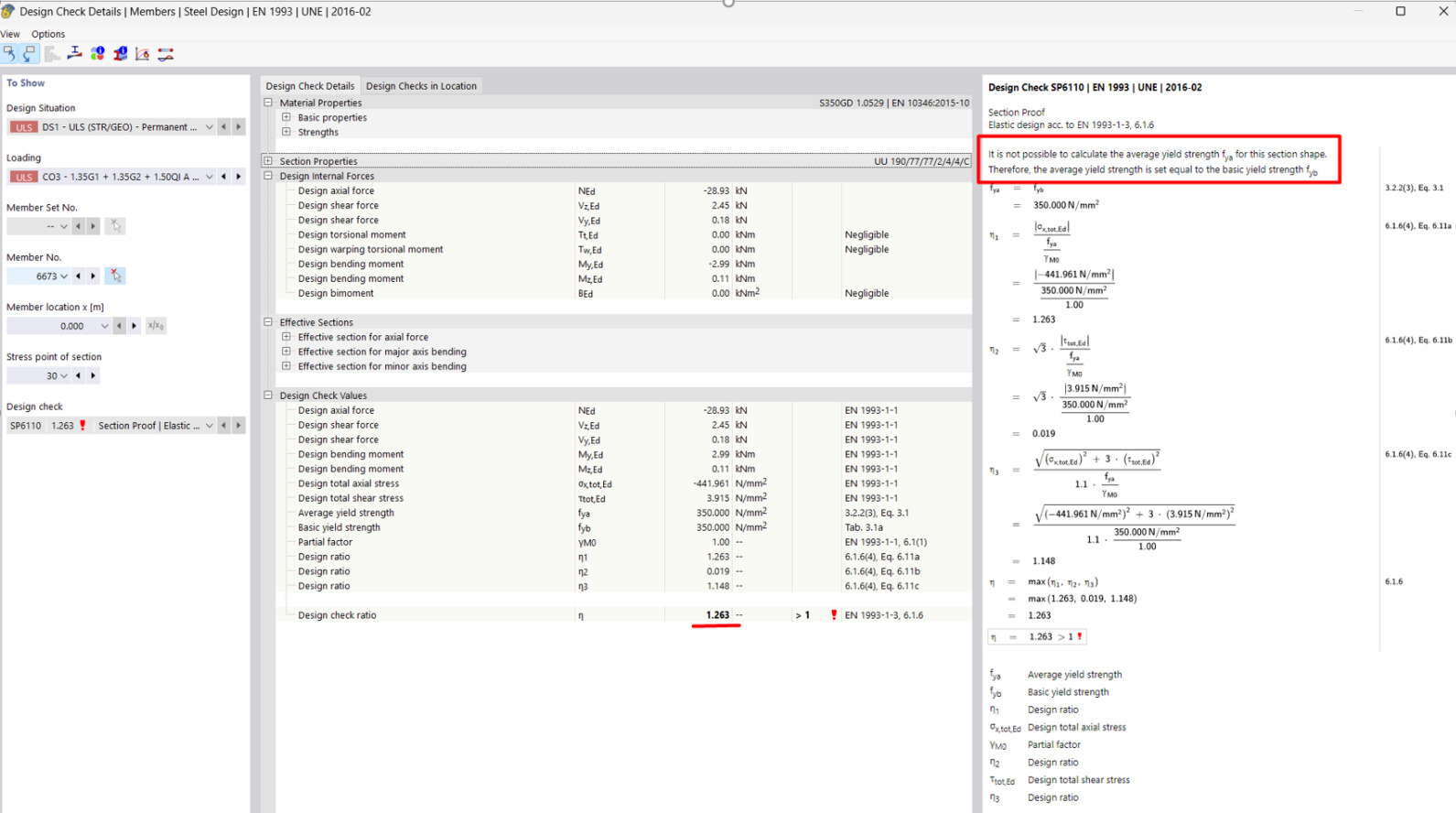
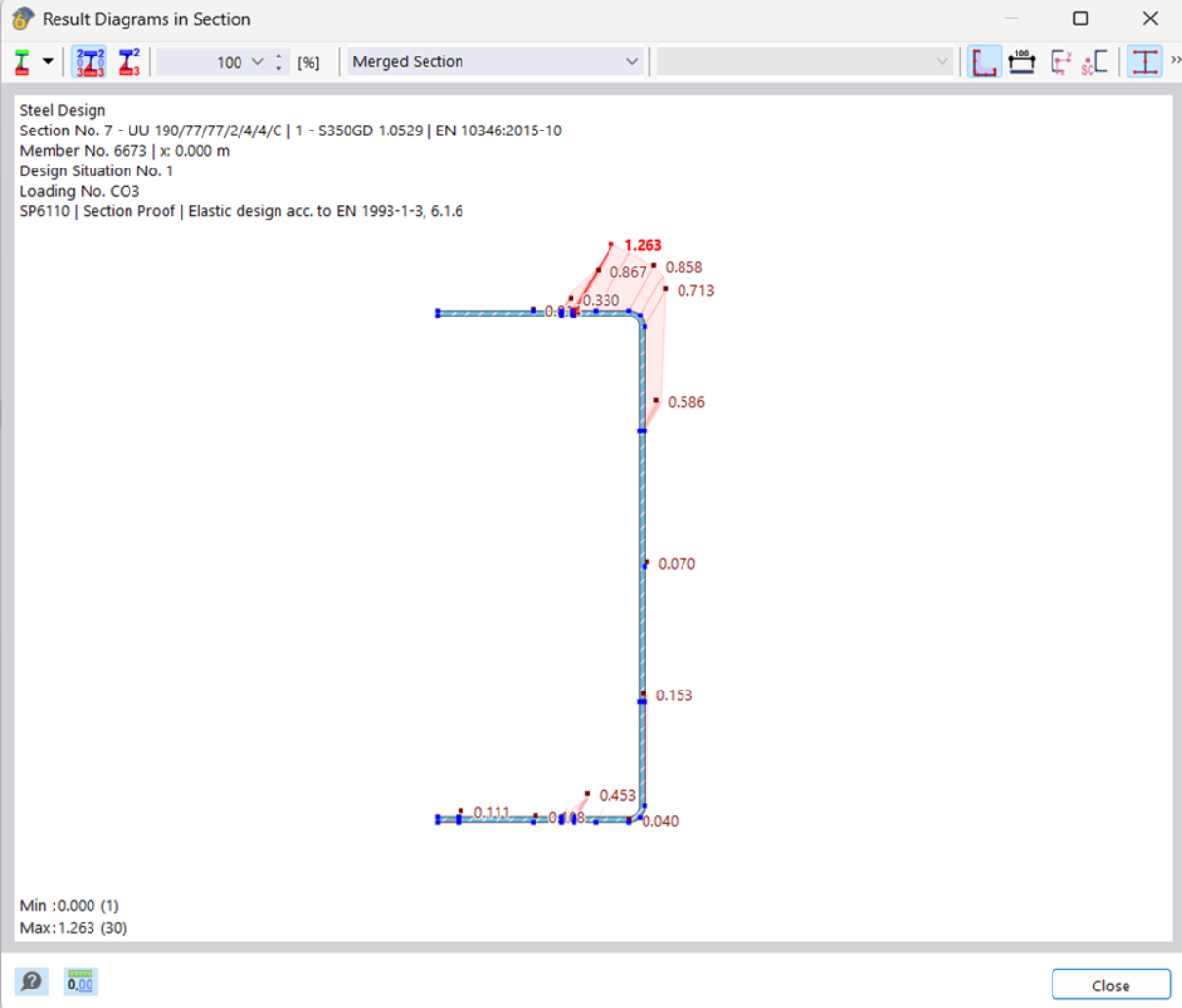
While performing load-bearing capacity checks for a wall panel stud with a cold-formed U-section (190×77 mm, thickness 2.0 mm), RFEM does not apply the roll forming factor k = 7 for increased yield strength as specified in EN 1993-1-3, clause 3.2.2 (3).
The software displays the message: “It is not possible to calculate yield strength…”
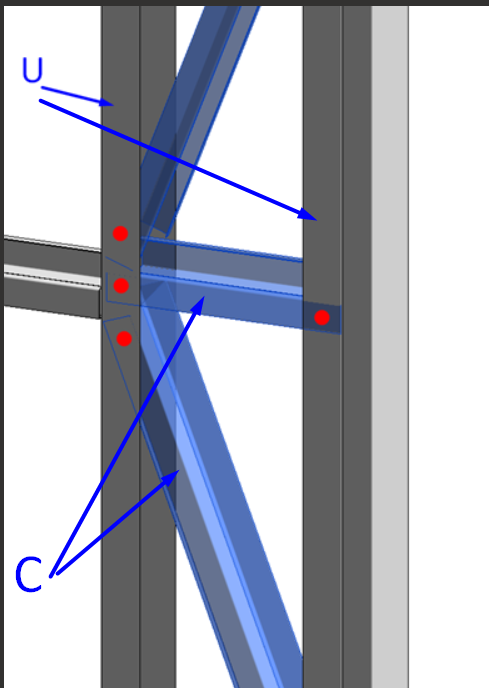
I definitely understand that C-shape profile will work much better but in my particular case the main goal to use U-shape to provide the connection of the attached members as it show in the image below.
And the lips will be fixed with a sheeting material outside and inside of the panel.
Perhaps someone has already encountered a similar question regarding the consideration of sheet cladding material in the analysis of cold-formed steel profiles.
I would be very grateful for any thoughts or insights on this topic.
 We're glad to have you here!